Device Analysis
Now that we’ve seen all the bundled accessories, it’s time to move on to the main attraction. Among the TerraMaster models we’ve reviewed so far, this one feels the most premium. This year, we’ve reviewed three other TerraMaster NAS products: the all-NVMe F4-SSD and the two-bay F2-425, the latter being an entry-level option within the same lineup as the F4-425 Plus.
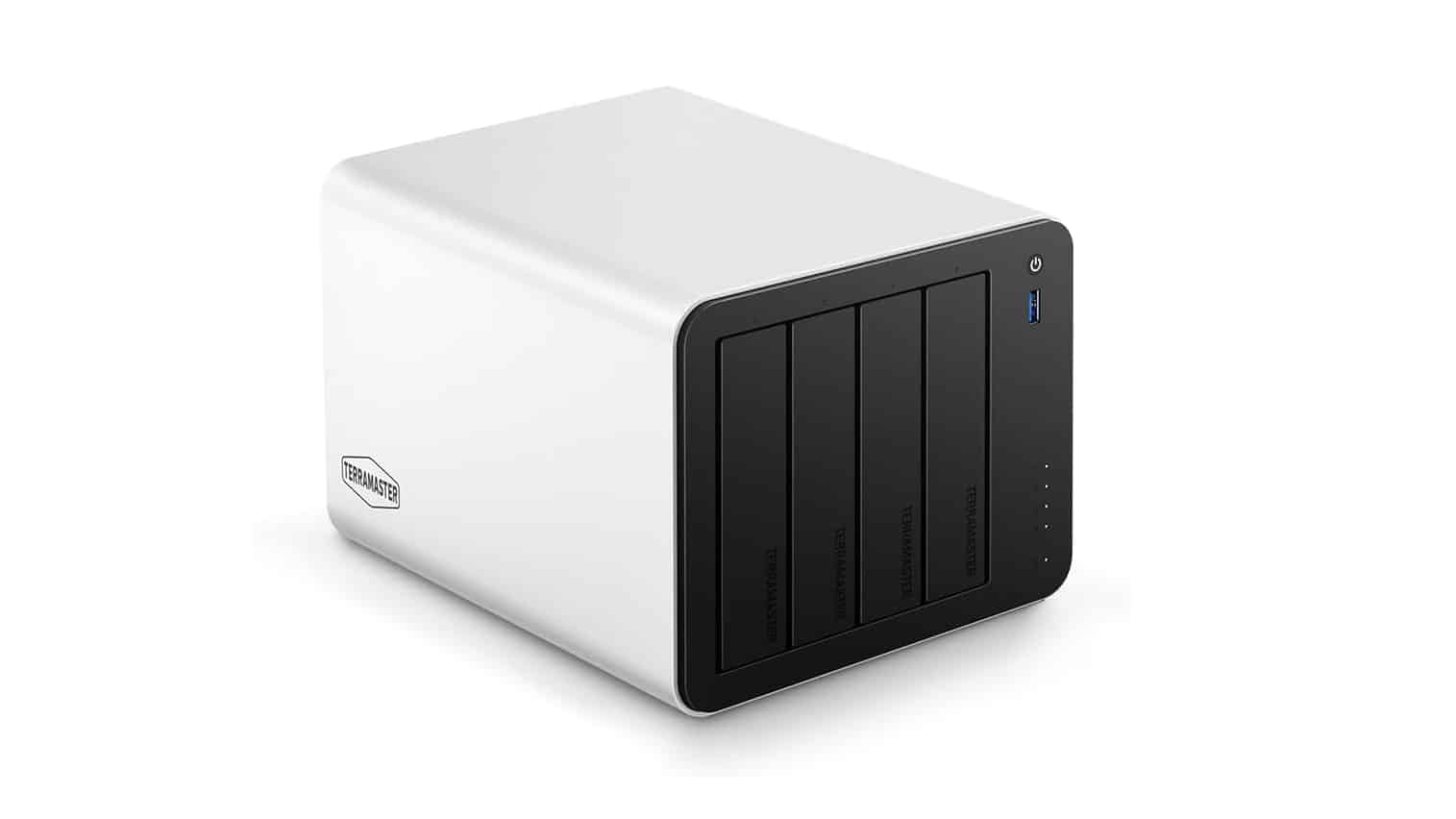
The aluminum outer shell wraps around the unit, giving it a very premium look. The colors are neutral, allowing it to blend seamlessly into most environments. The overall size is typical for a four-drive NAS. The only downside we noticed is that the aluminum appears somewhat prone to scratches; however, our unit arrived in pristine condition.
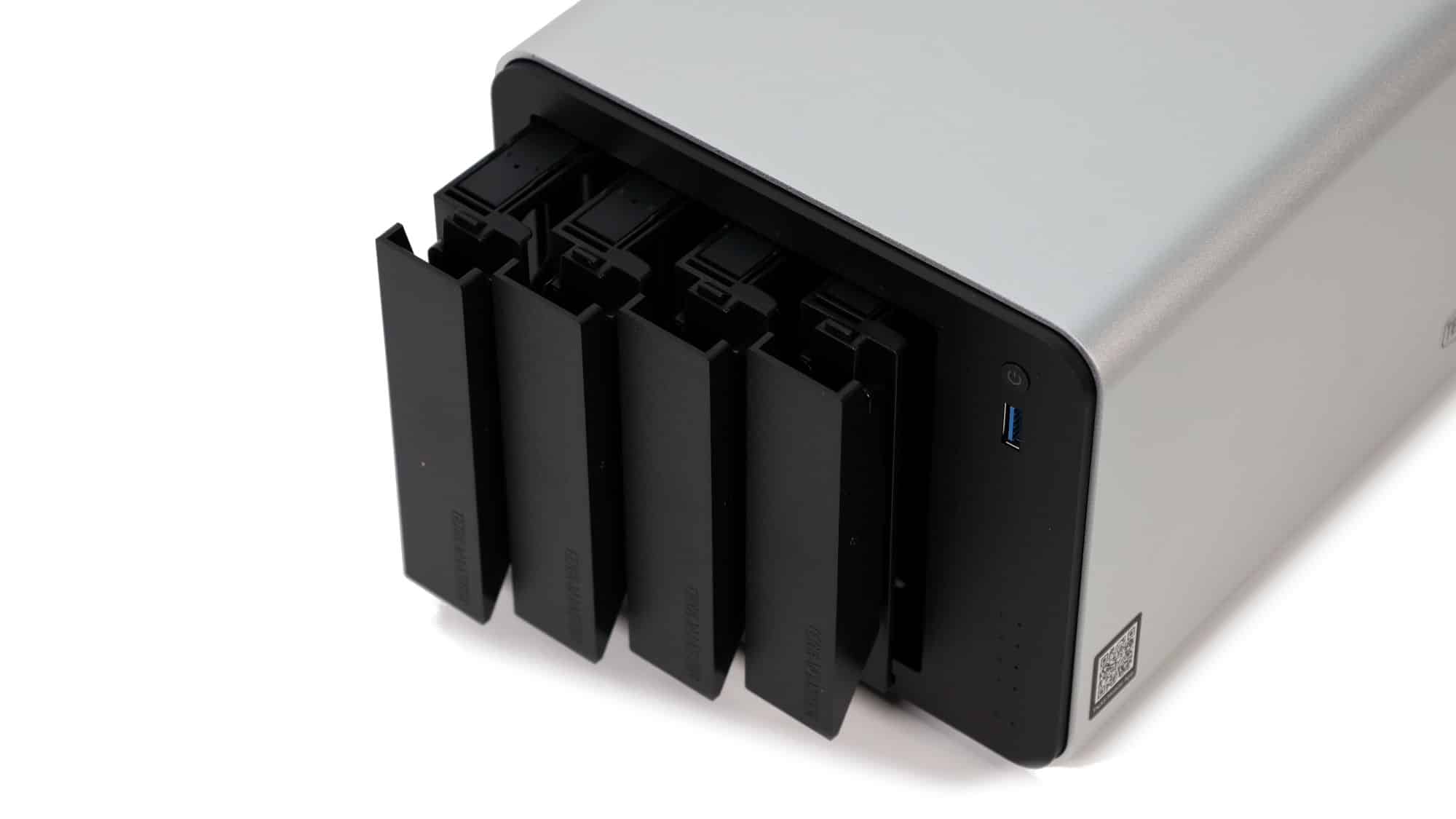
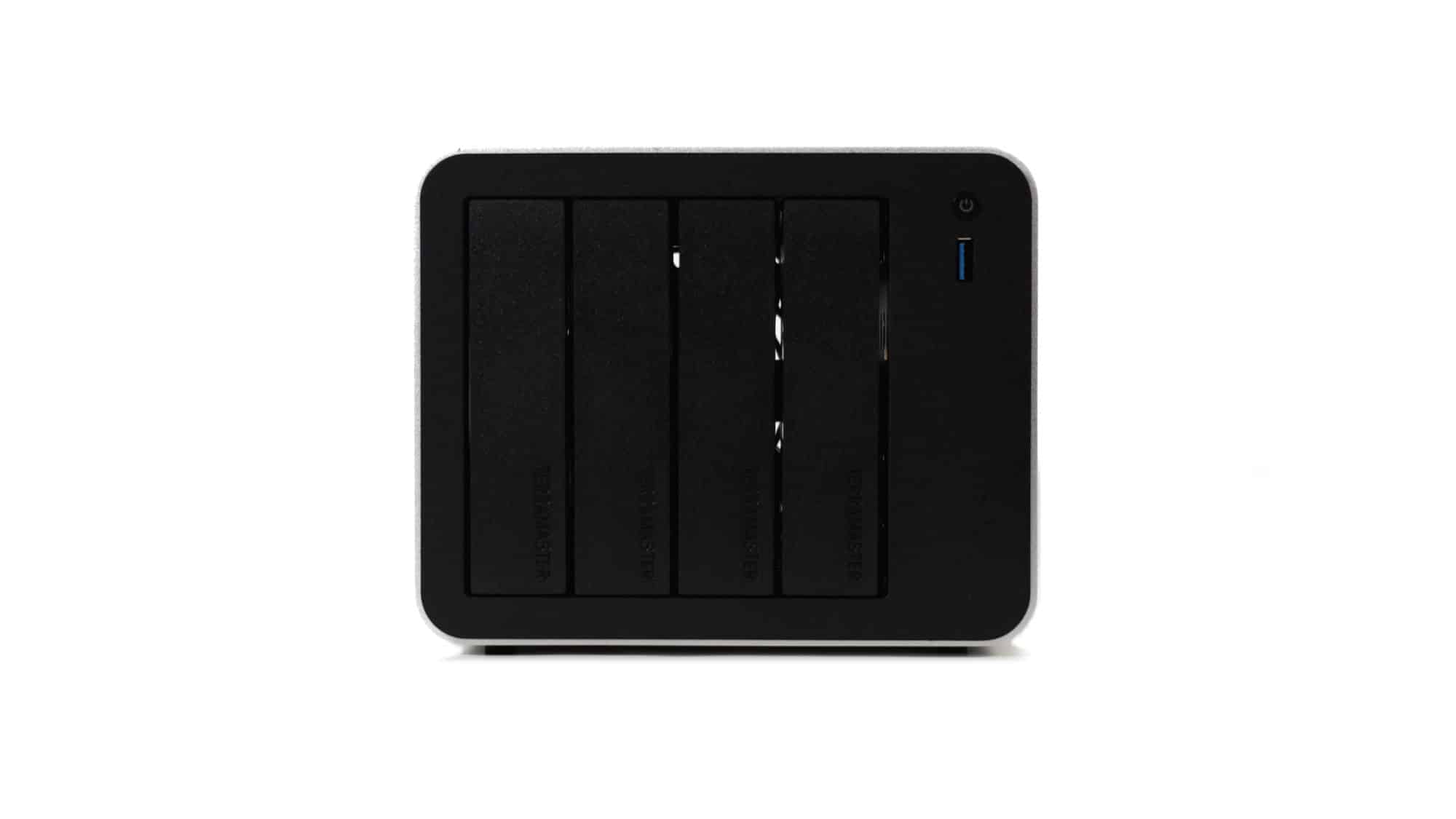
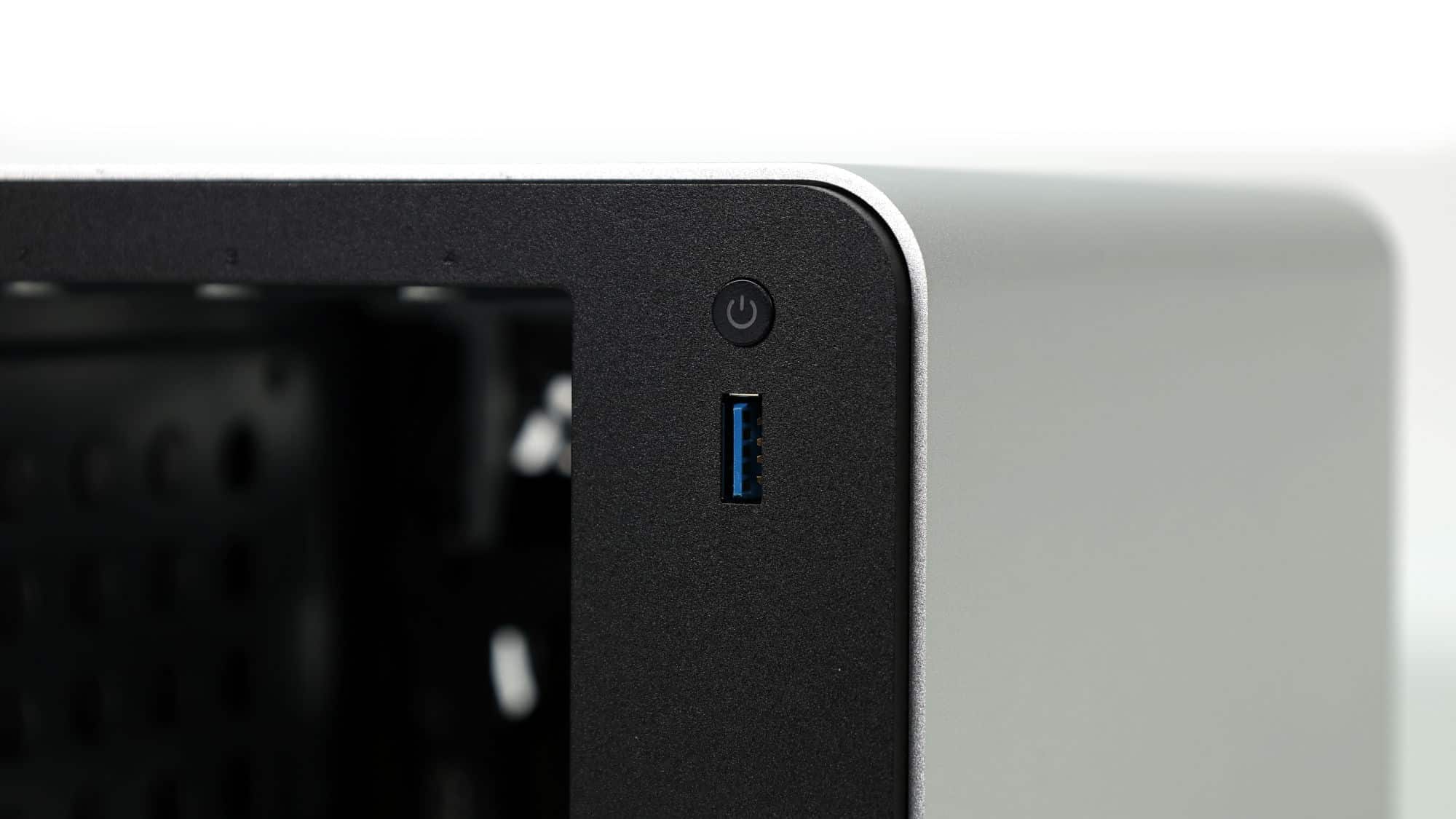
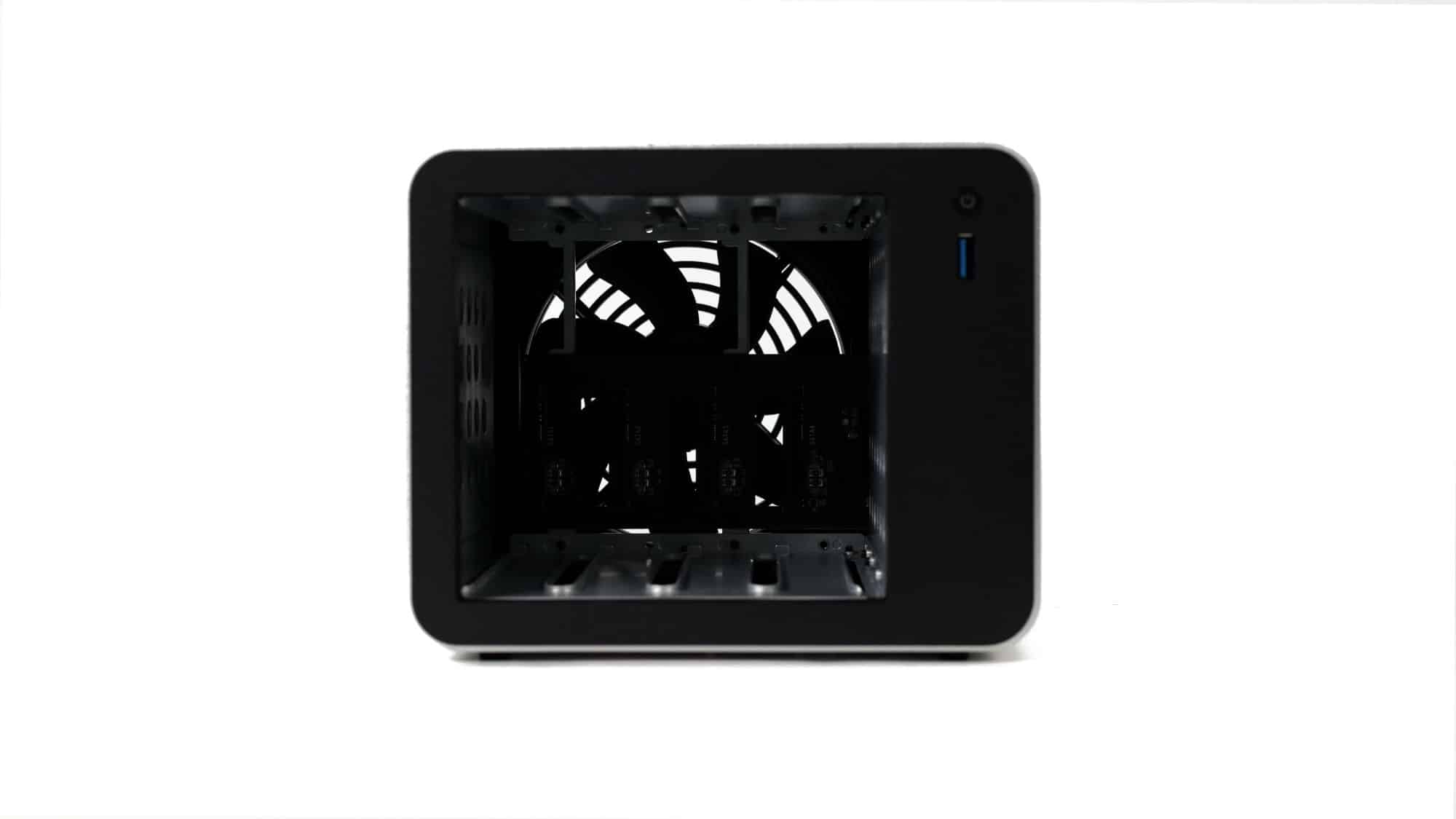
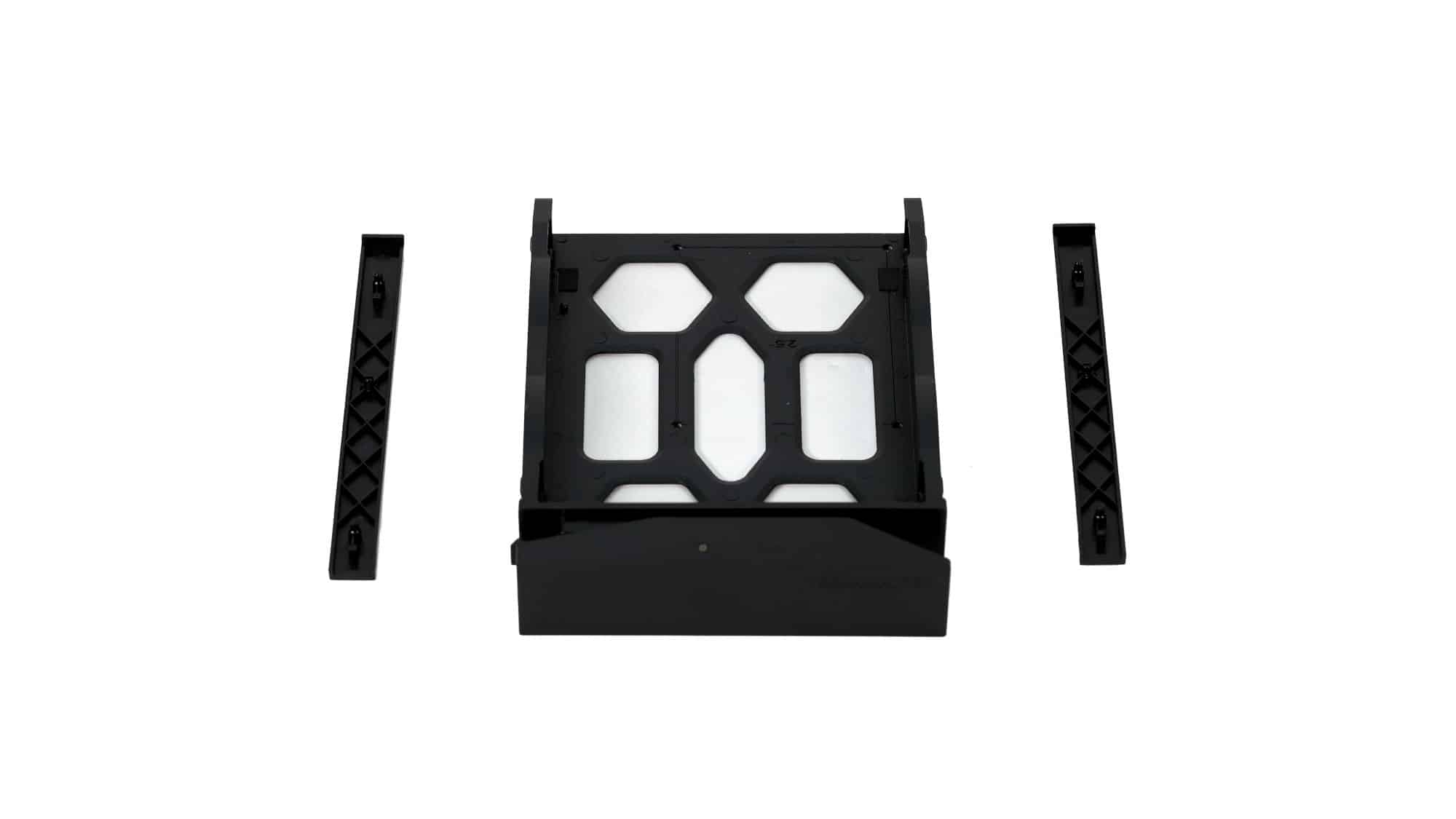
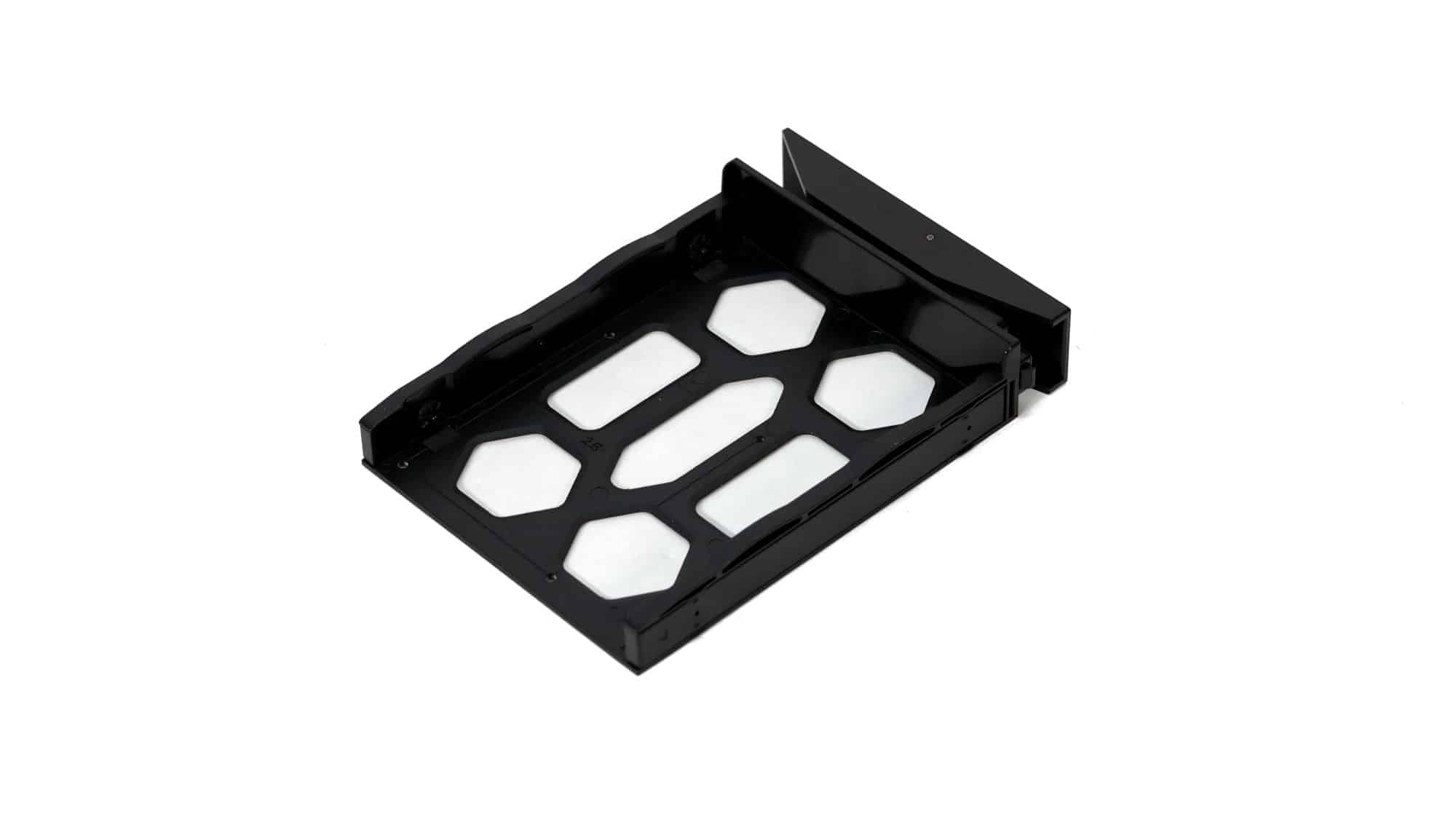
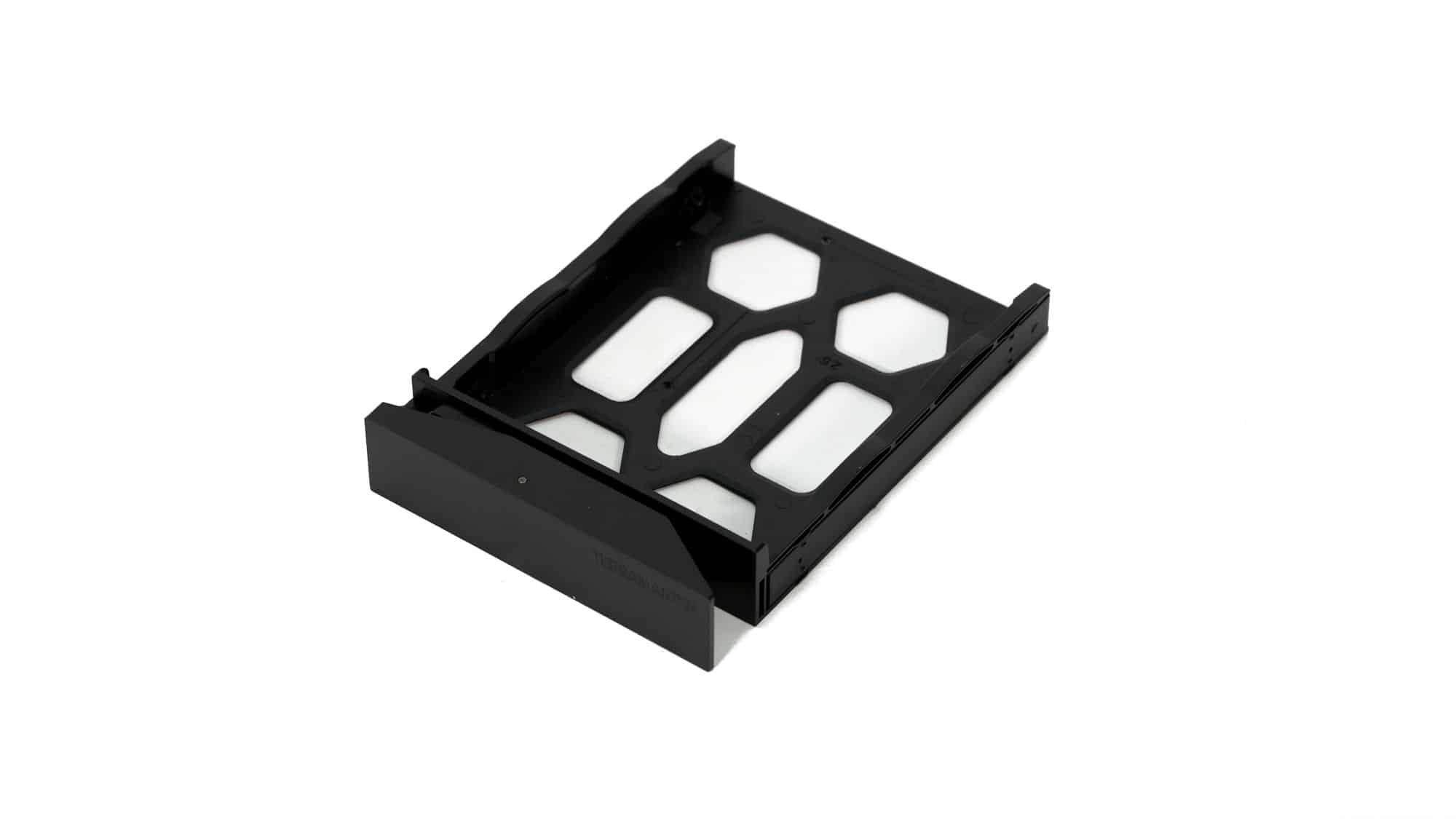
On the front, you’ll find access to the four drive trays, a USB Type-A port (10 Gbps), and the power button. The drive trays are made of plastic, which may feel less premium at first, but plastic helps reduce noise when paired with spinning drives. The trays are easy to remove and replace. Installation for 3.5-inch drives is tool-less: remove the two plastic clips, align the drive, and snap the clips back into place. For 2.5-inch drives, the included screws are required. Overall, both the trays and the tool-less mechanism feel sturdy and easy to use, despite being made of plastic.
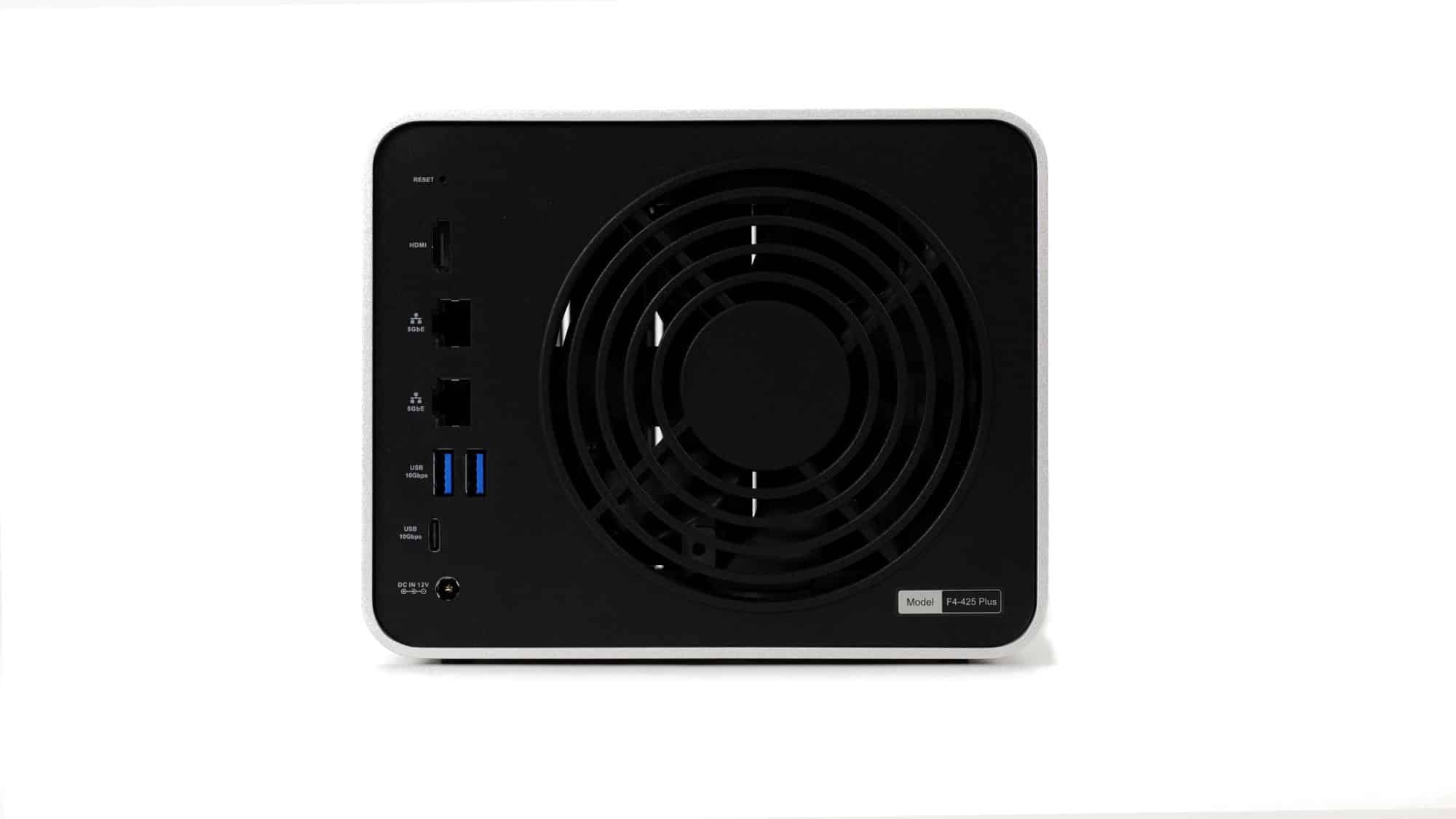
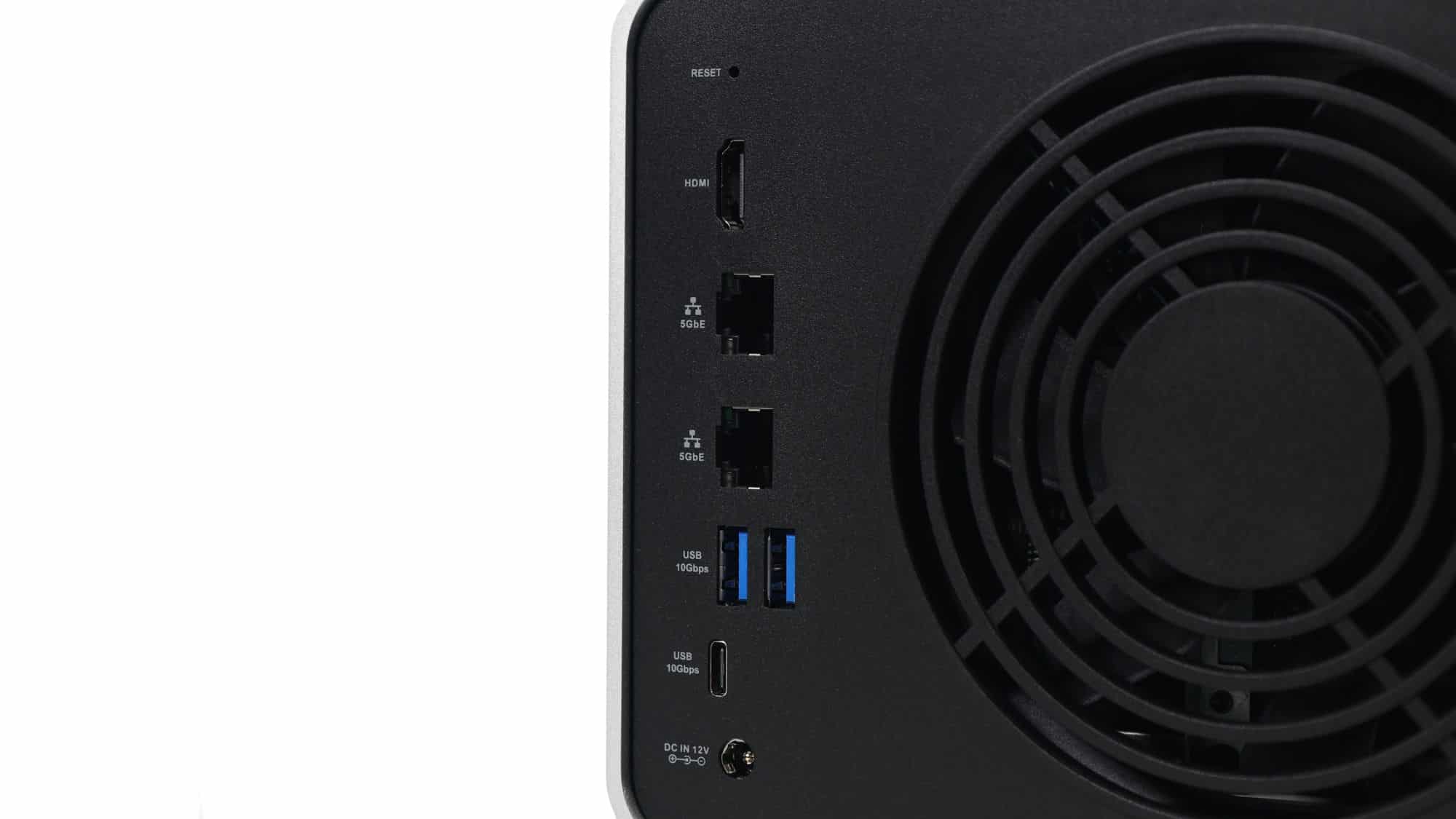
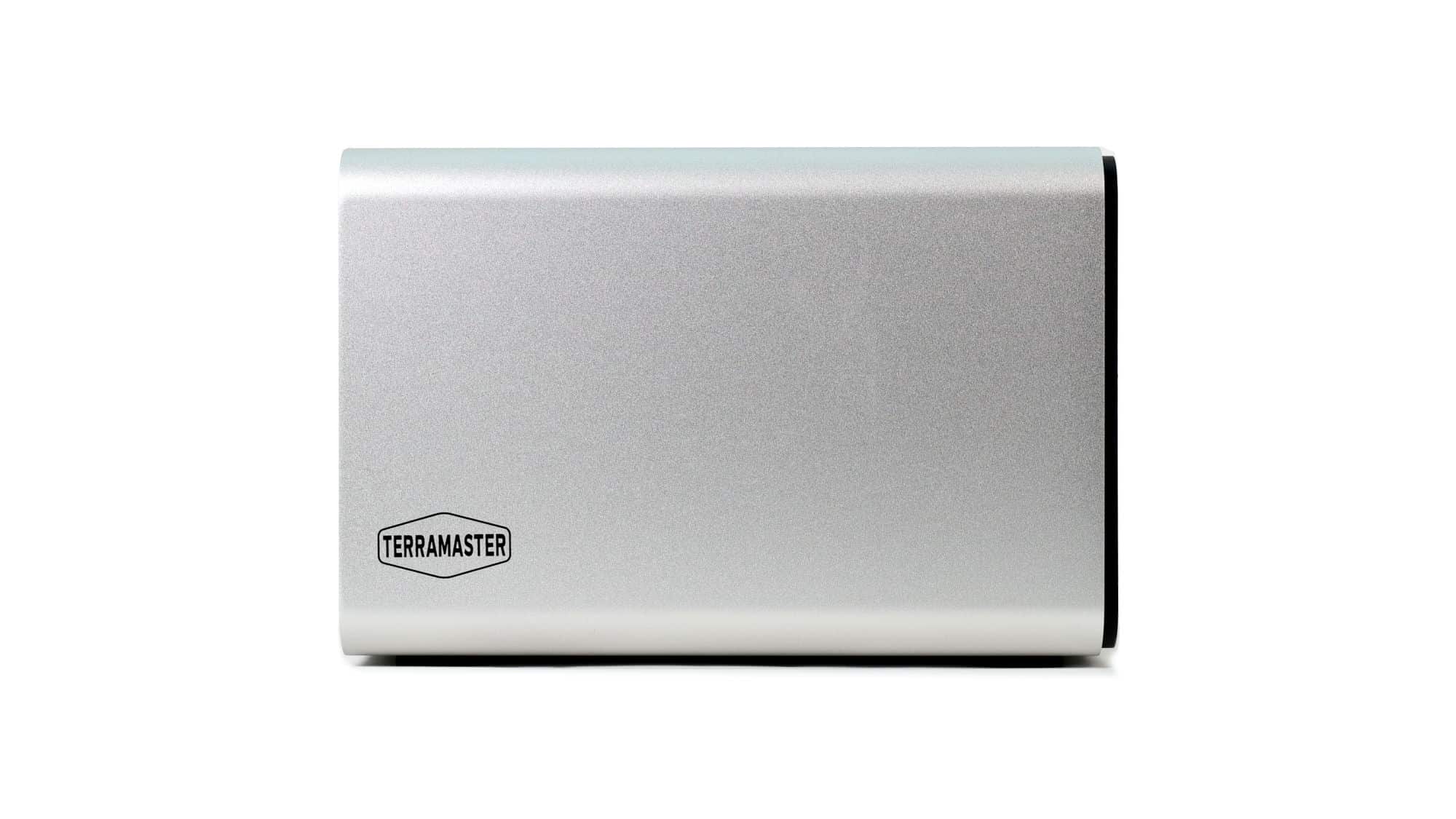
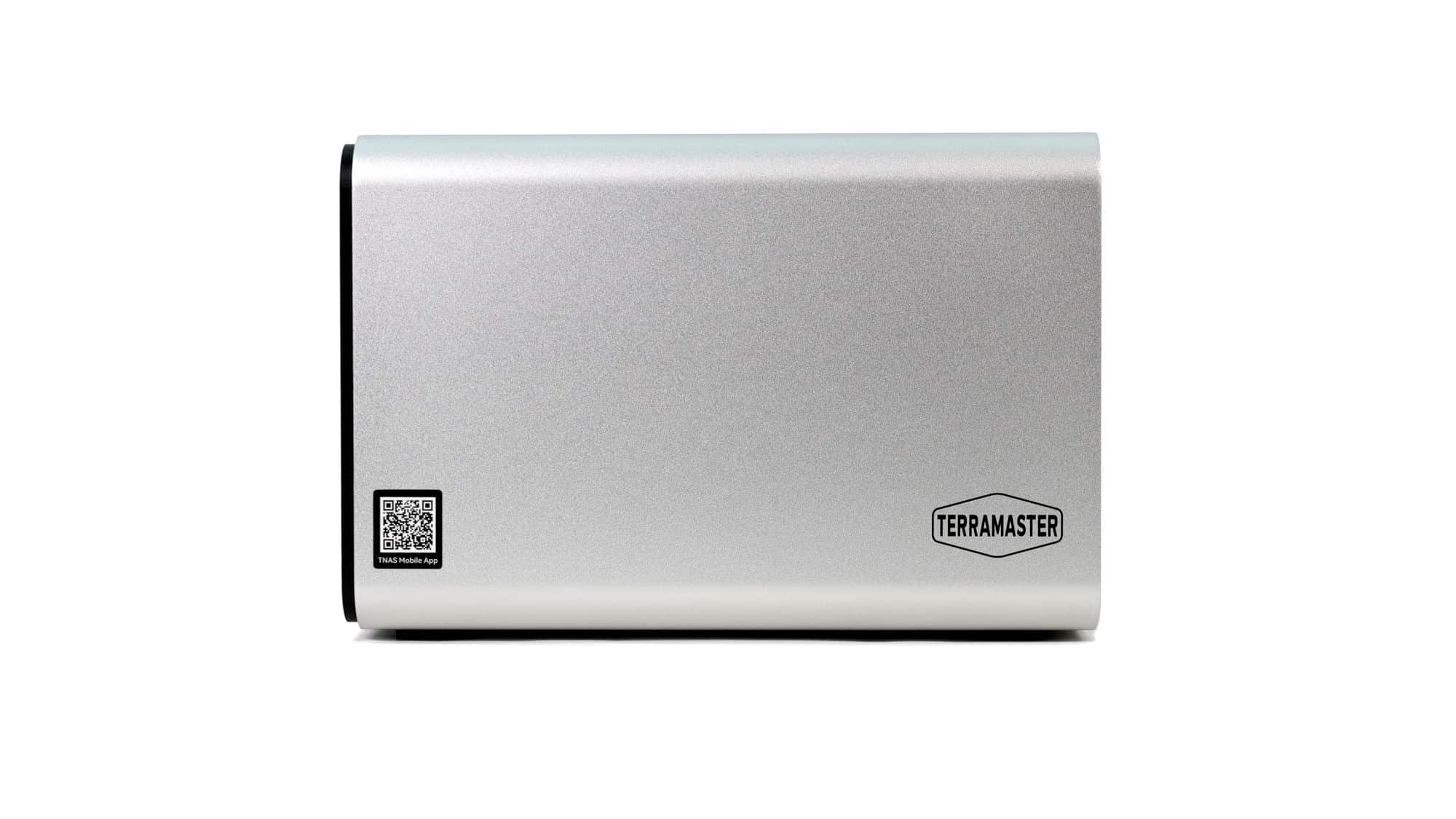
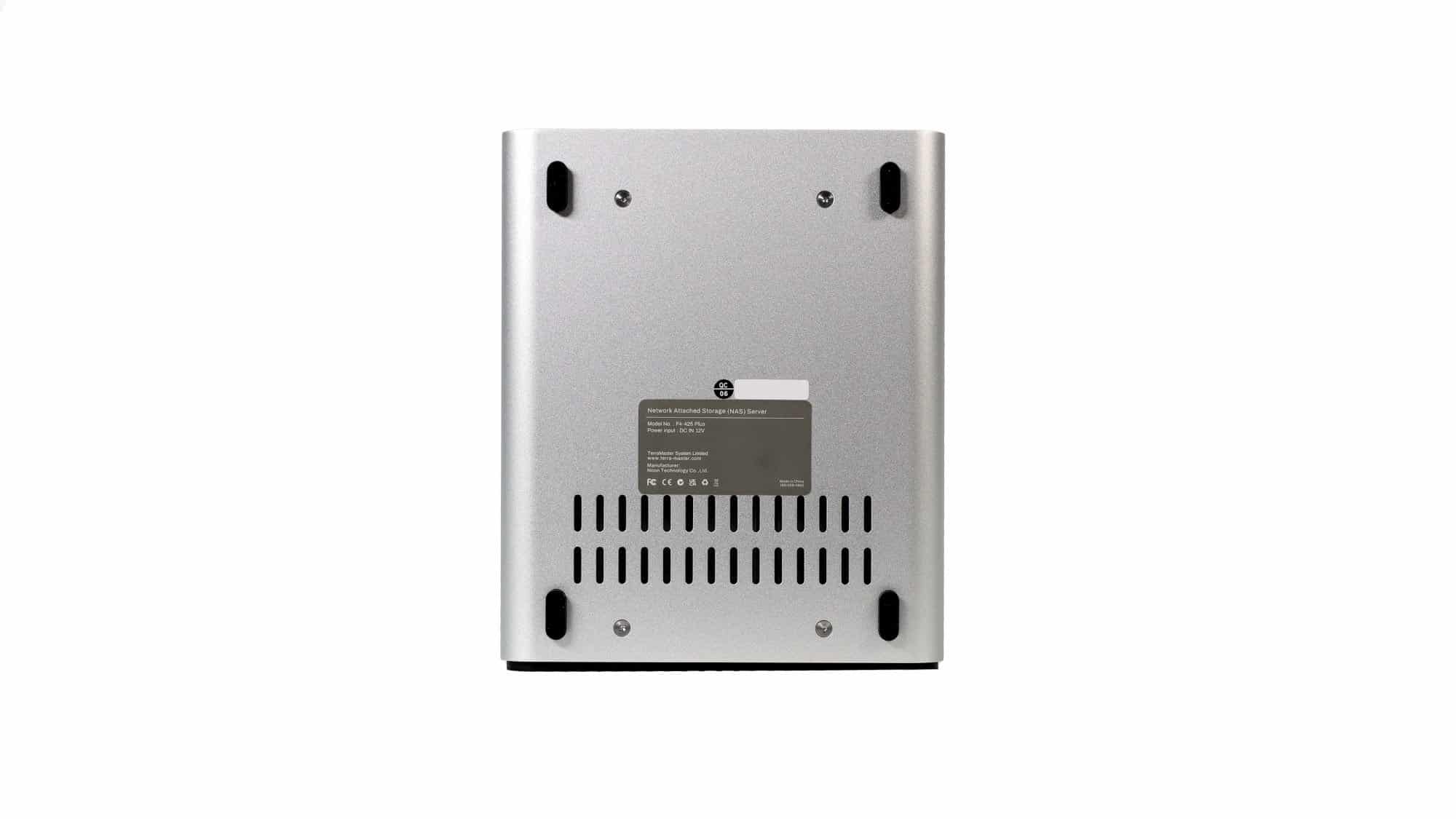
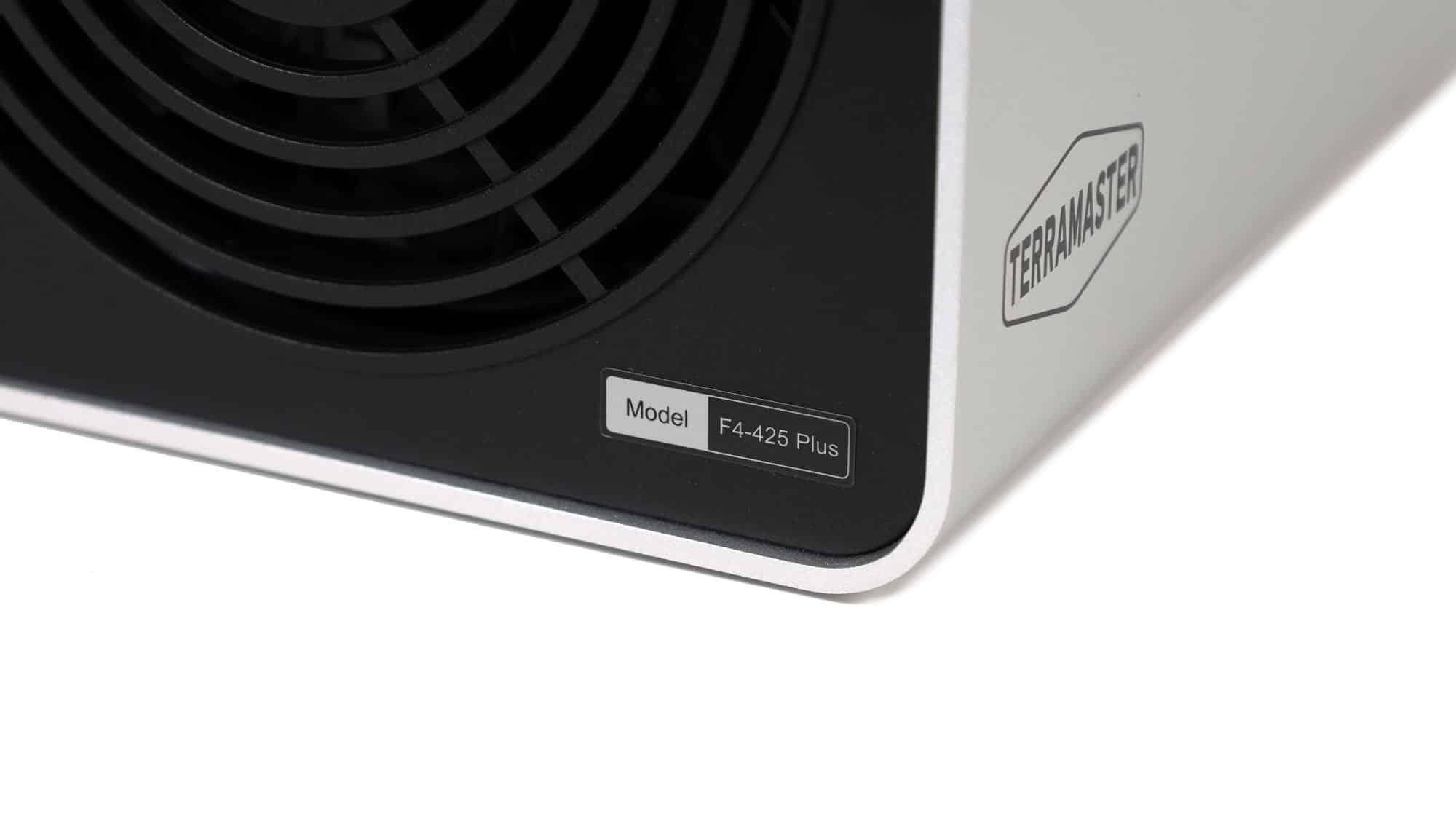
At the rear, you’ll find the main I/O, the cooling fan, and the barrel-jack power connector. The aluminum housing covers the remaining sides. Both sides feature a discreet TerraMaster logo, and one side also includes a QR code to help you get started via smartphone. On the bottom, four rubber feet keep the NAS off the surface and help isolate vibrations. You’ll also find ventilation cutouts and two stickers. The four visible screws are used to remove the housing.
Internal Layout
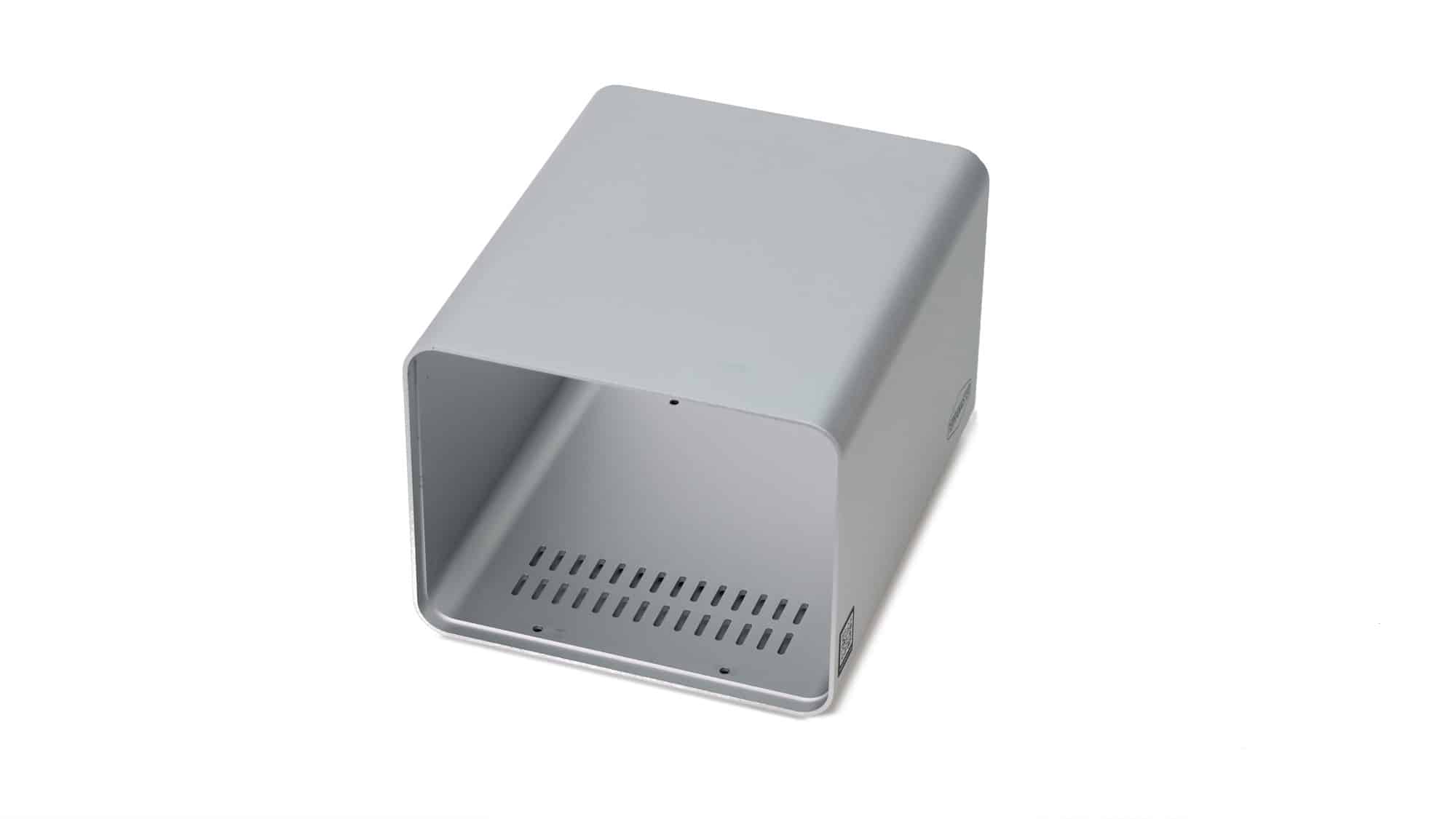
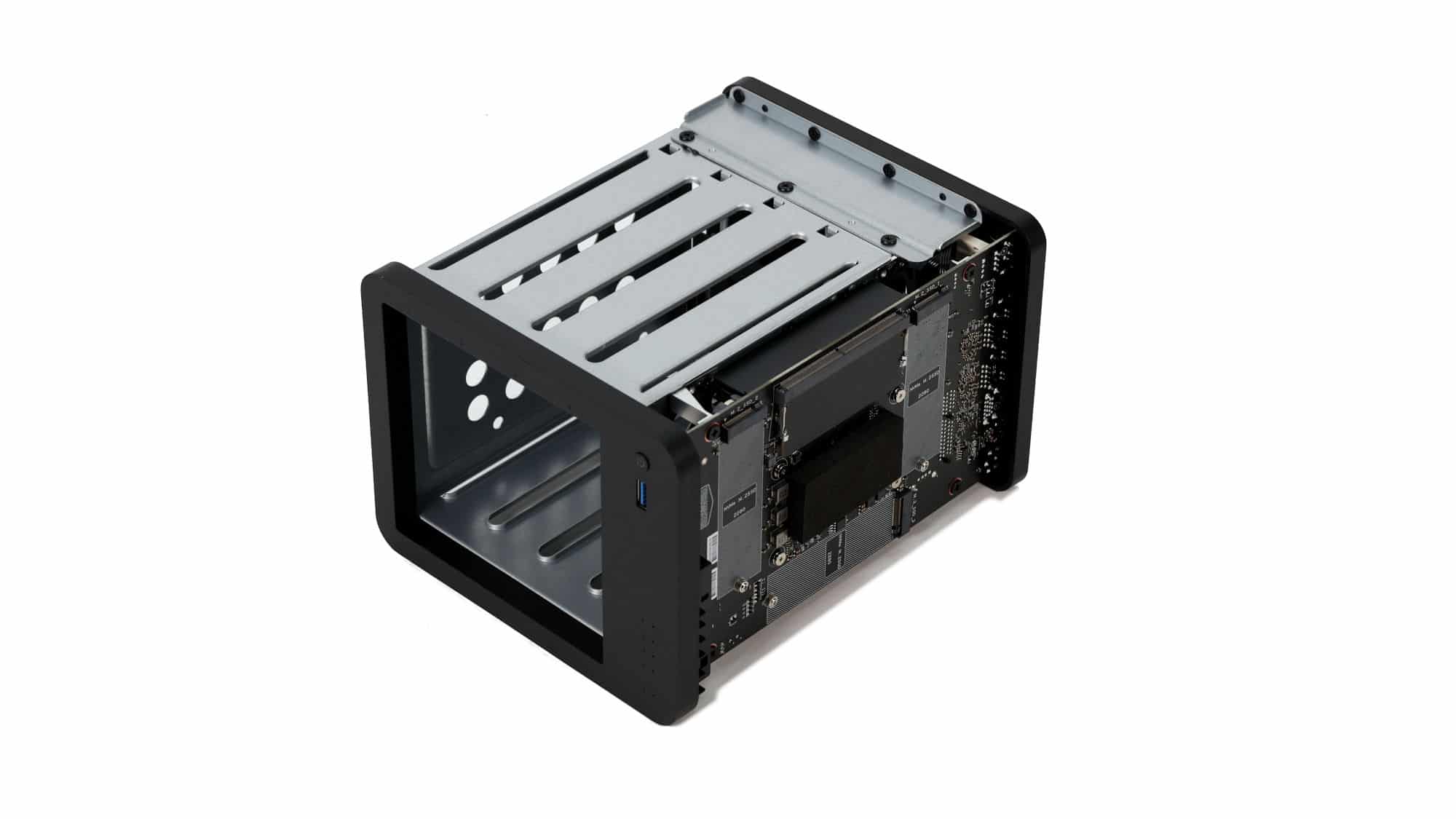
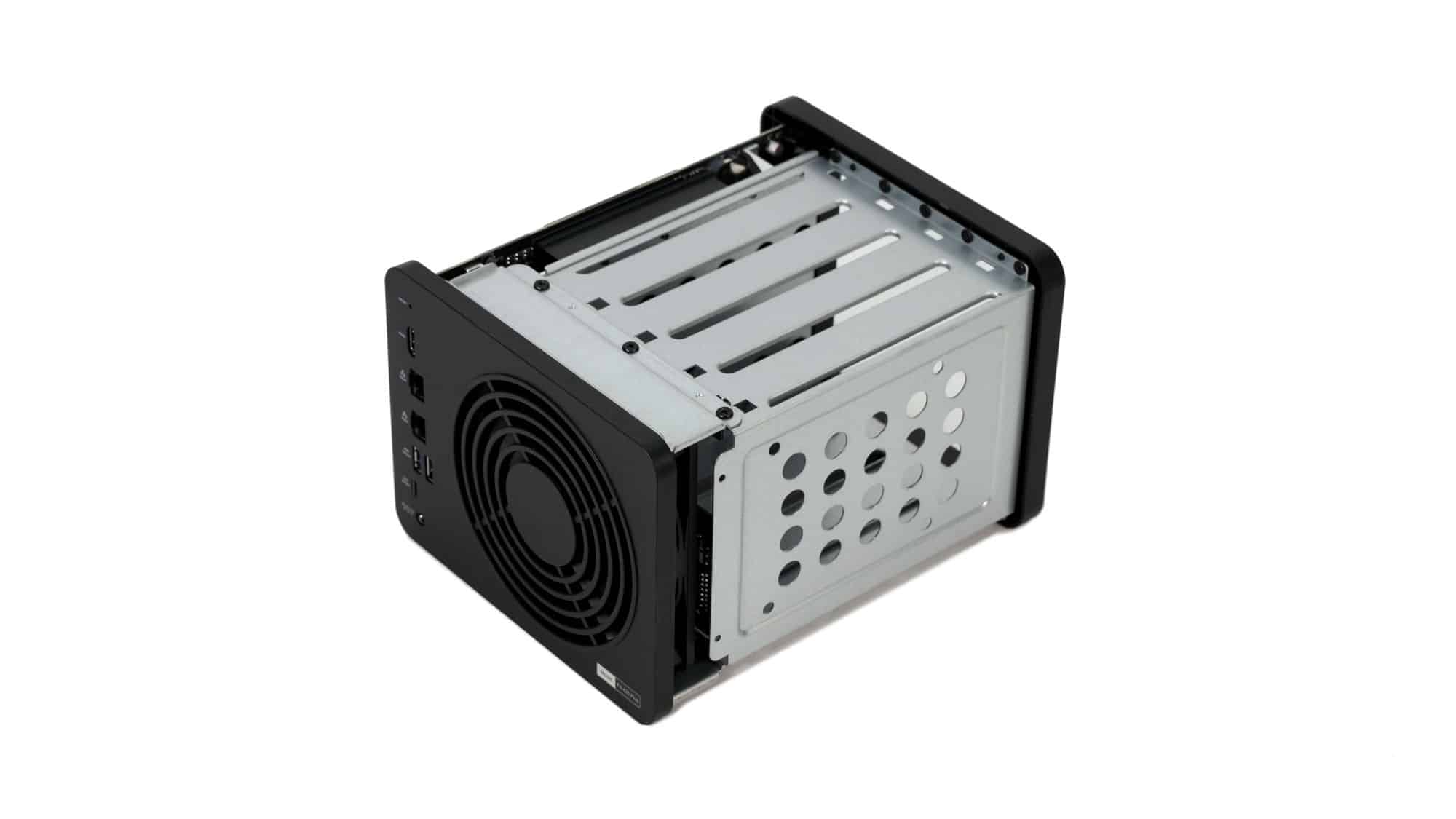
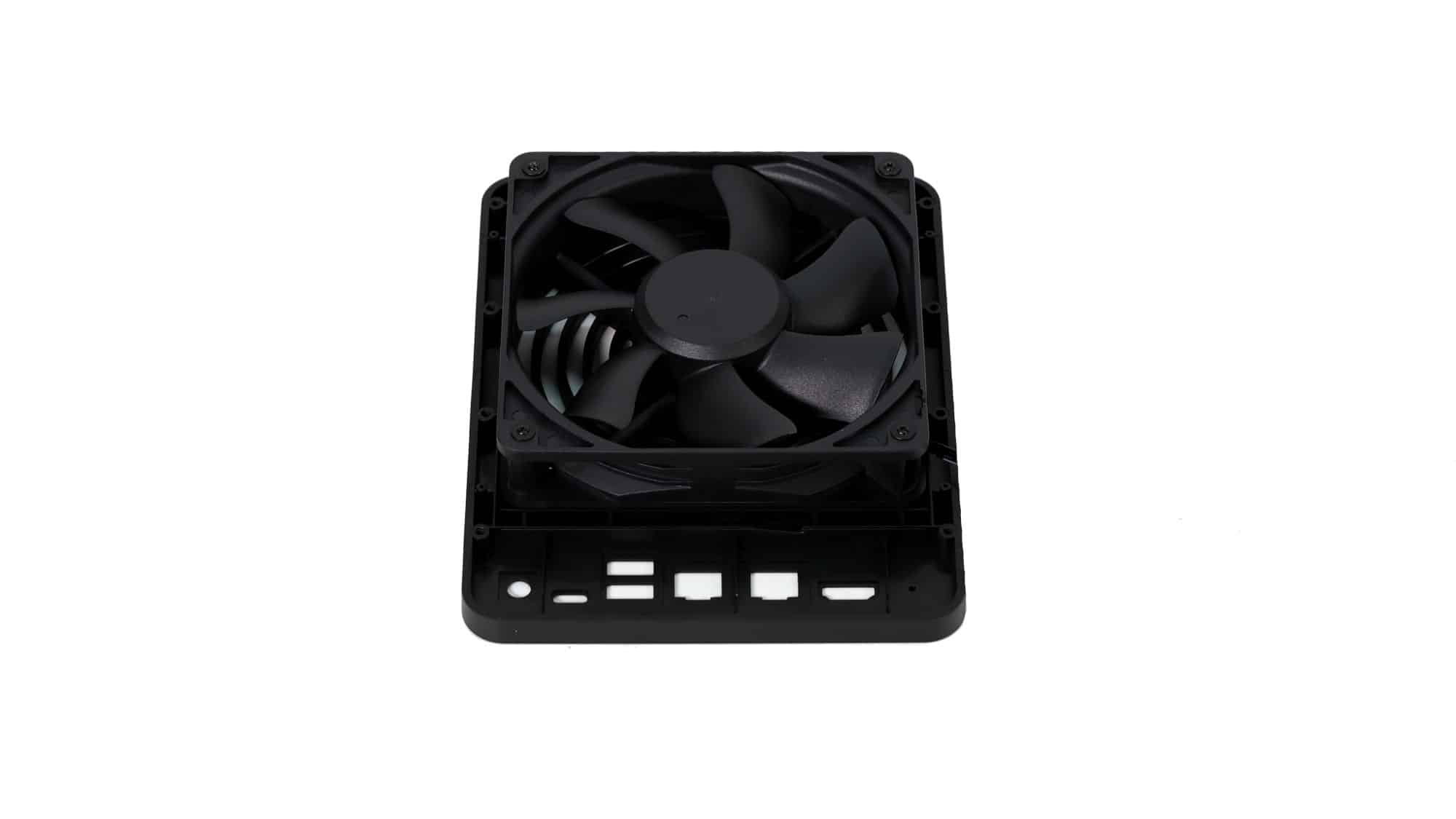
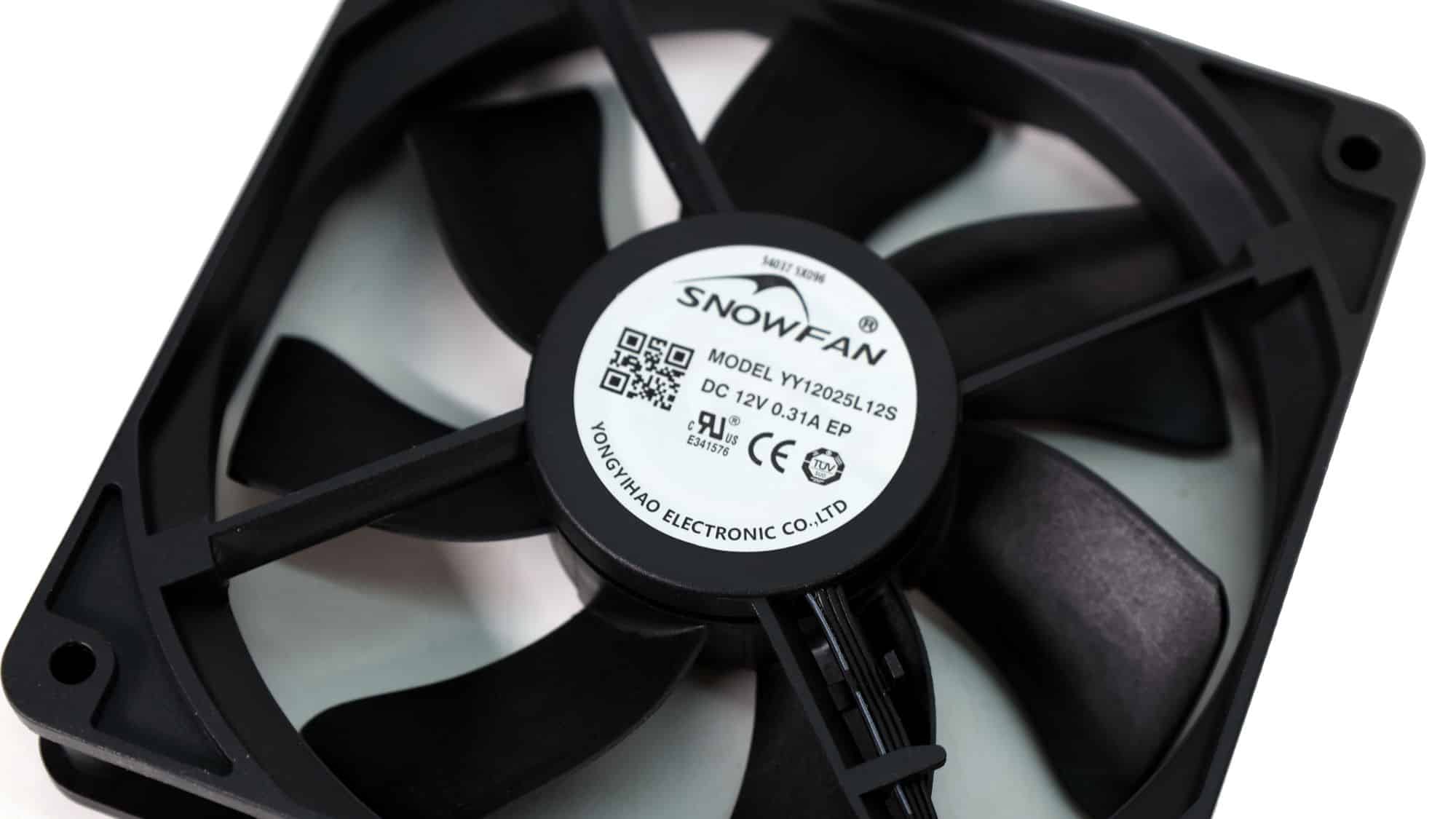
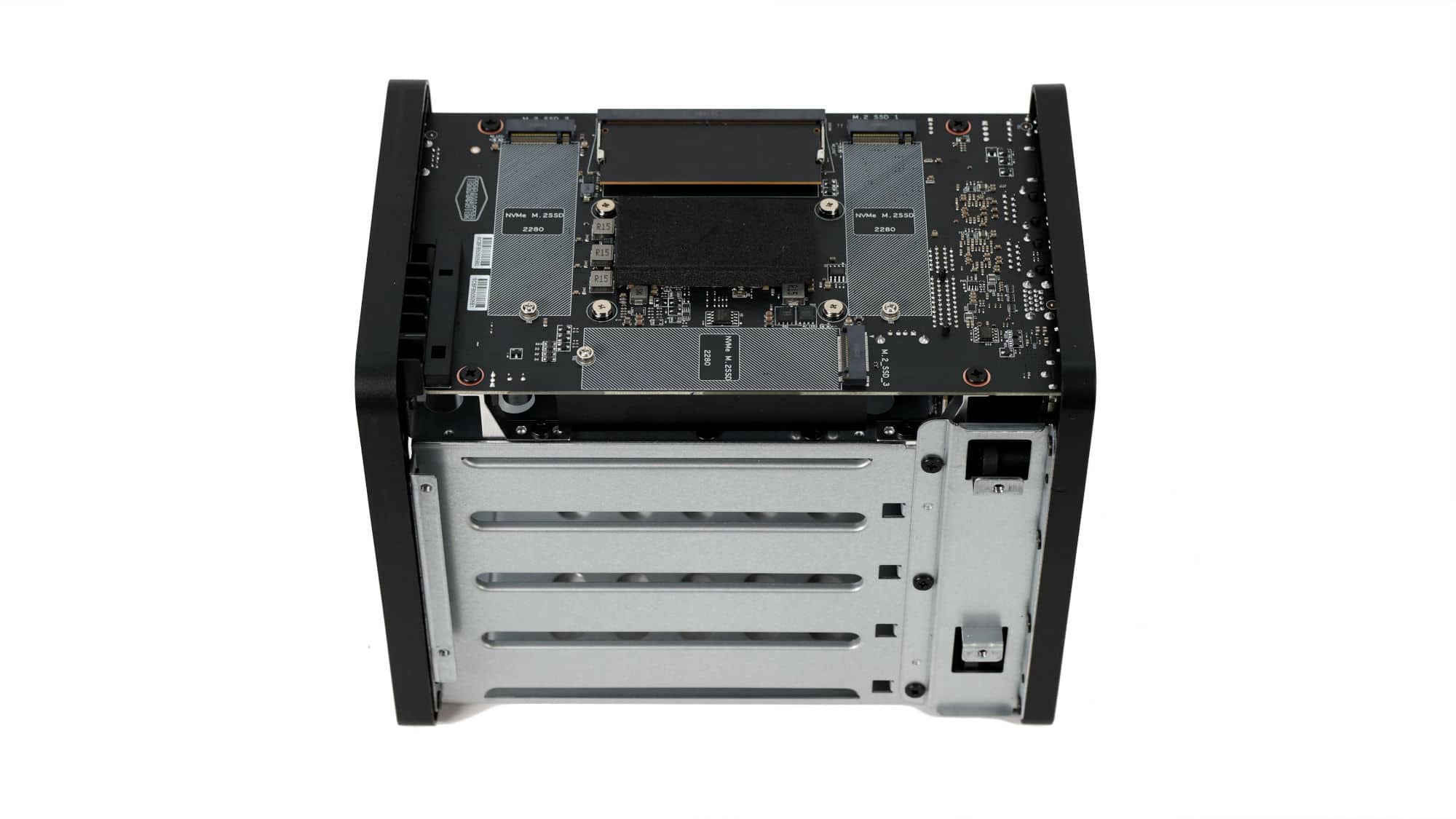
After sliding the housing off, you gain full 360-degree access to the internals. The interior mainly consists of the metal structure supporting the SATA drive bays, the rear fan, and the main PCB. The rear fan is a SnowFan unit, a brand we’ve consistently seen used across TerraMaster products.
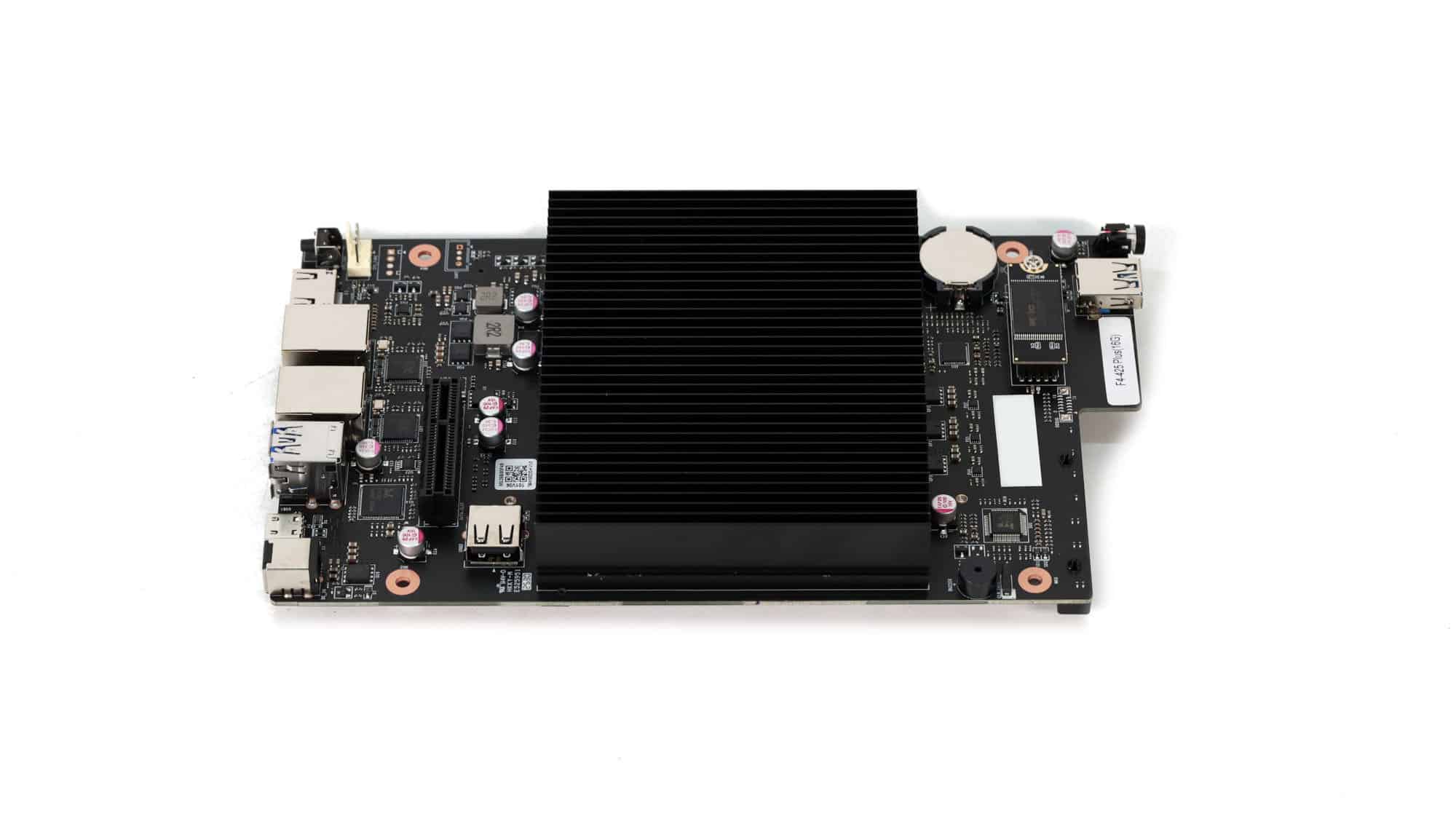
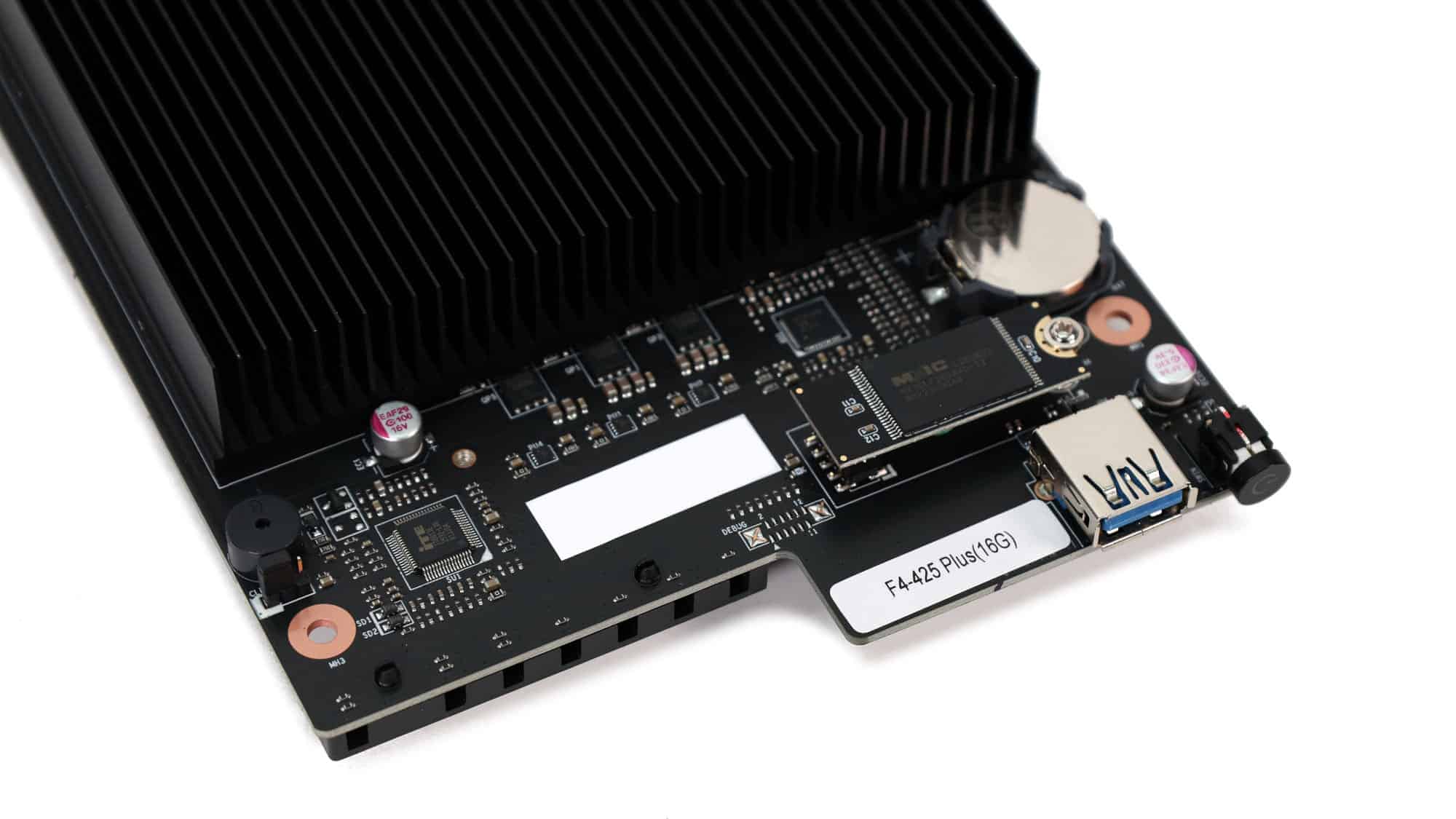
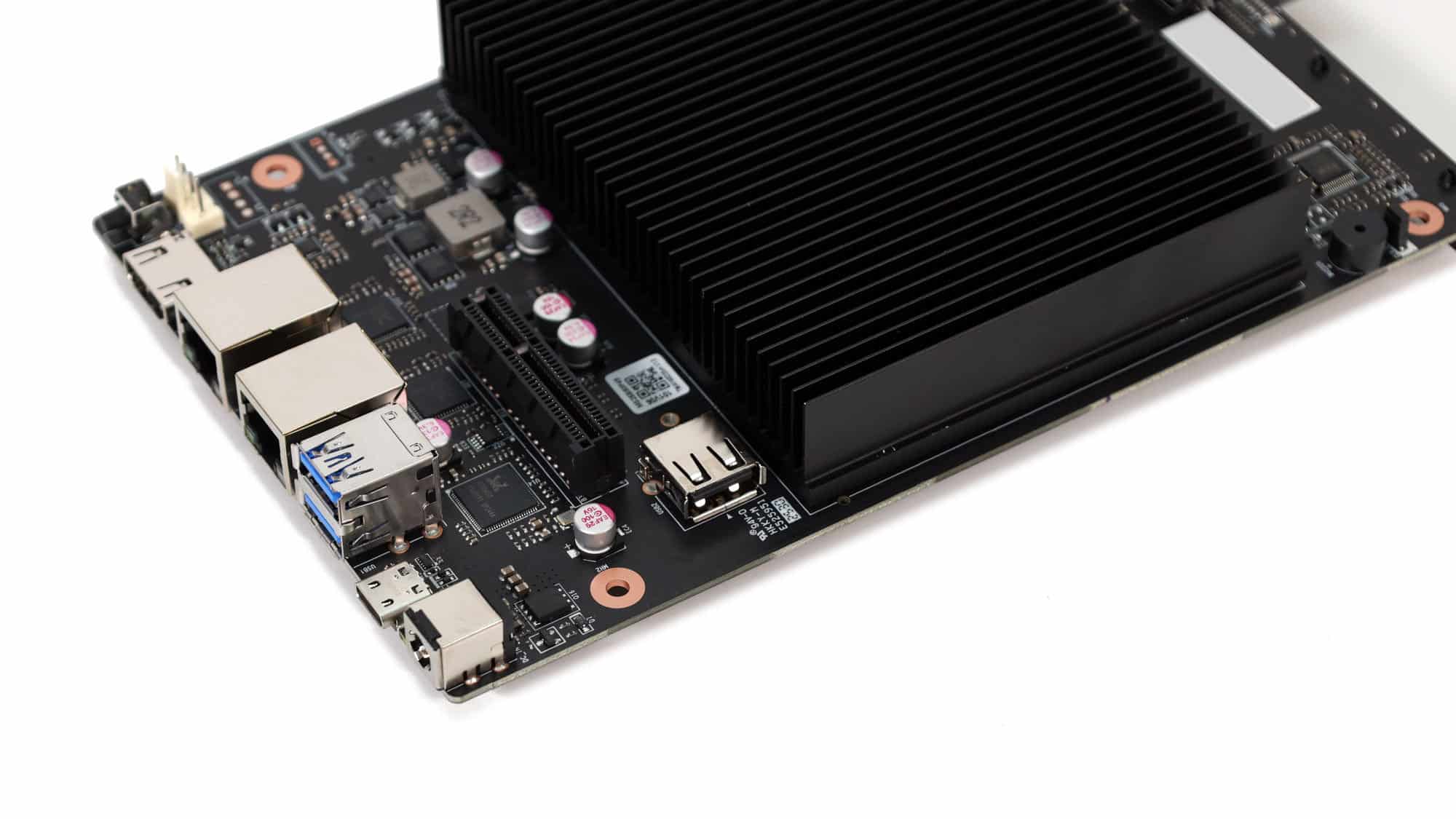
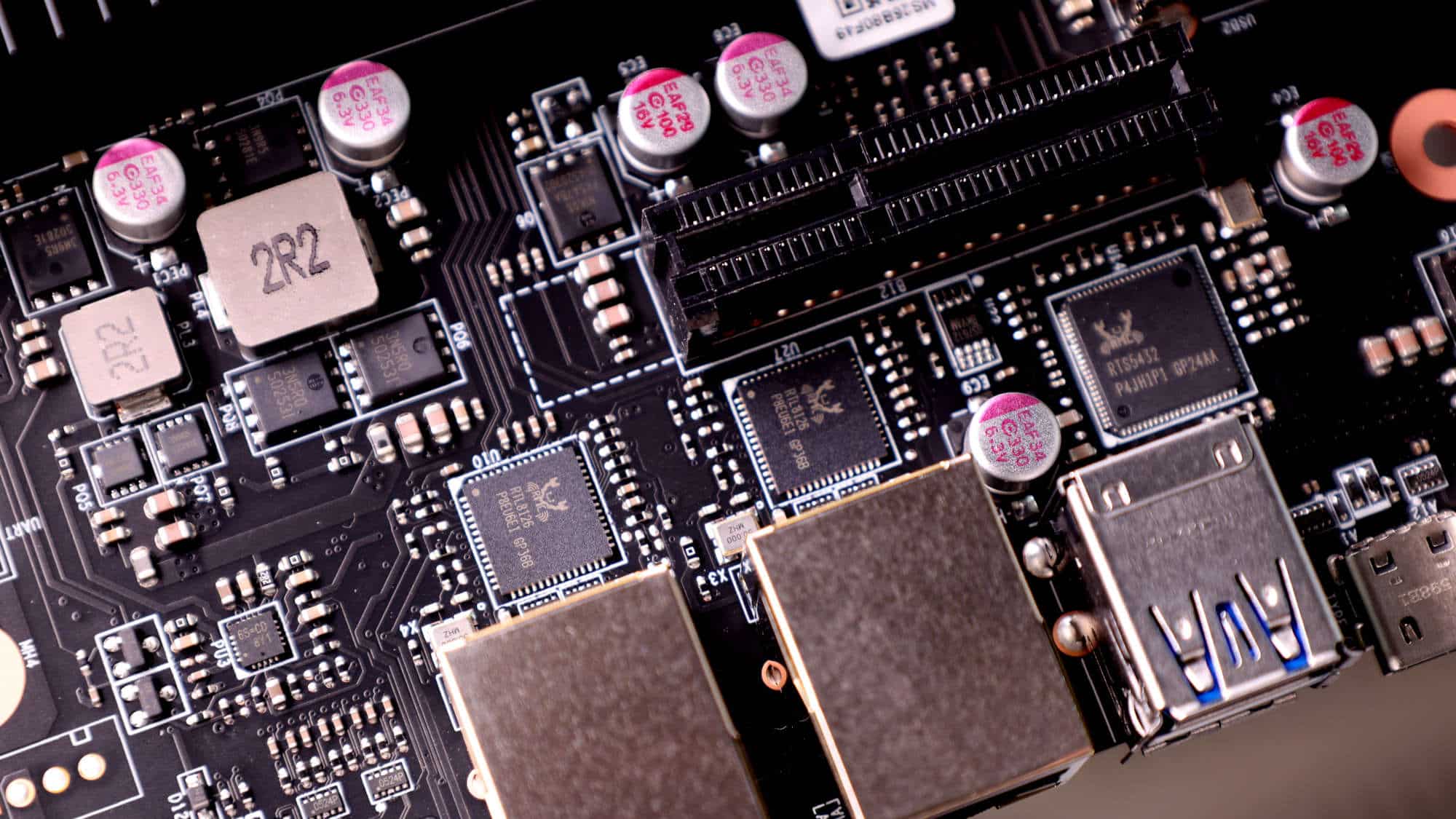
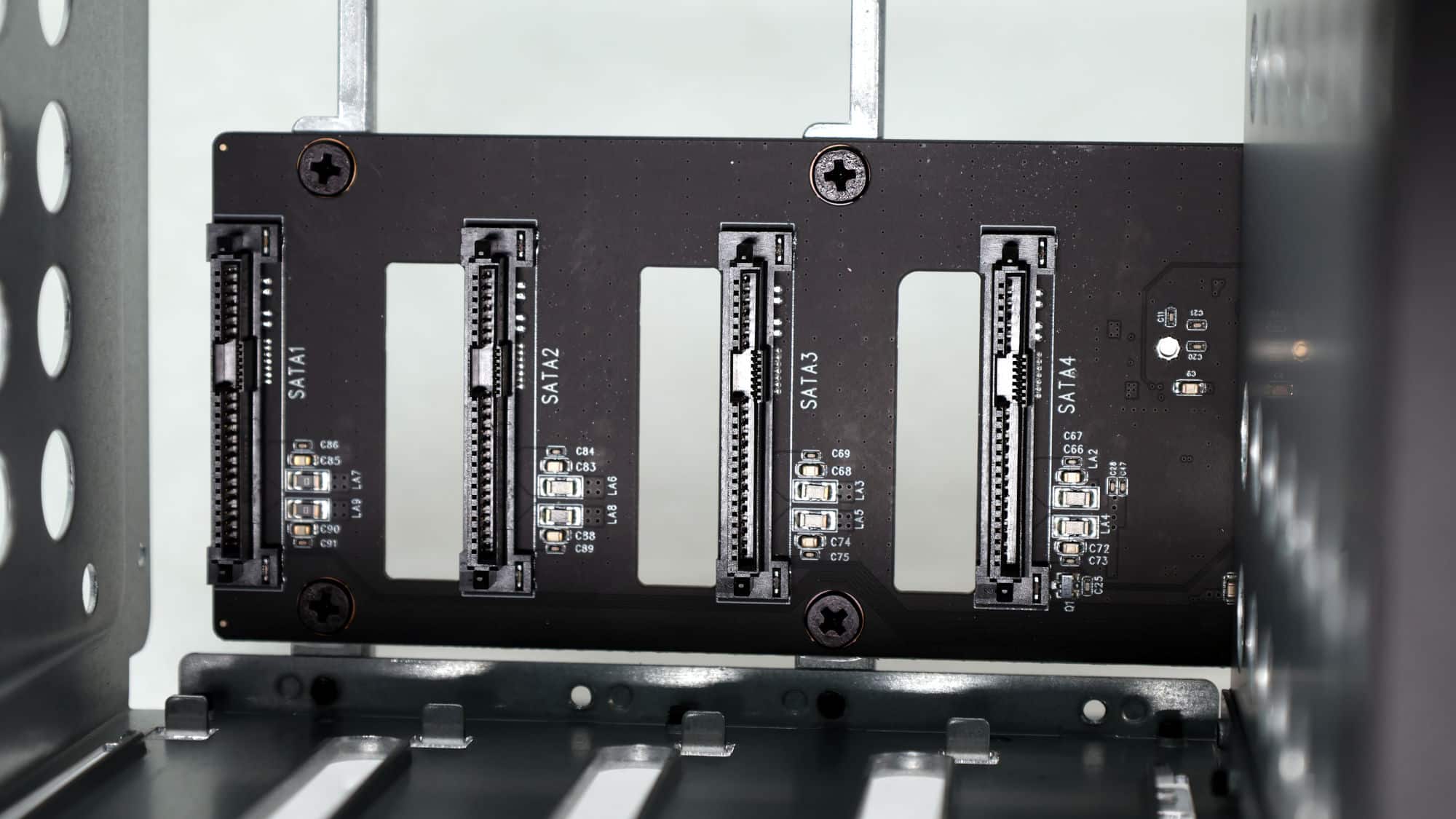
The motherboard is the final piece of the puzzle. It’s a flat, mostly orthogonal board, with a large portion covered by a long, low-profile heatsink designed to cool the Intel N150. All I/O ports and buttons are soldered directly onto the board, with the only separate component being a daughterboard used to interface with the SATA drives.
On the opposite side of the board, next to the heatsink and close to the rear I/O, you’ll see the various I/O controllers, along with a small internal USB port intended for a boot drive. The PWM fan connector, as well as the USB, SATA, and Ethernet controllers, are also located here. Toward the front of the board, near the power button and front USB port, there’s a USB DOM used to store a lightweight bootloader, making setup and recovery more straightforward.
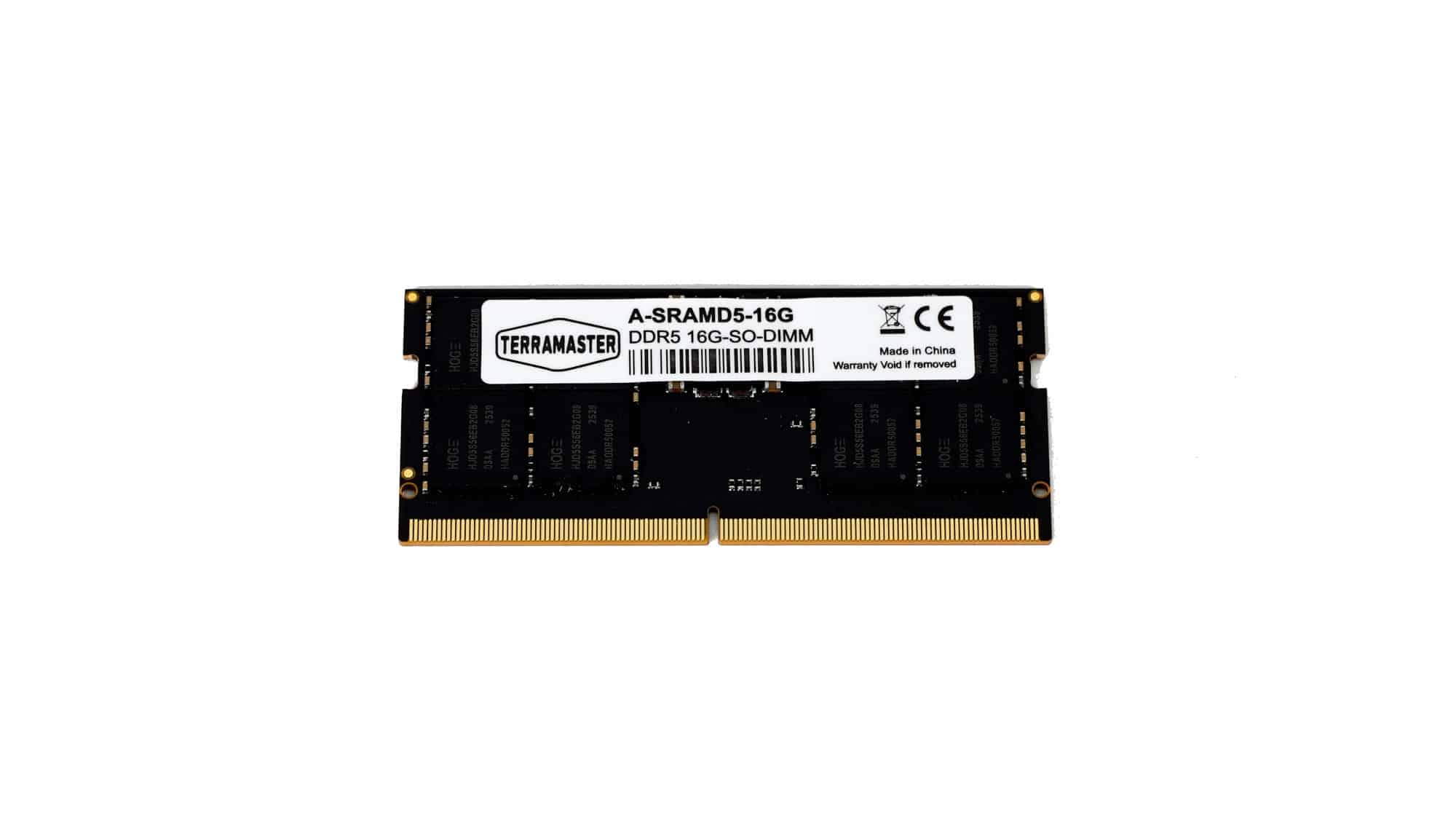
On the back side of the motherboard, you’ll find a single RAM module and the three NVMe slots. TerraMaster ships the unit with a single 16 GB DDR5 SO-DIMM running at 4800 MT/s, which matches the N150’s limitations and significantly improves the value proposition. Each M.2 slot is allocated a single PCIe Gen 3 lane, so don’t expect top-tier performance. On the plus side, this allows you to use older, and potentially cheaper, Gen 3 NVMe drives.