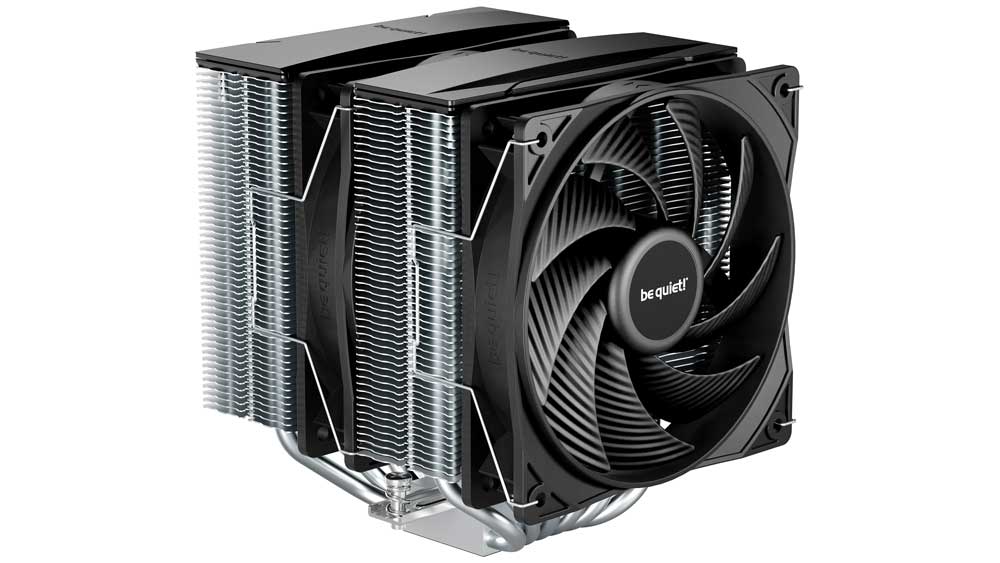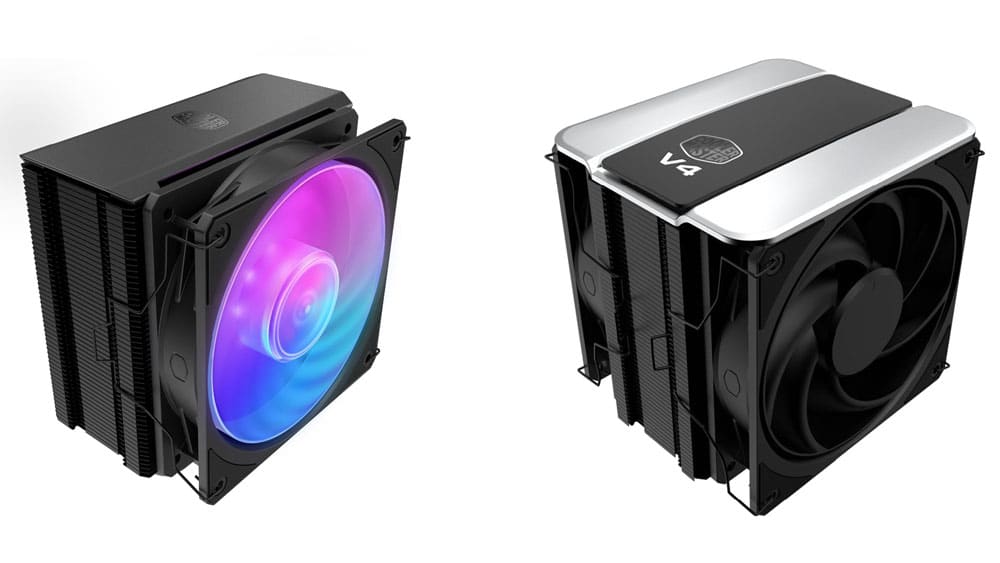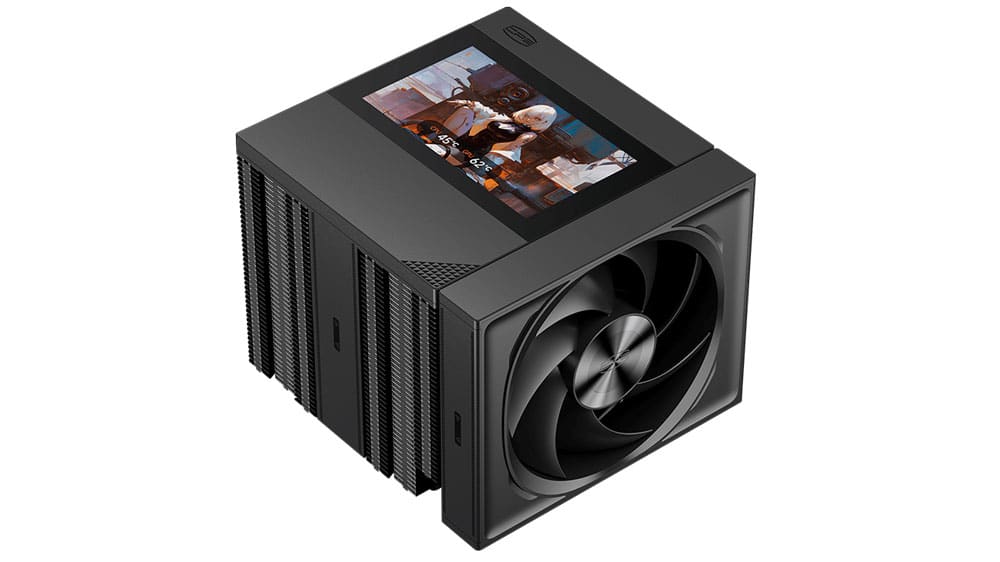
Box, Contents & Bundle
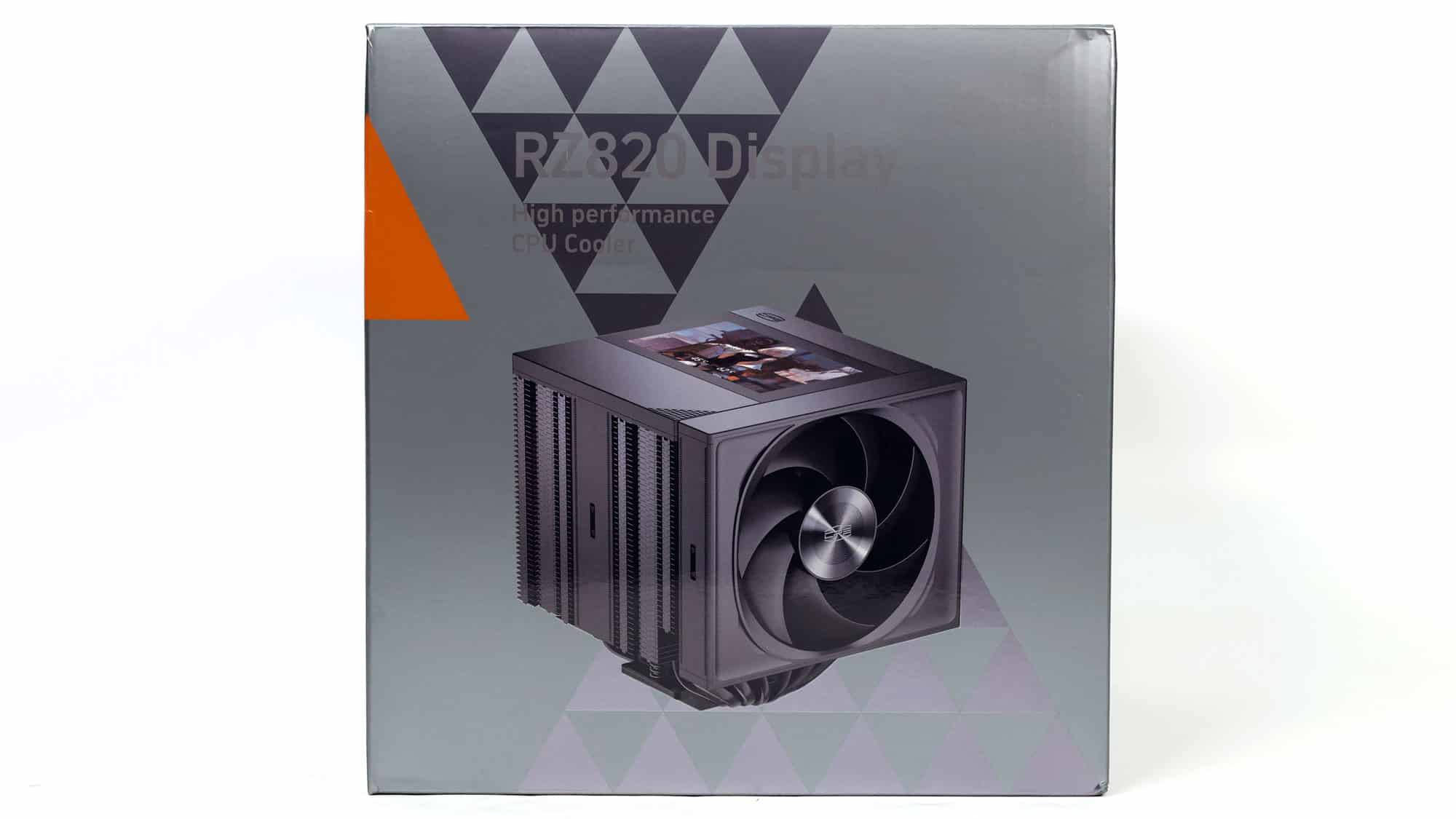
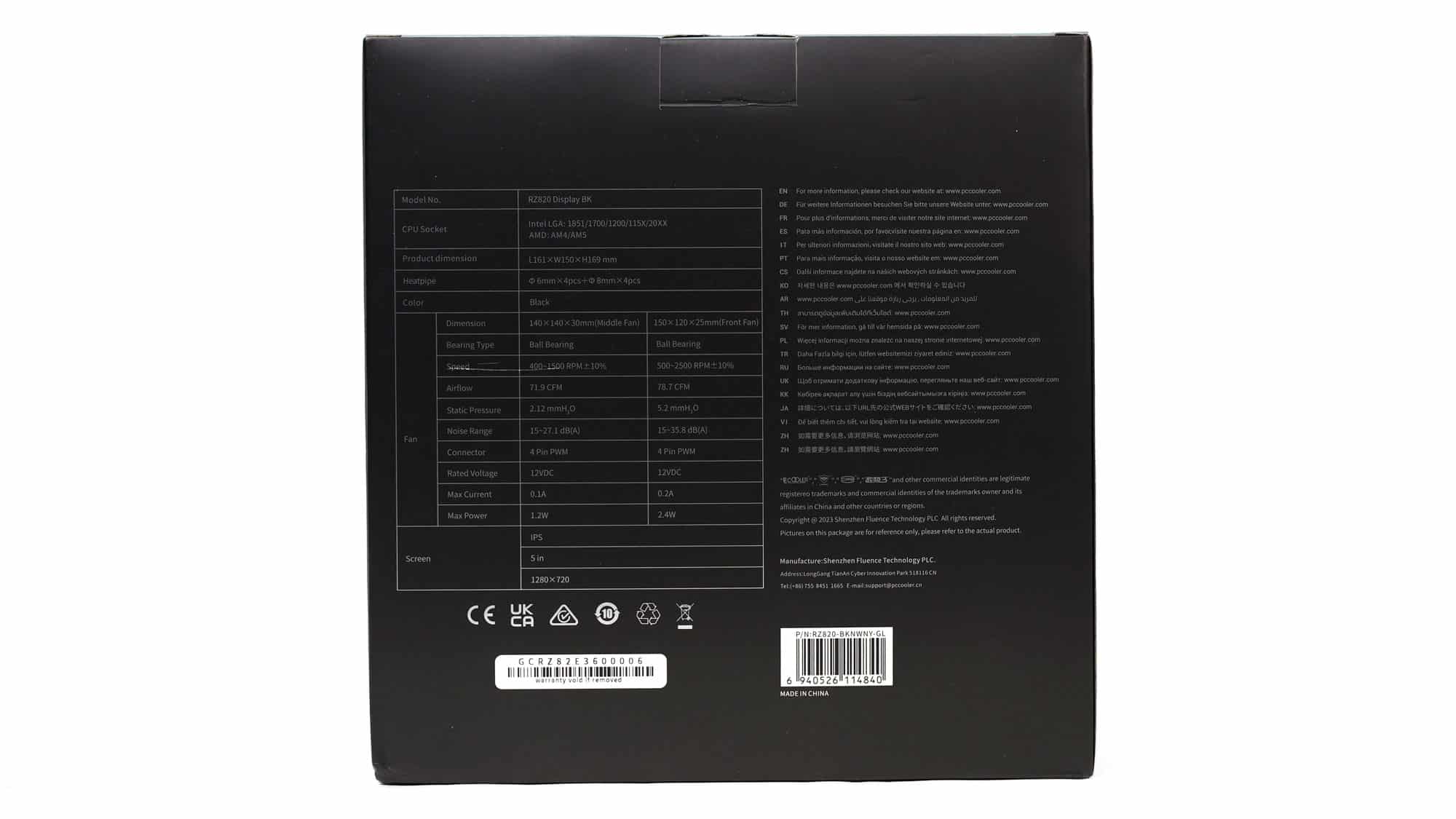
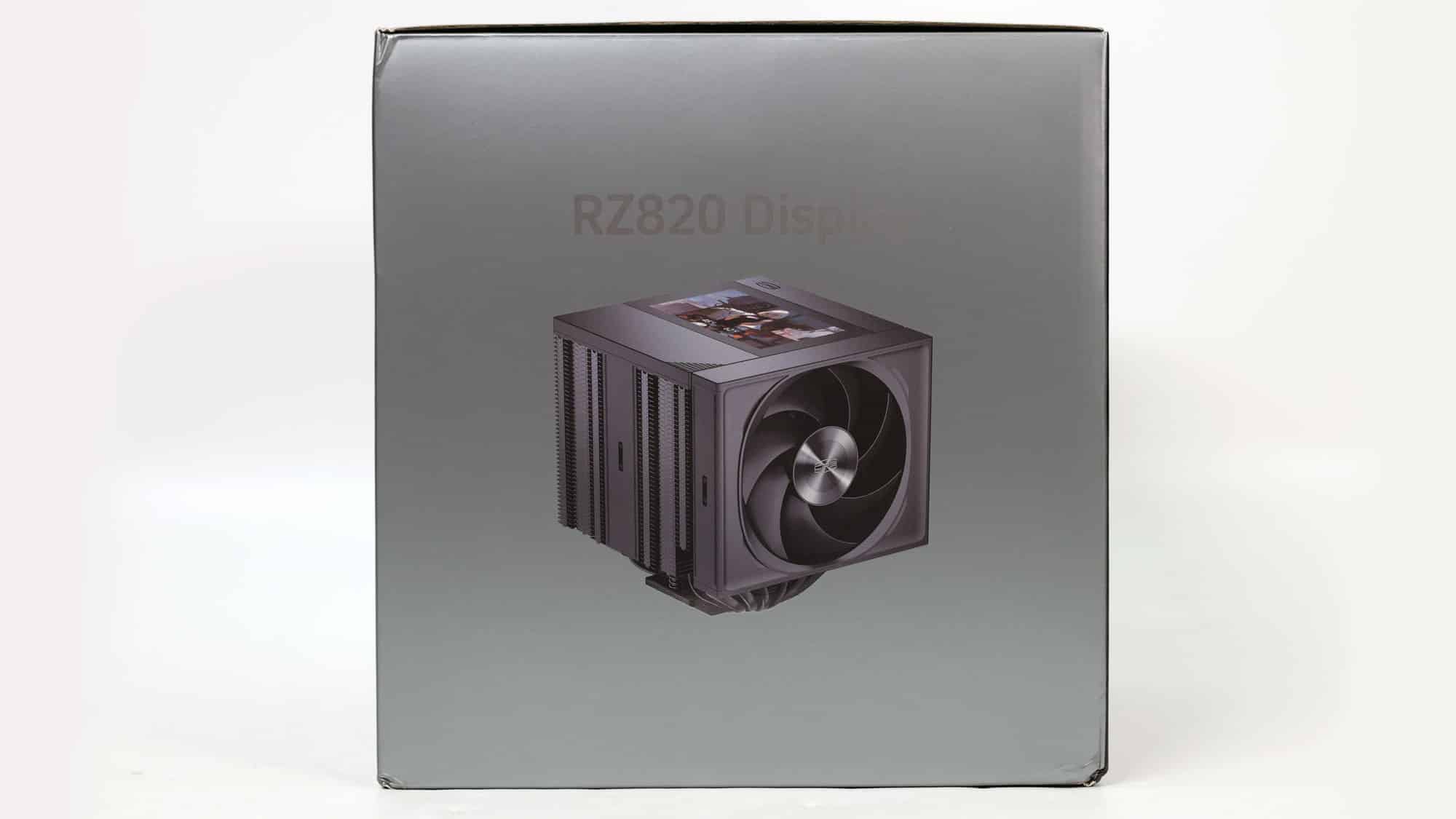
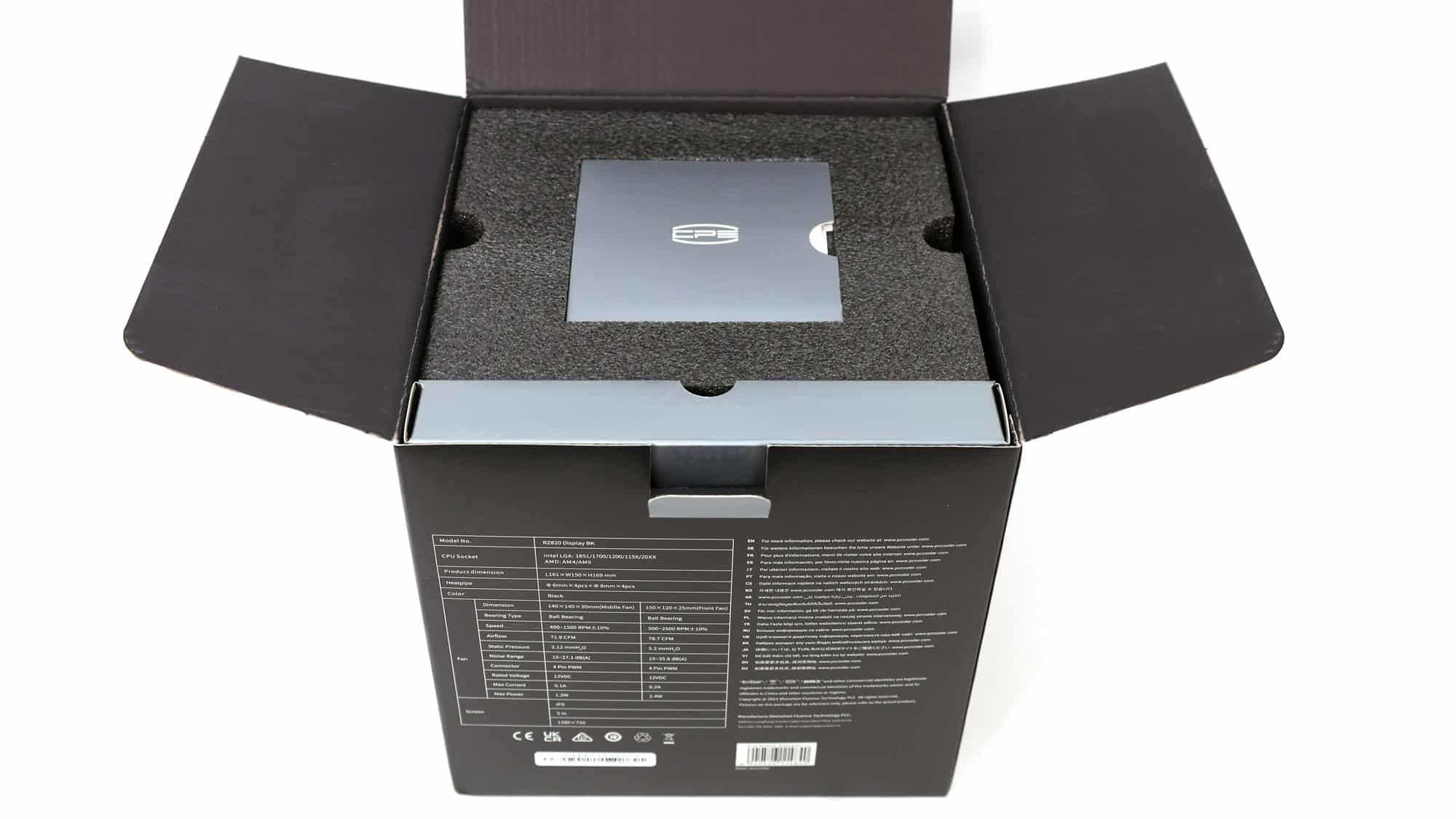
The box is huge, with a photo of the products on its face, with its LCD screen in operation. Around the back, you will find the technical specifications, and inside the box, the cooler is well protected by packing foam.
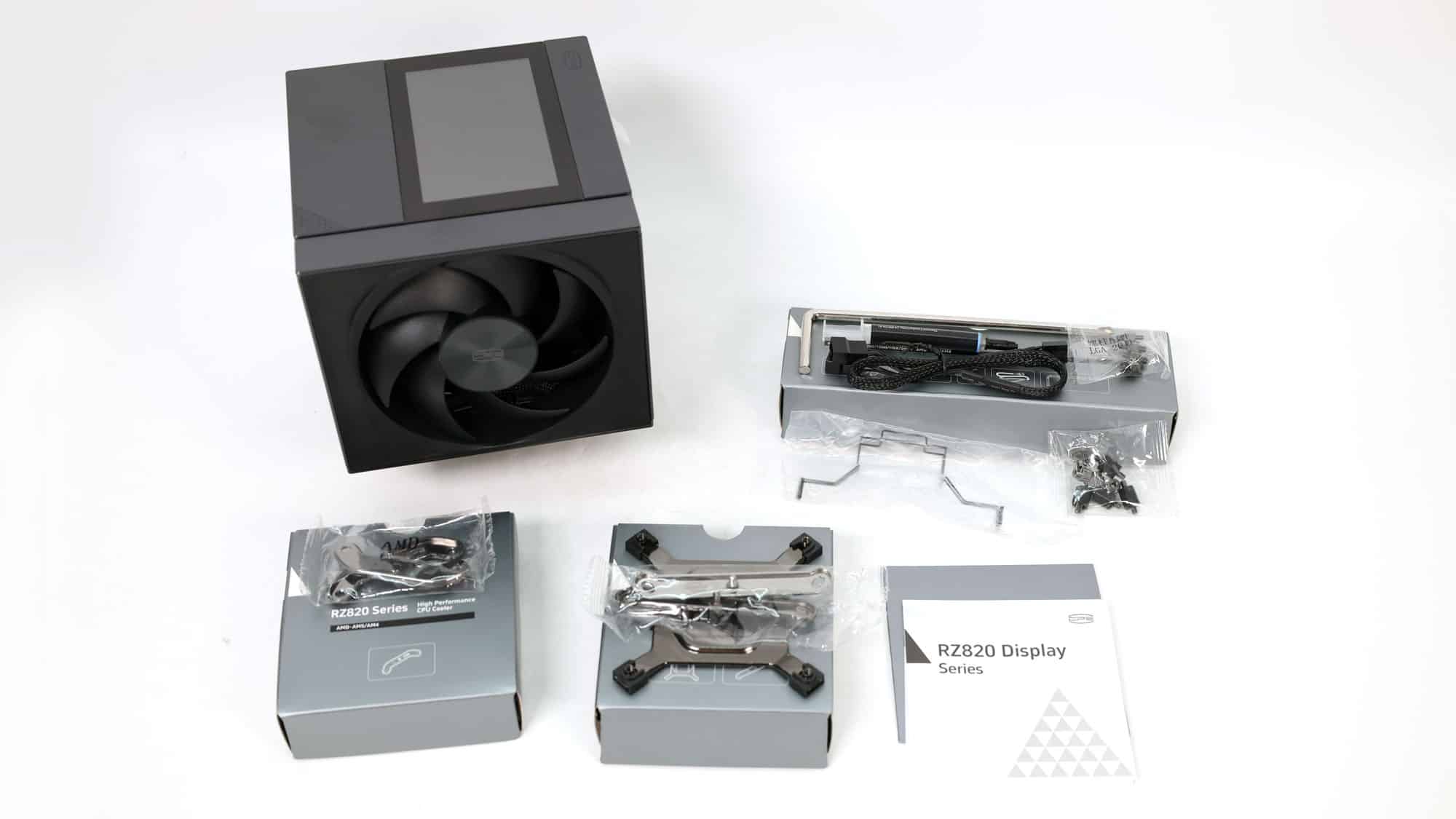
| Bundle Analysis | |
| Part | Quantity |
| Fans | 2 |
| 1 to 2 extension cable | 1 |
| Intel backplate | 1 |
| Intel mounting brackets | 2 |
| AMD mounting brackets | 2 |
| Intel & AMD hand-screw nuts | 4 |
| Intel & AMD hand-screw standoffs | 4 |
| Intel 20xx hand-screw standoffs | 4 |
| Thermal Paste Tube | 1 |
| L-shape Screw Driver | 1 |
The bundle includes all the items mentioned above.
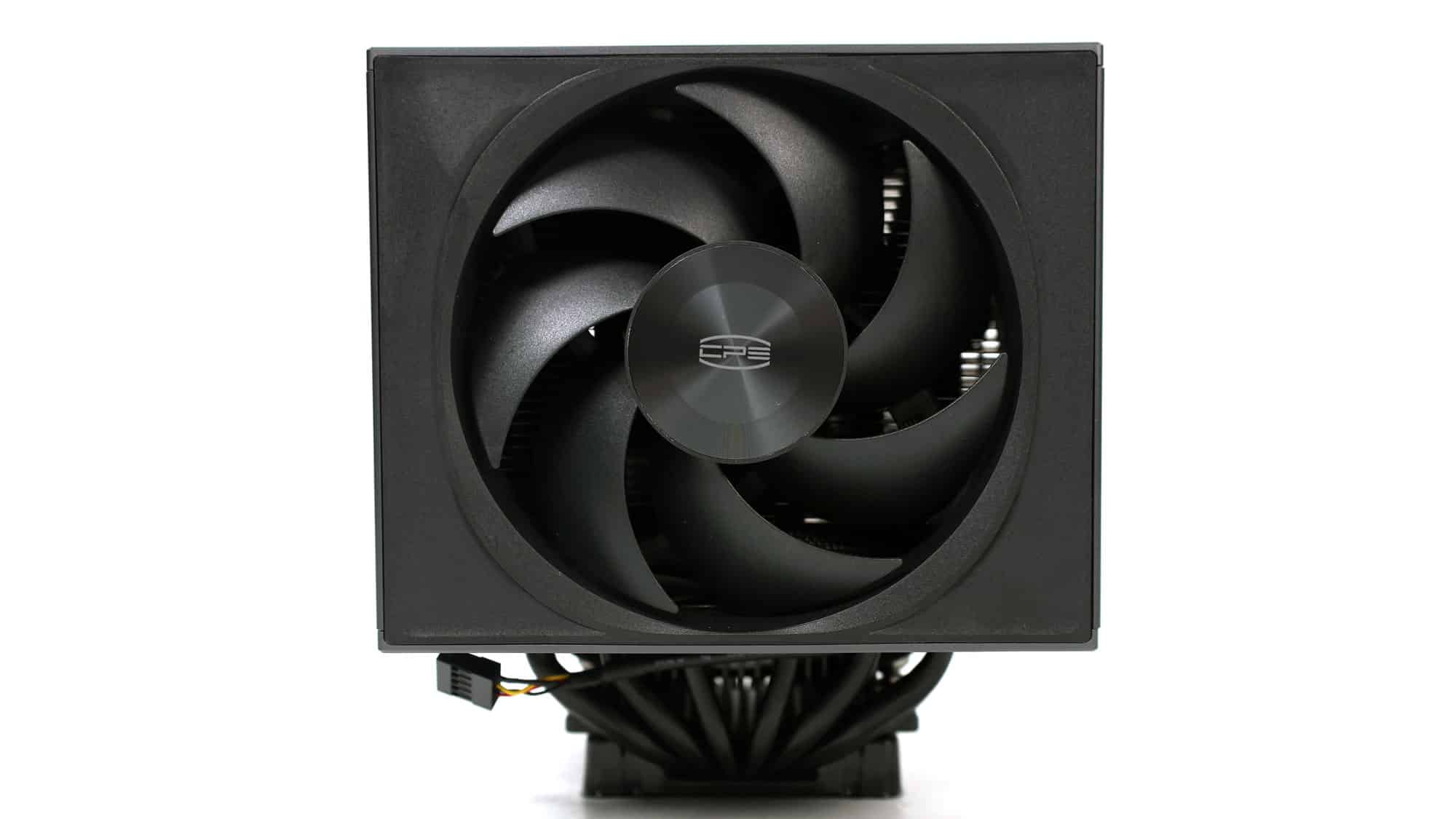
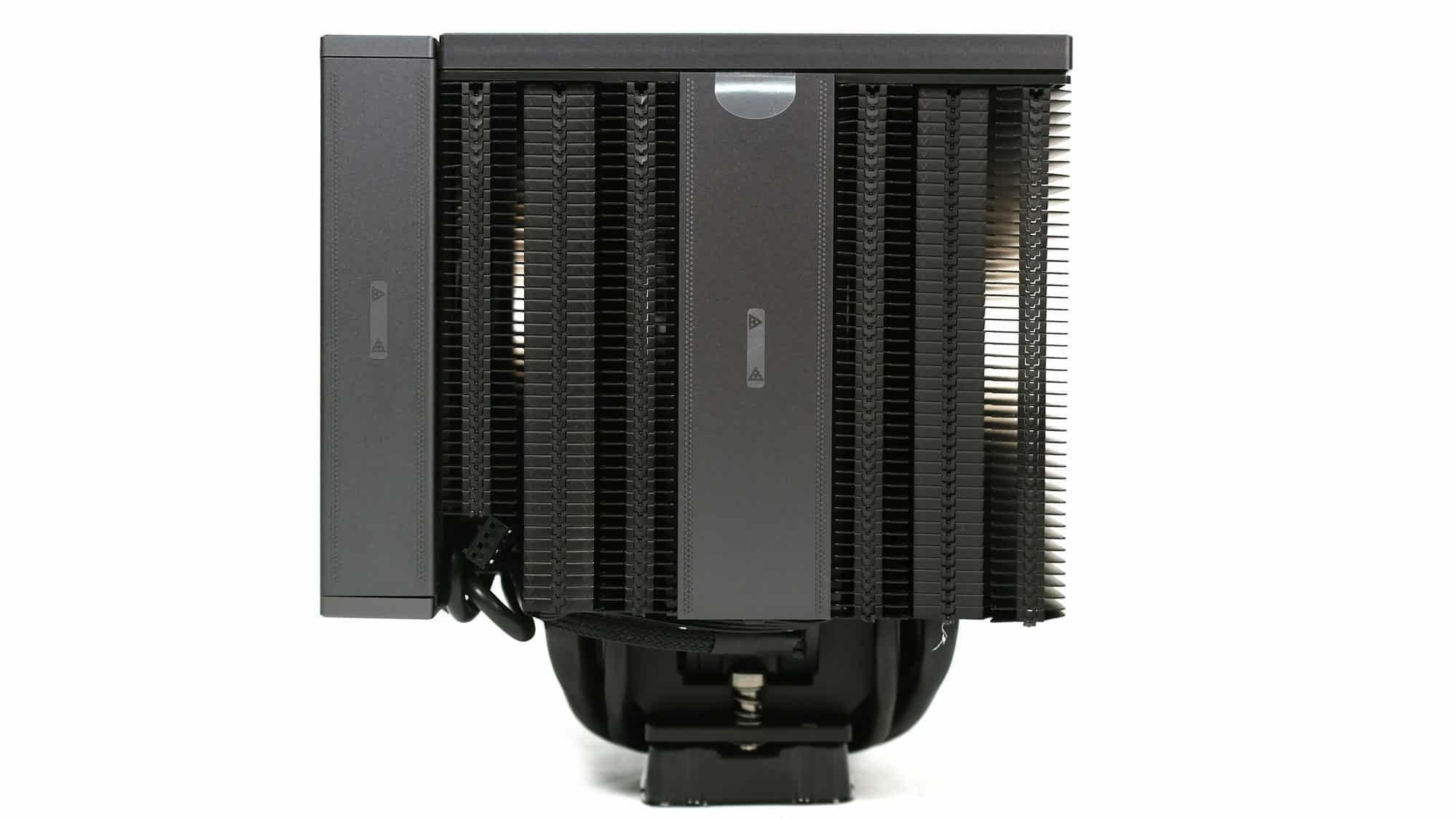
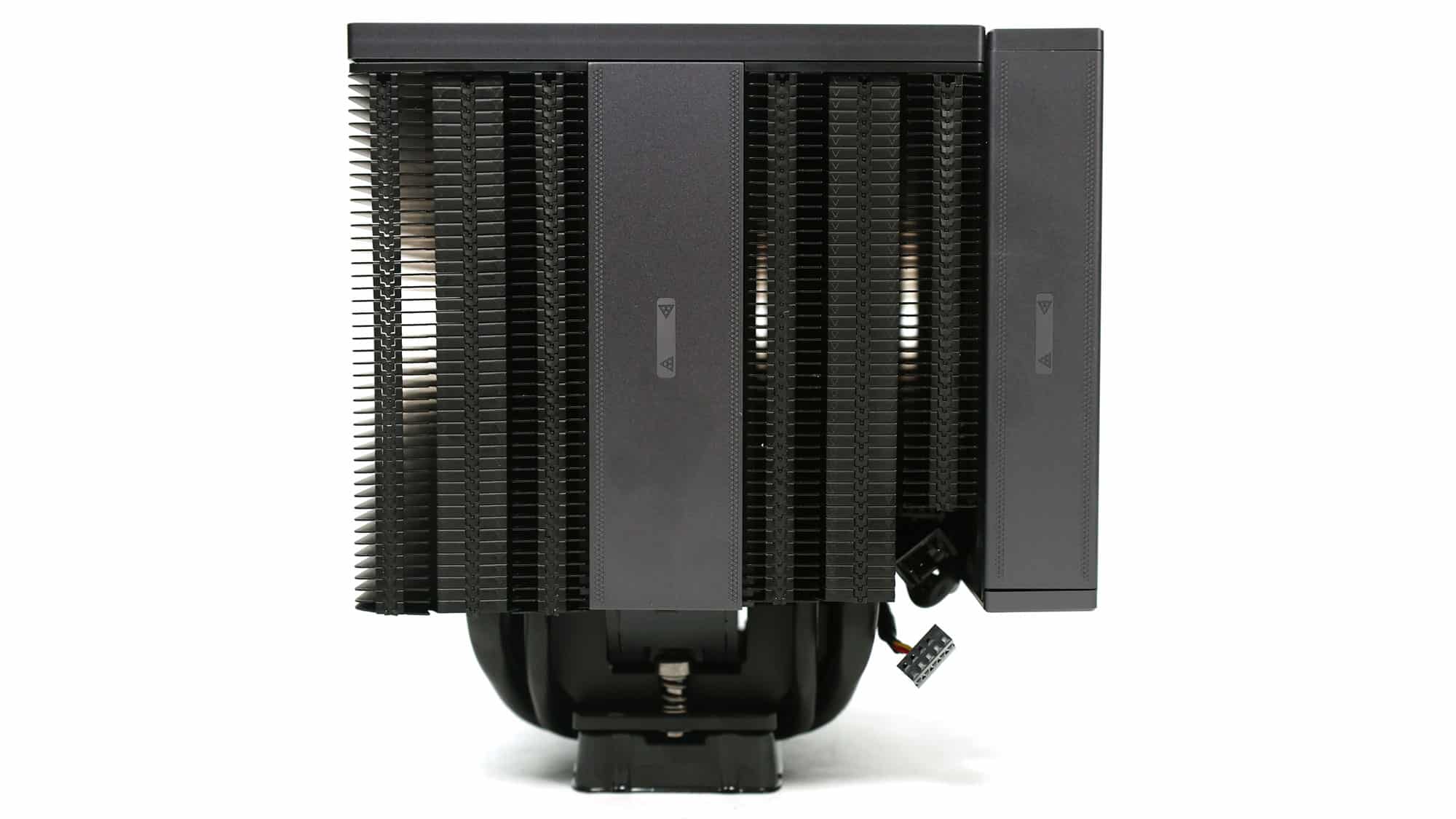
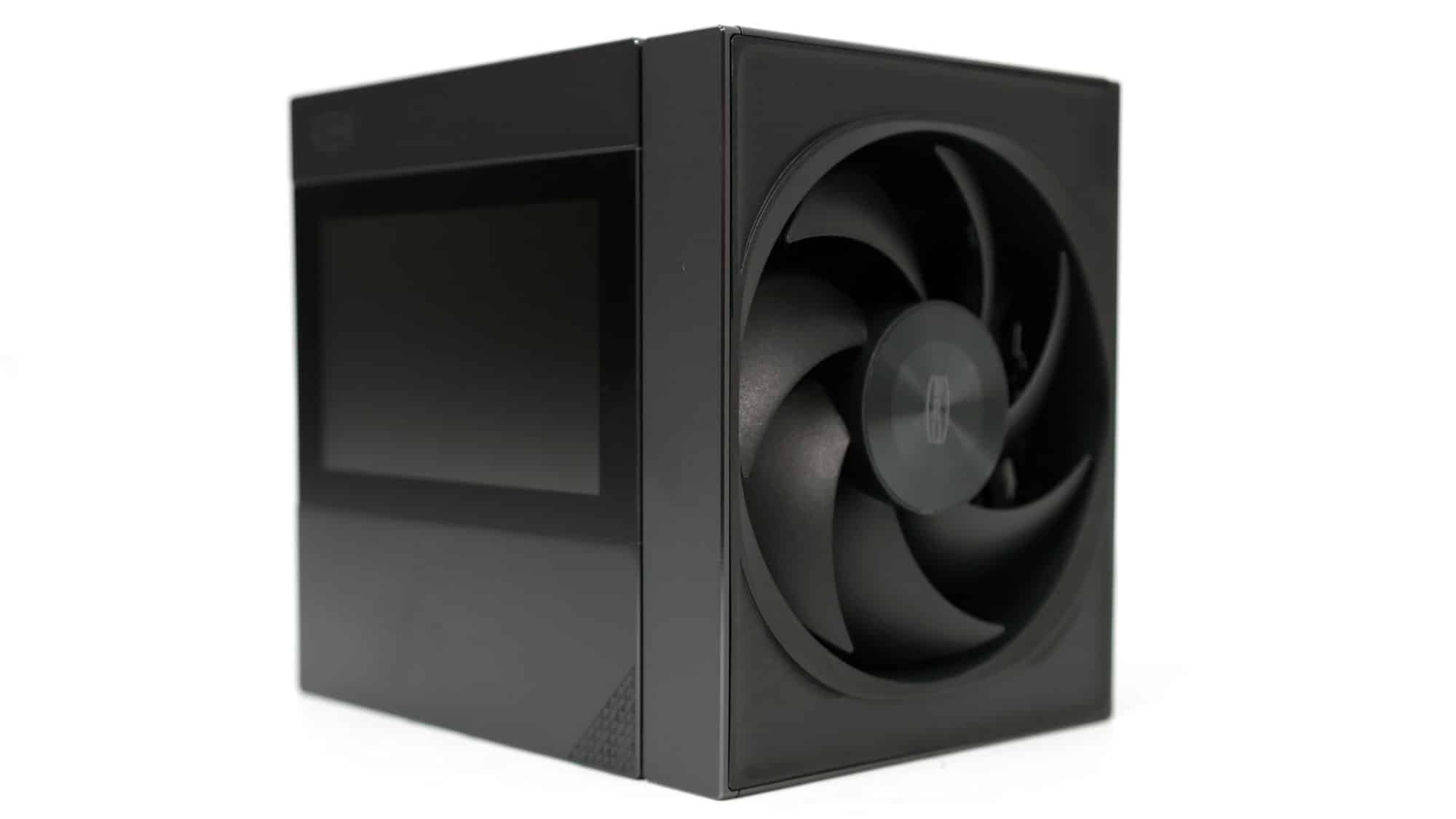
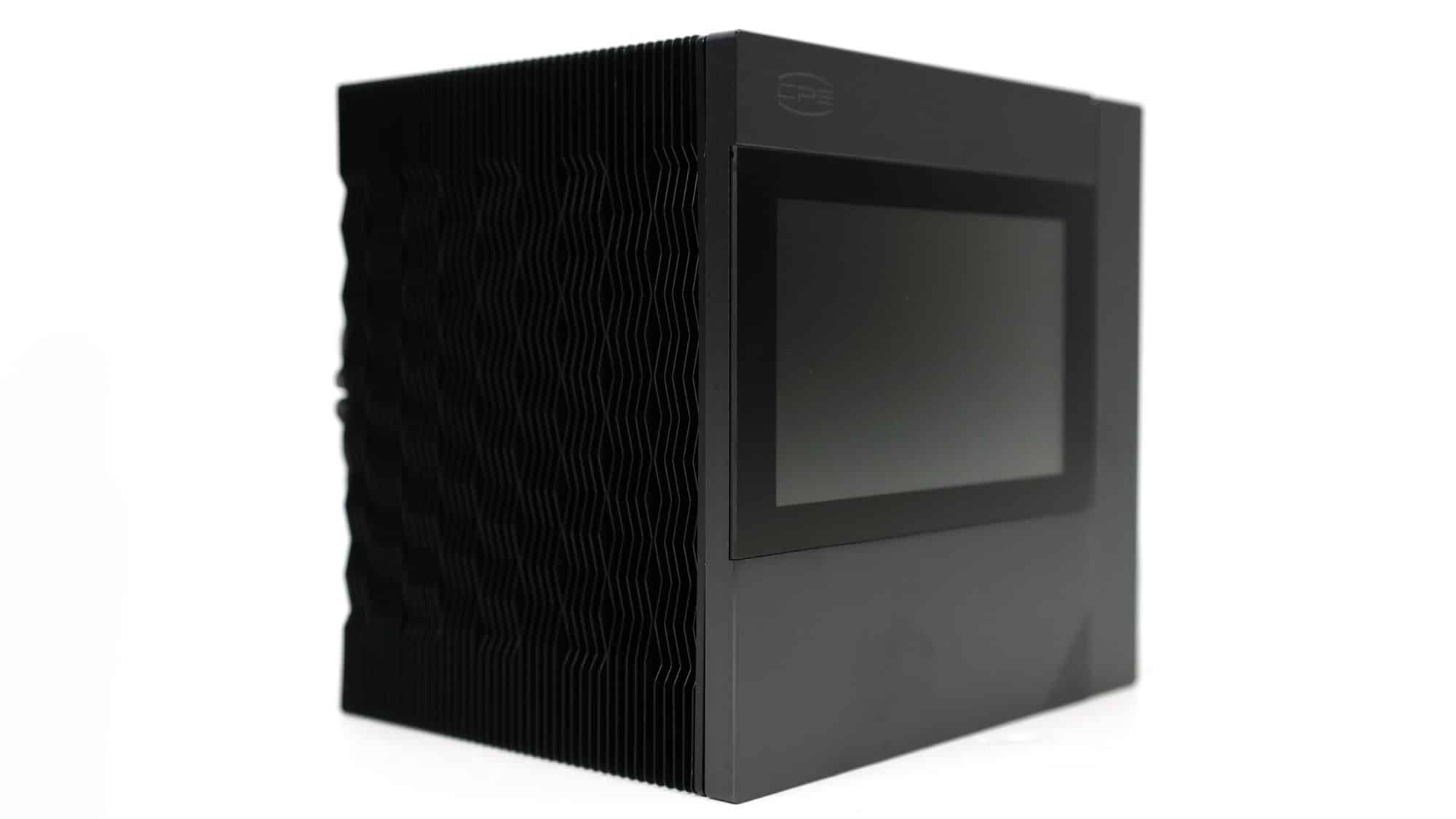
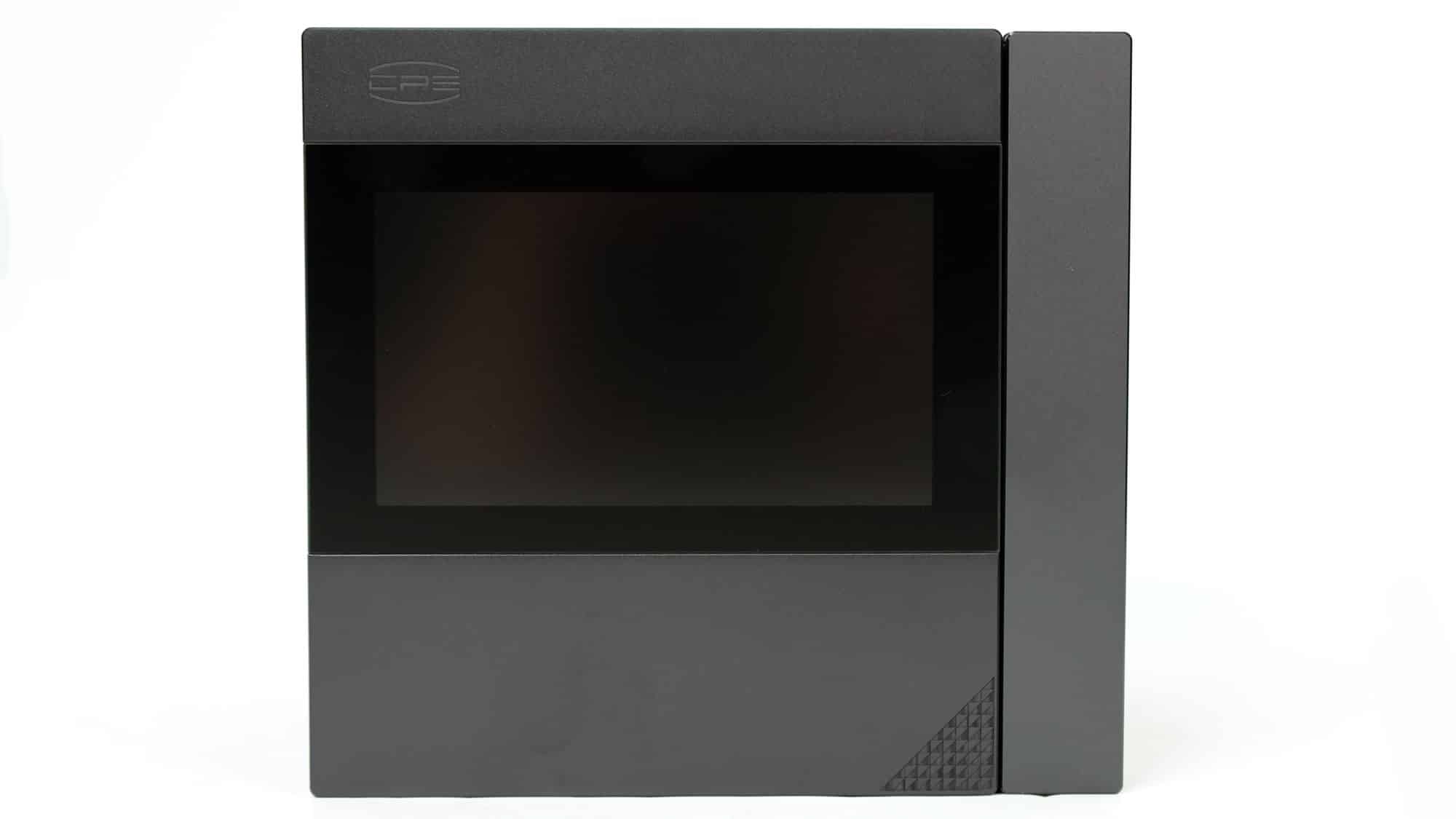
The cooler features a dual-tower design, and it is enormous. It doesn’t use an offset heatpipes layout, but the adjustable height of the front fan helps avoid DDR RAM issues. The screen on the top is quite large.
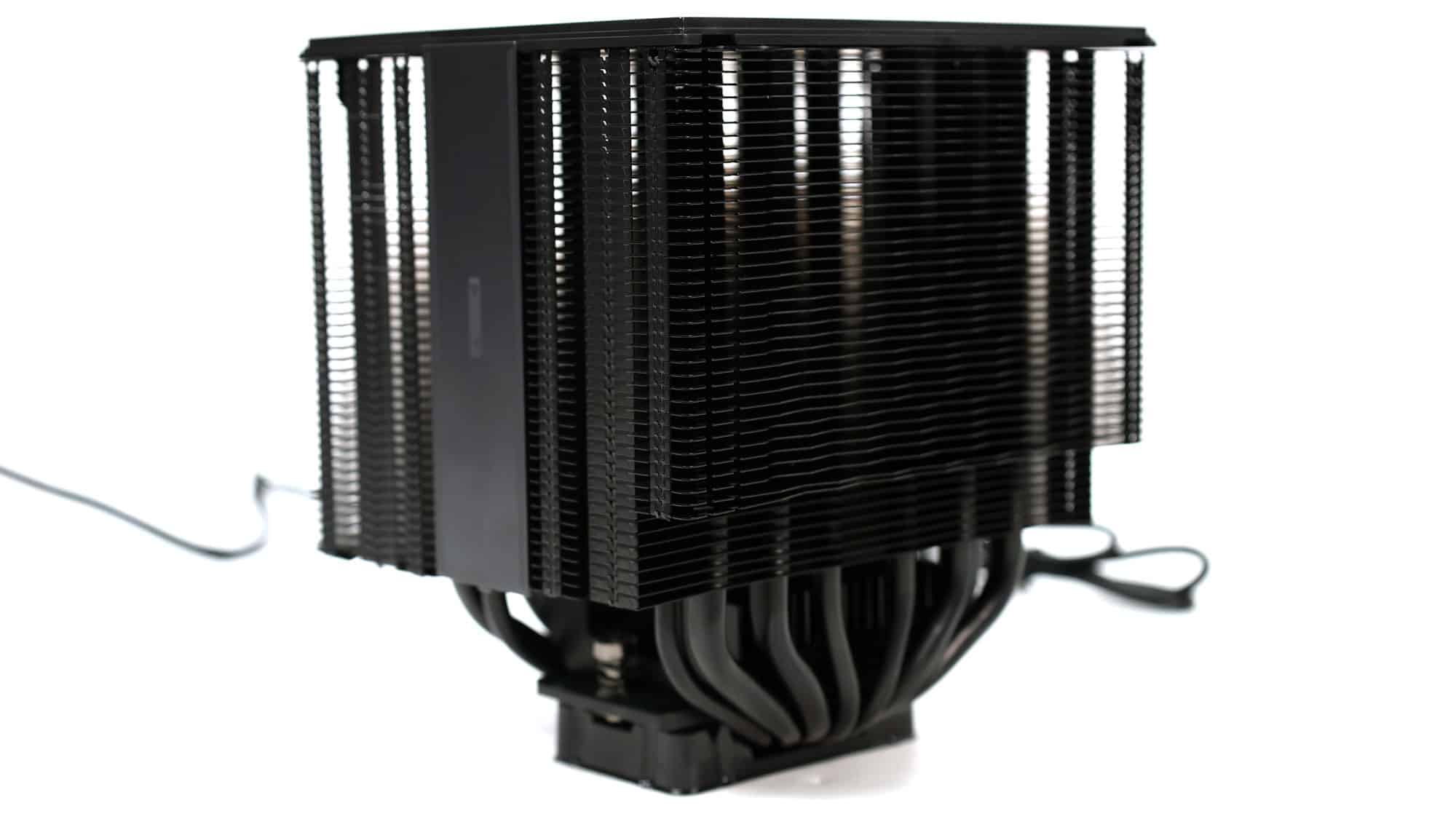
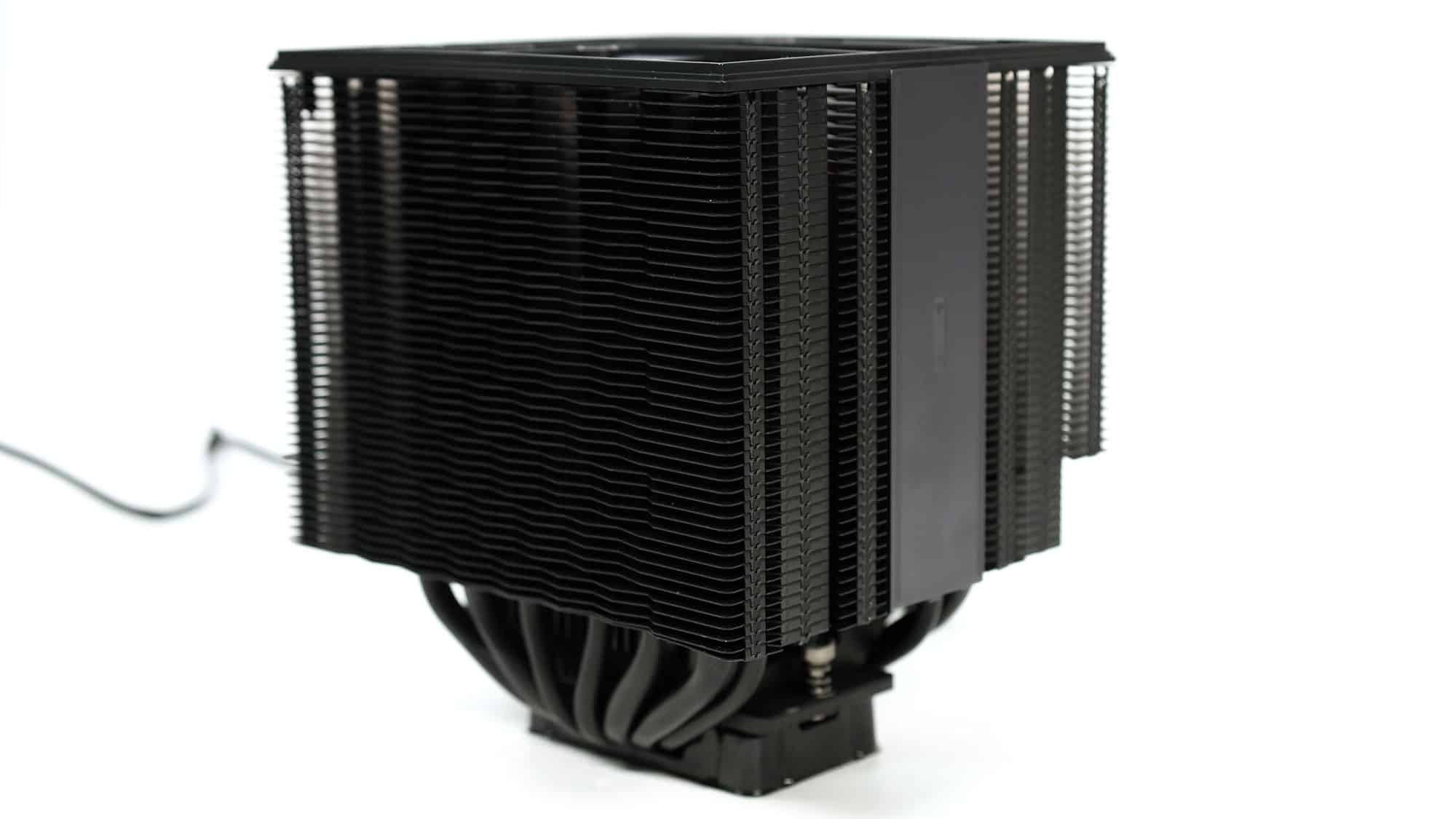
Photos without the front fan installed.
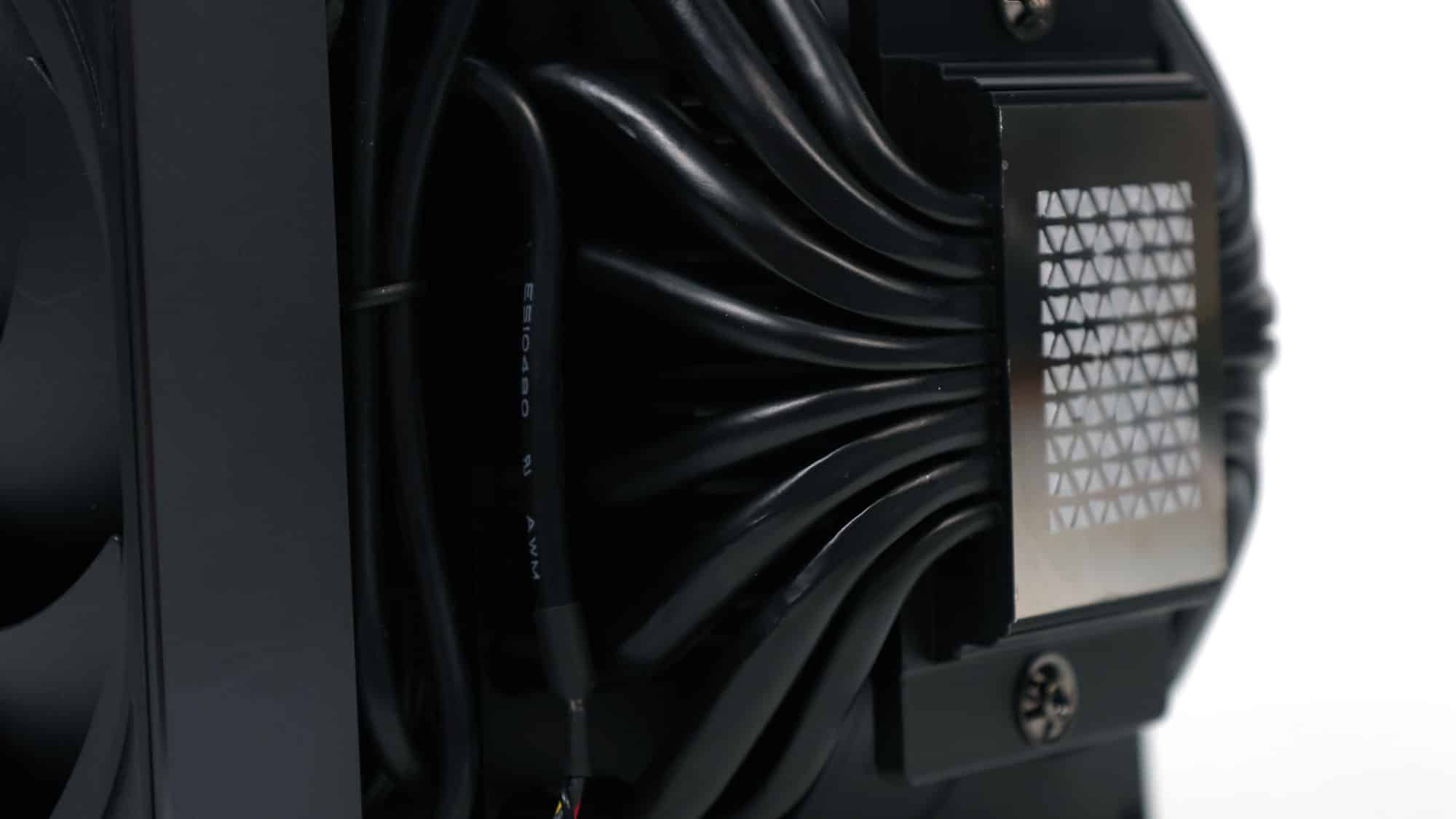
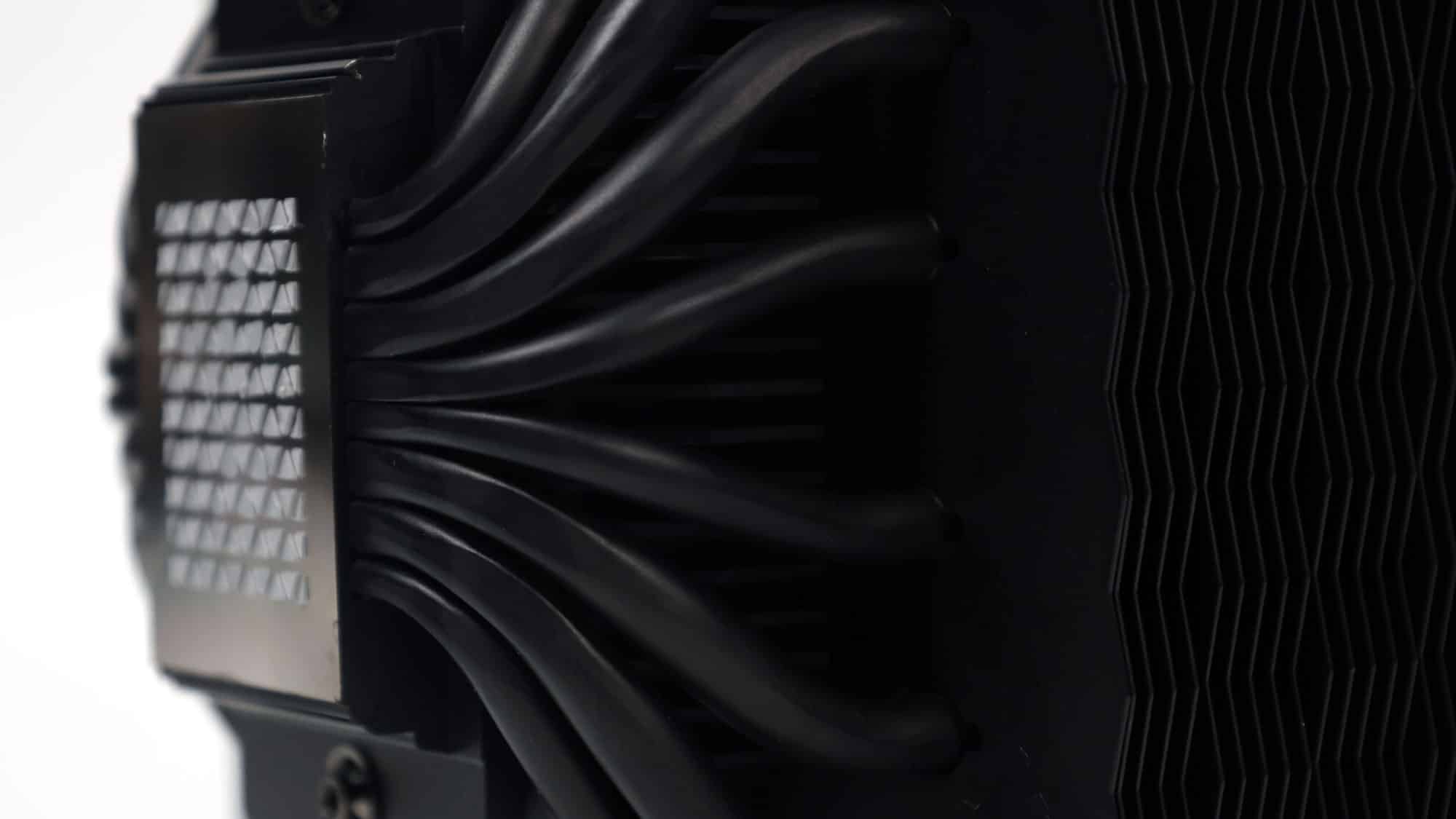
There are eight heat pipes (4×8 mm + 4×6 mm) in a large dual-tower layout. The heatpipes pass through the cooler’s base, which comes with pre-applied thermal paste.
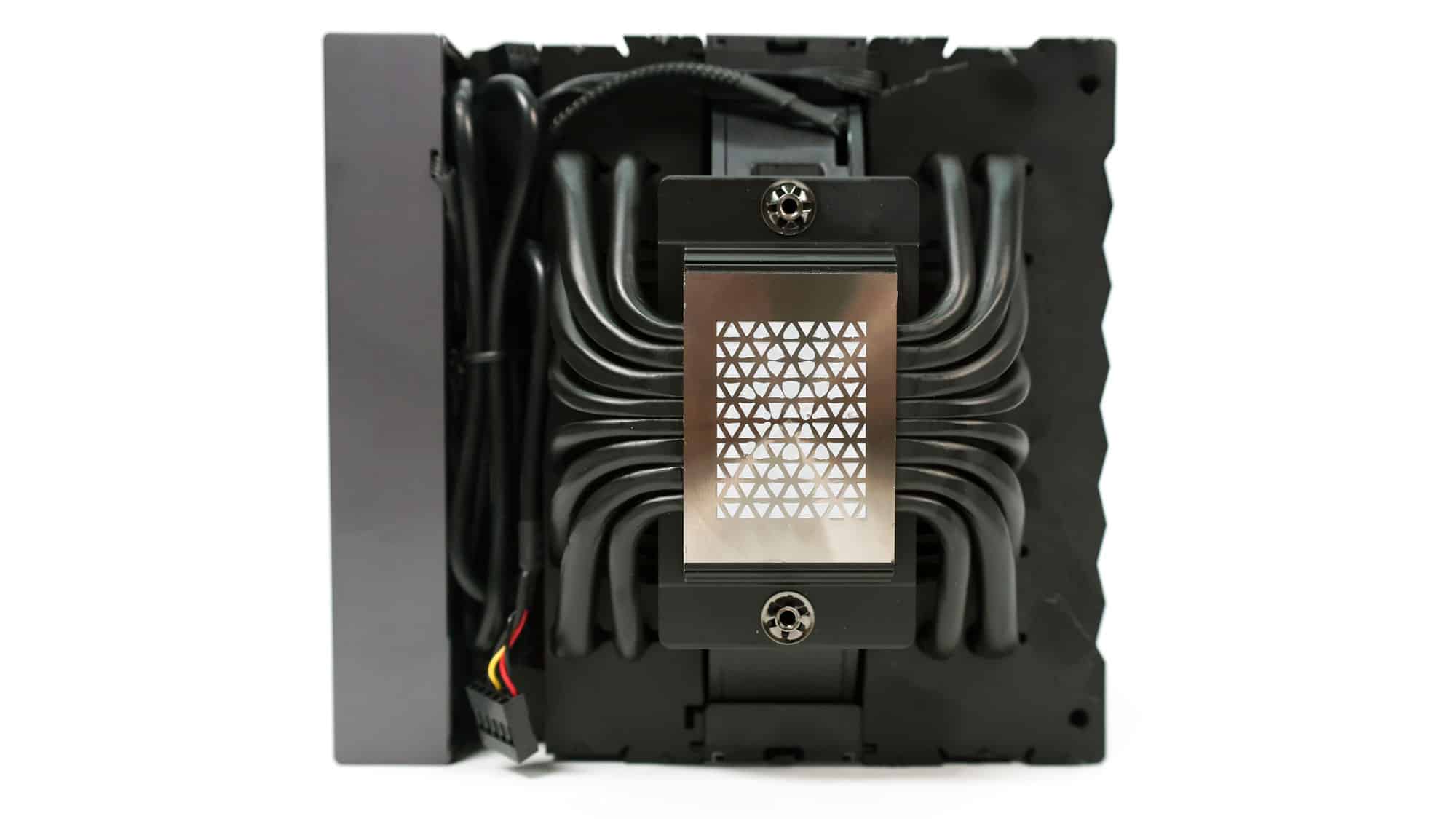
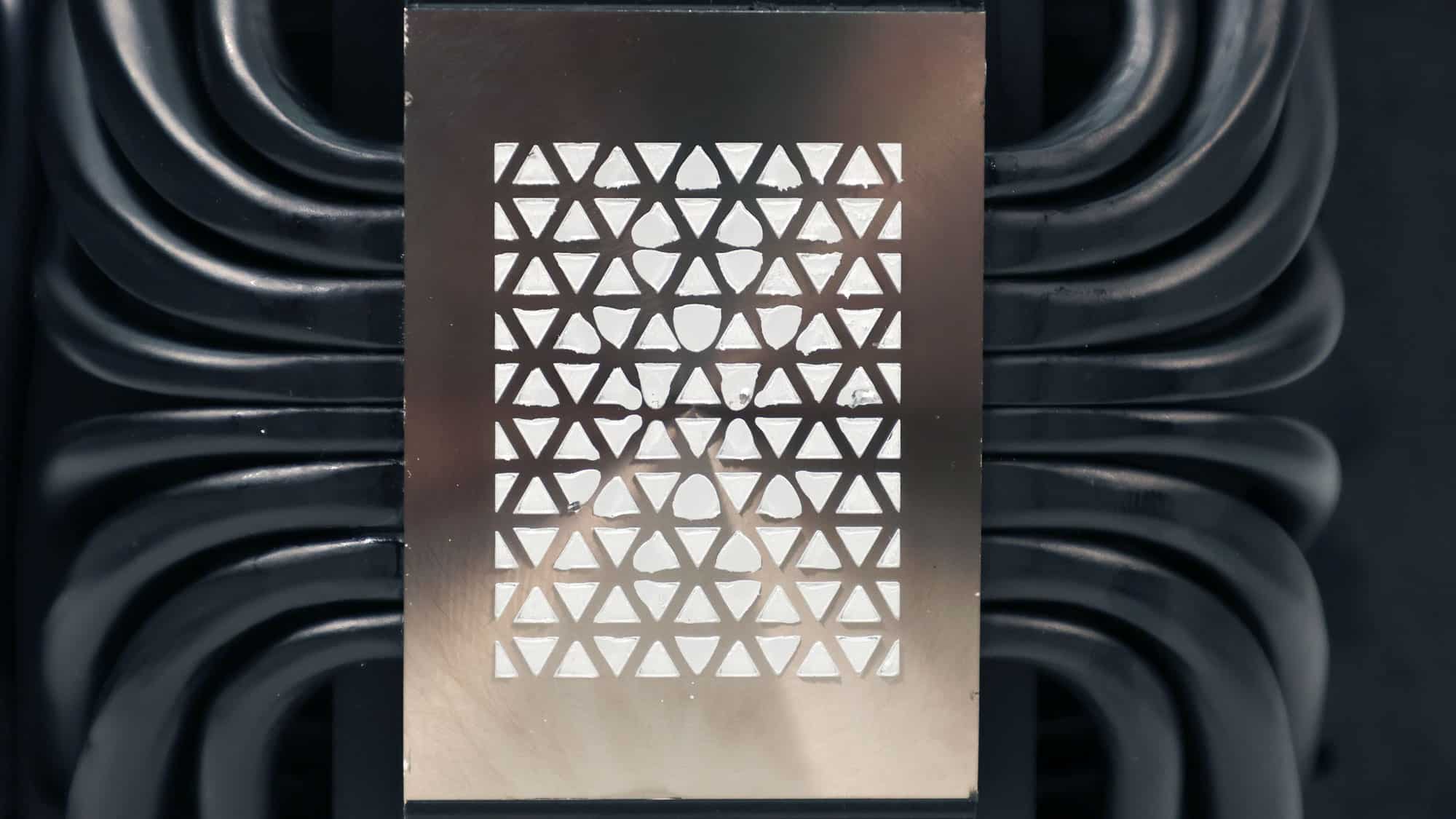
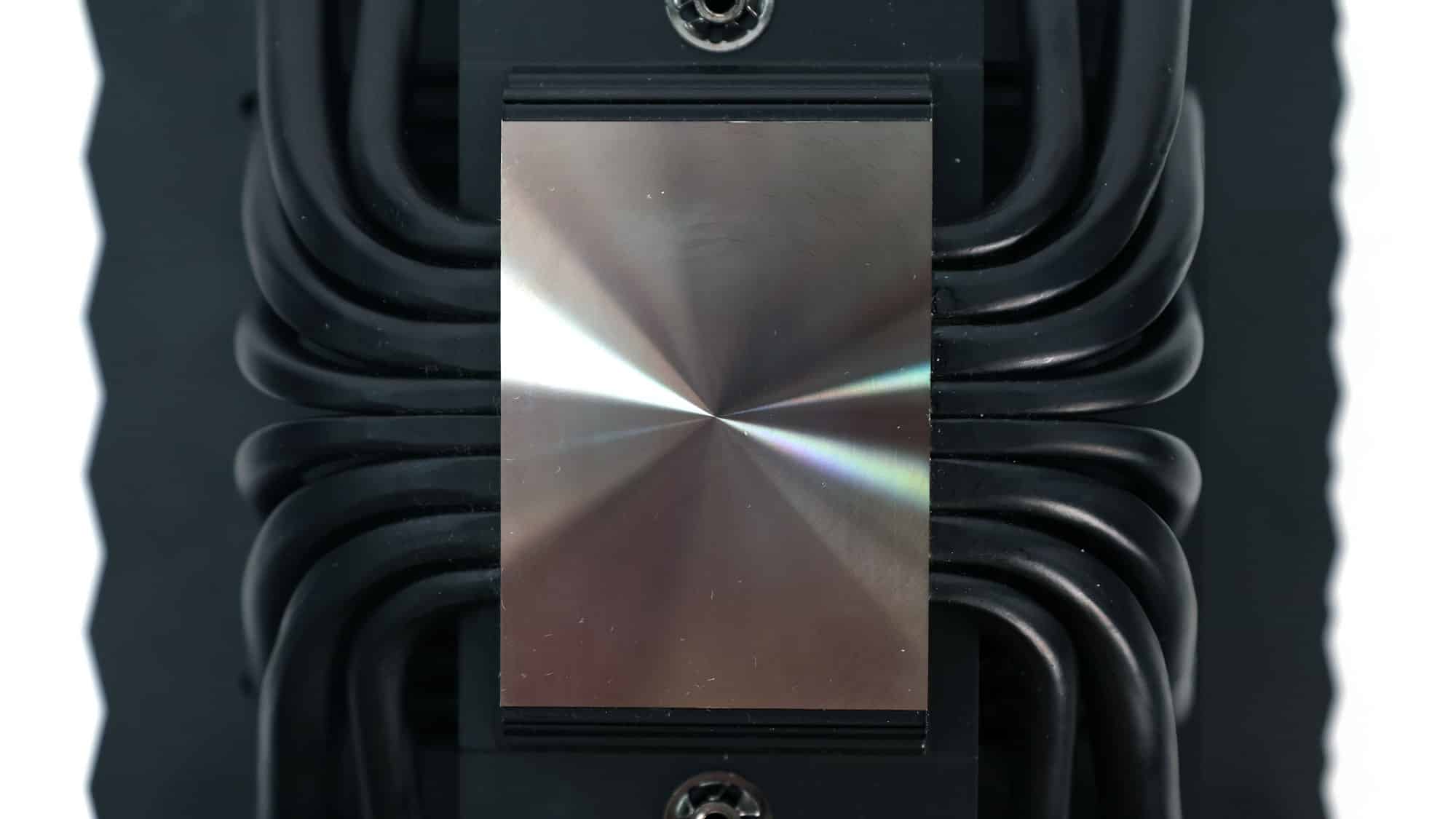
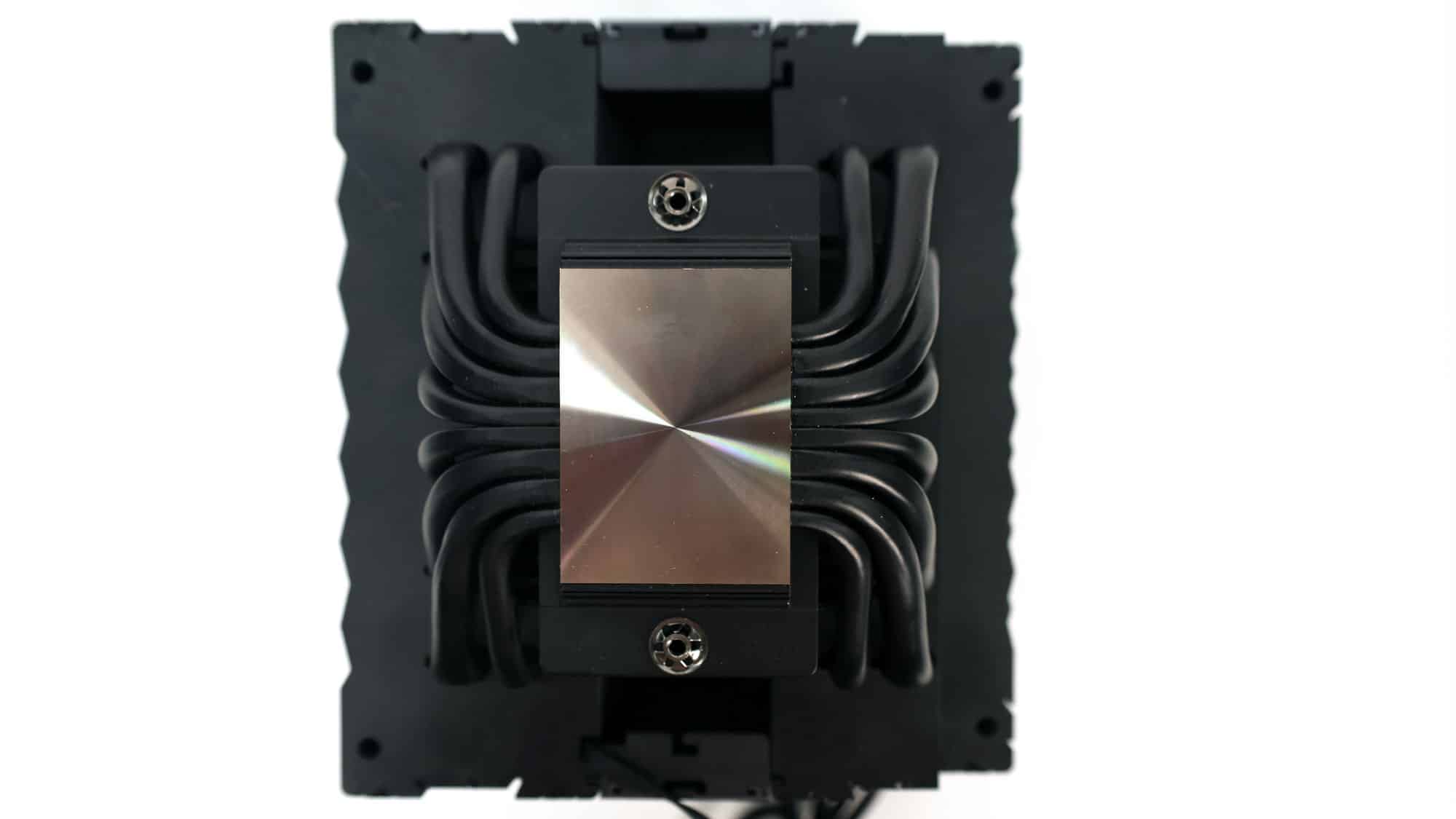
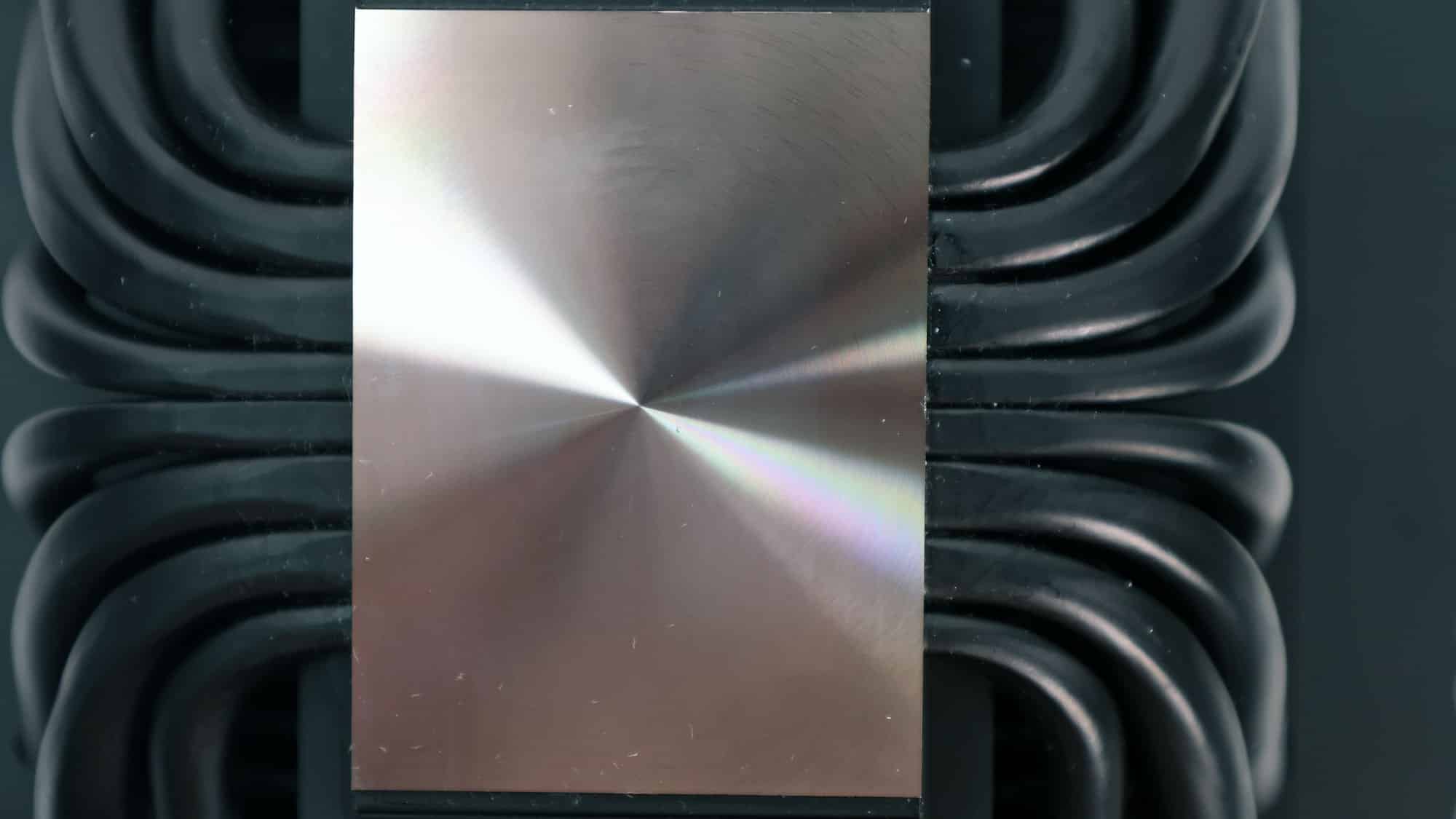
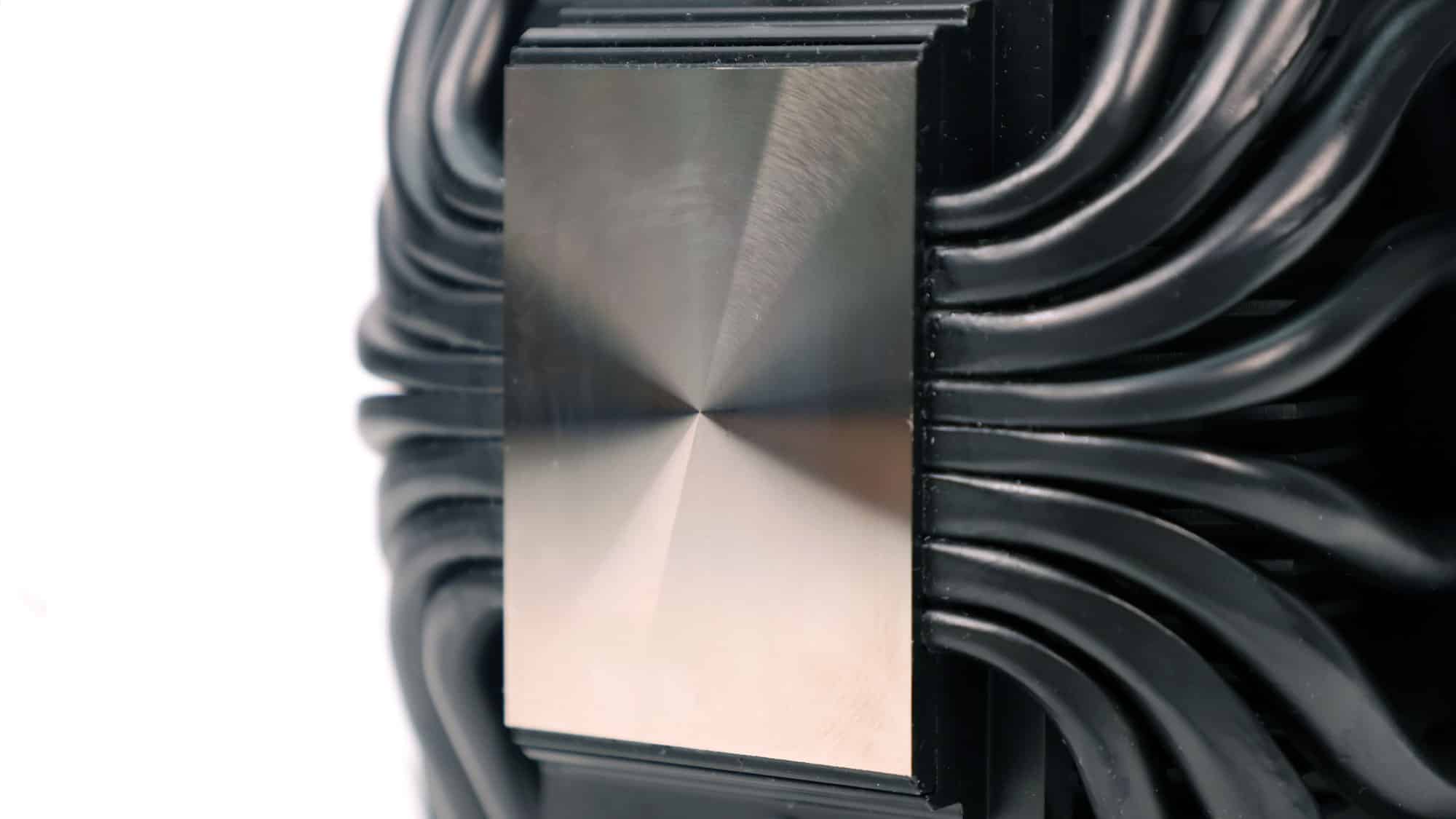
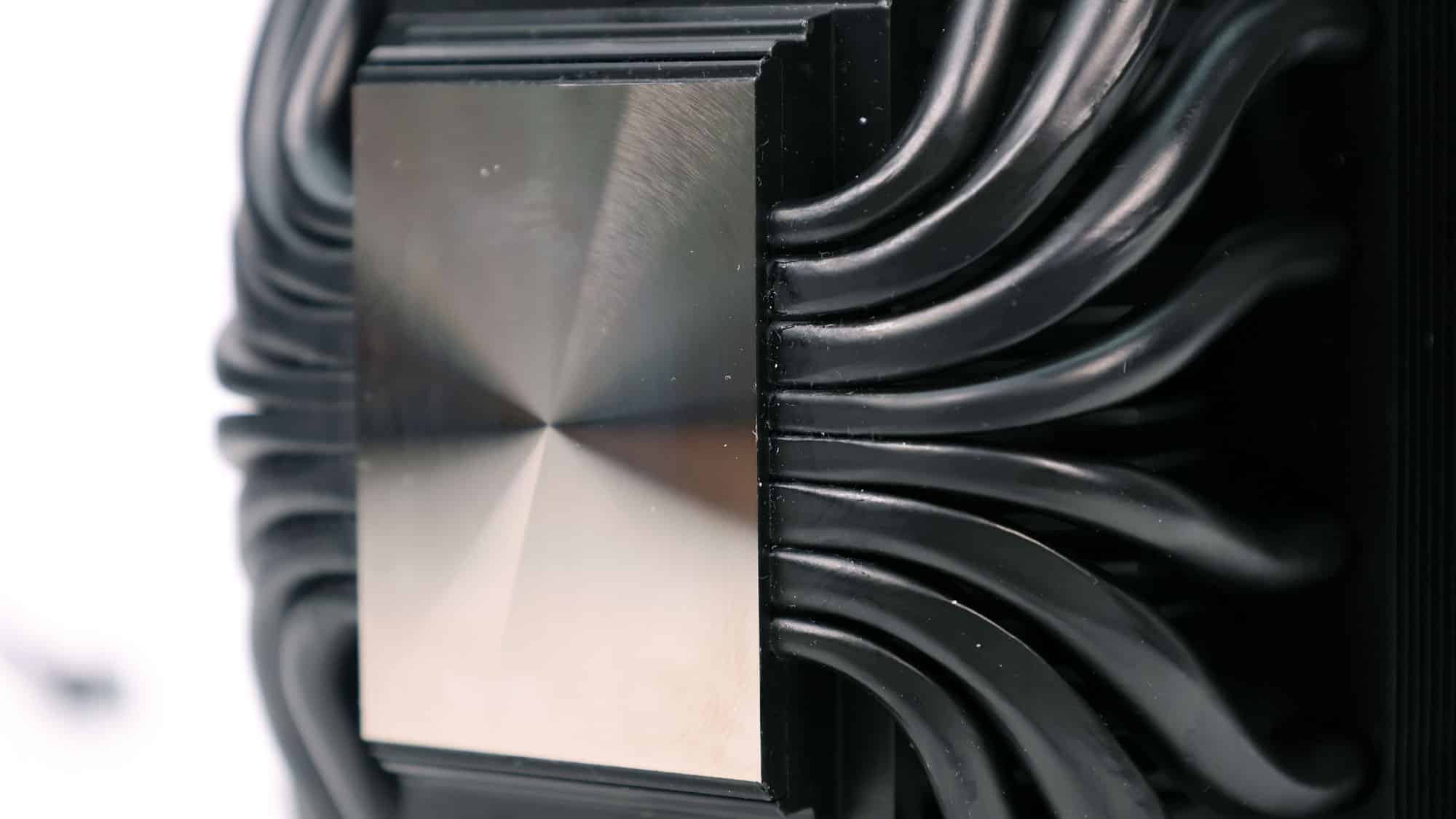
I will remove the pre-applied thermal paste since I use the same for all cooling evaluations (Arctic MX-4). The cooler’s base is convex, so it is more suitable for Intel processors, which have slightly concave IHS, but not with AMD AM5 CPUs, which also have a slightly convex IHS and a very strong heat spreader that does not flex.
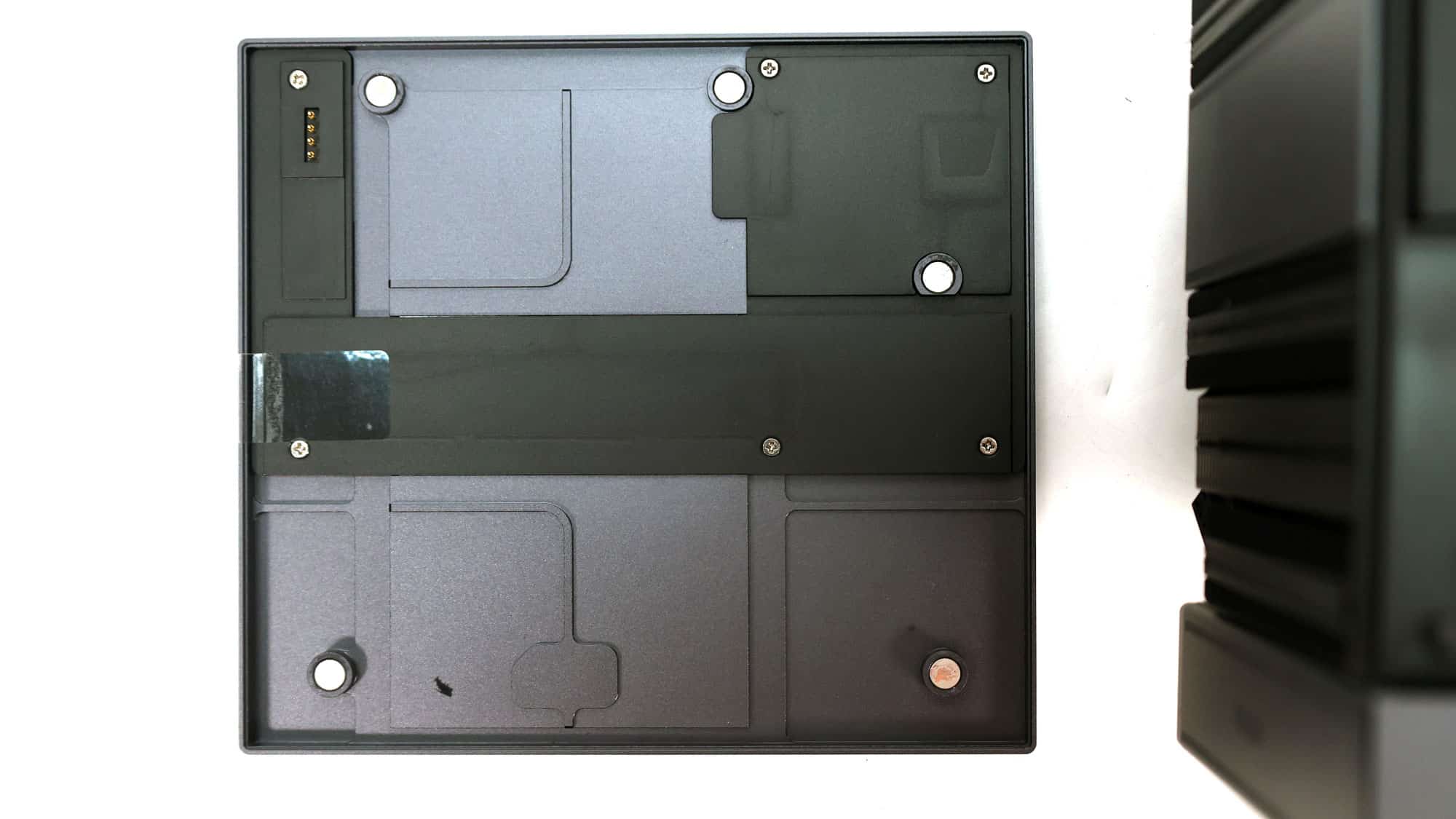
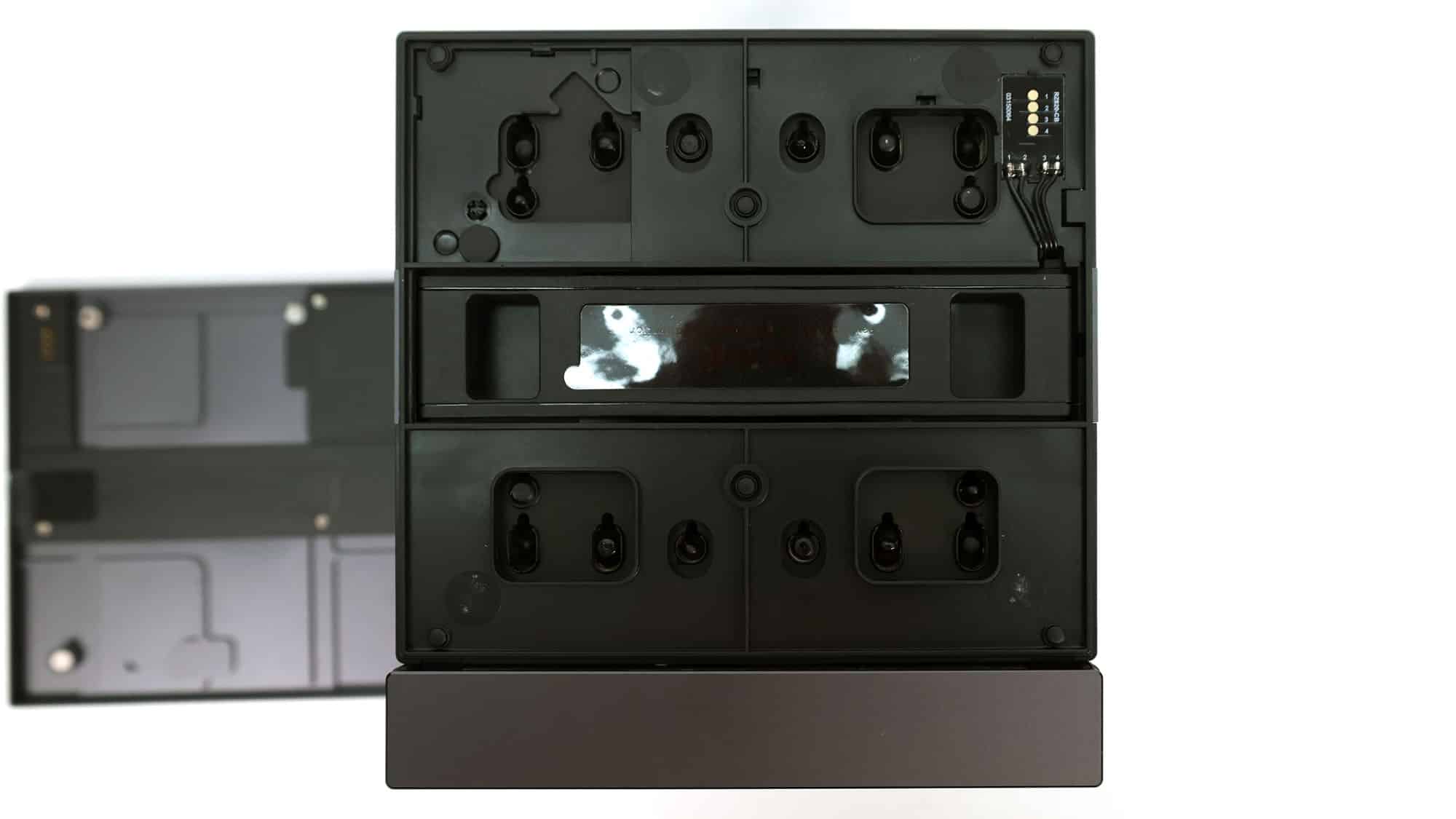
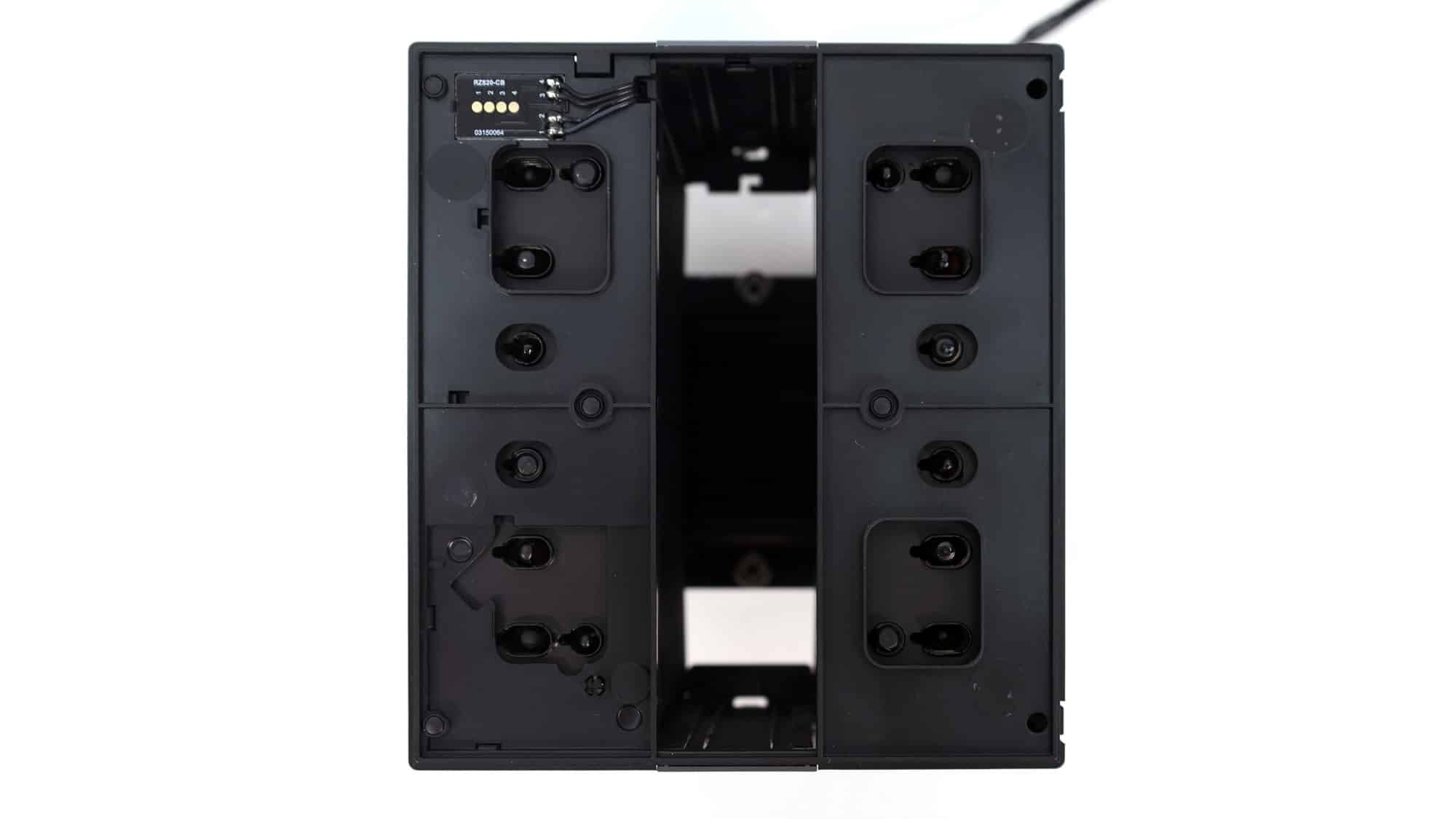
The display can be easily removed because it is held in place by magnets. This is convenient, since you have to remove it to access the middle fan, which also has to be removed to access the cooler’s base springs and screws.
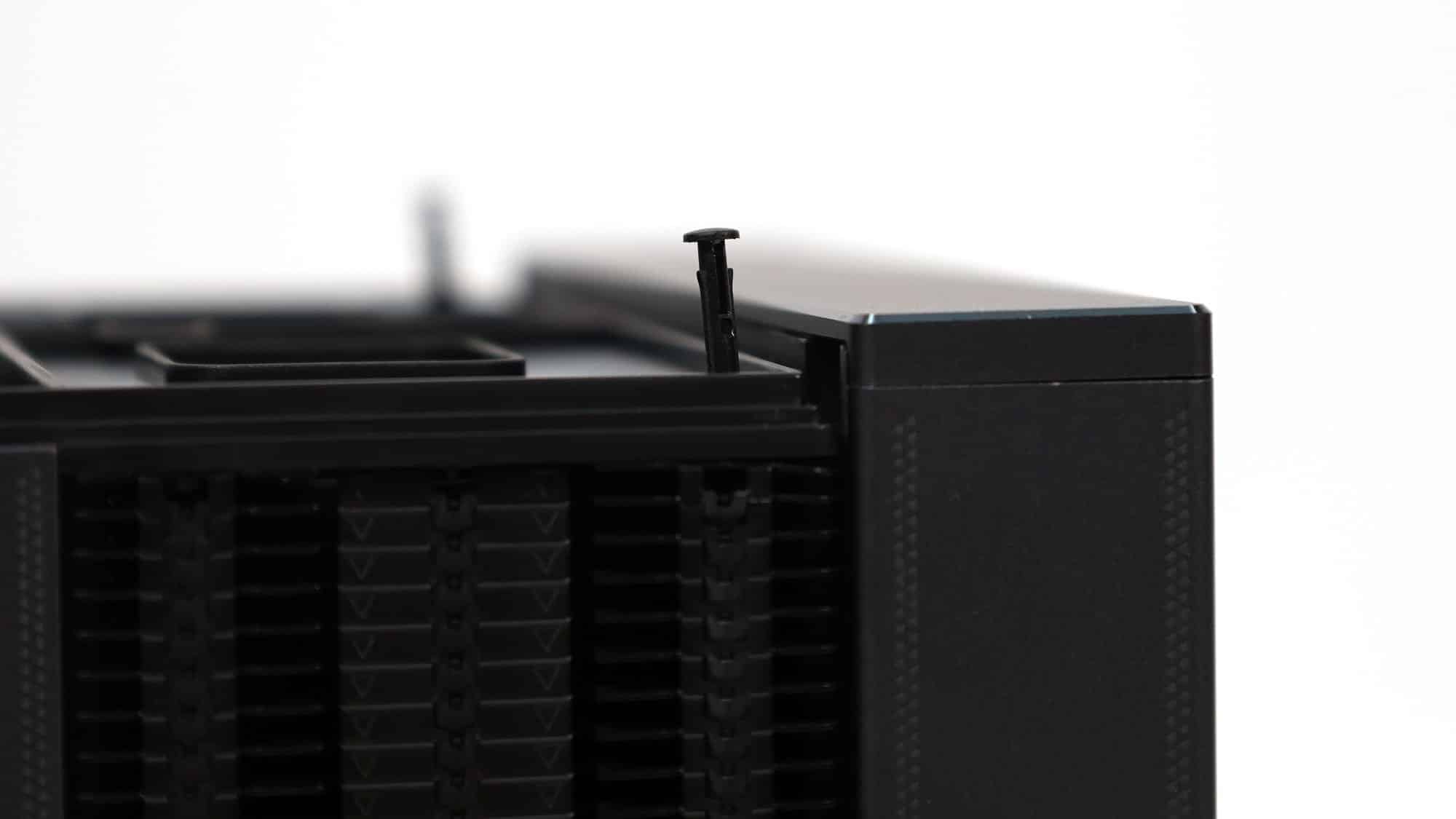
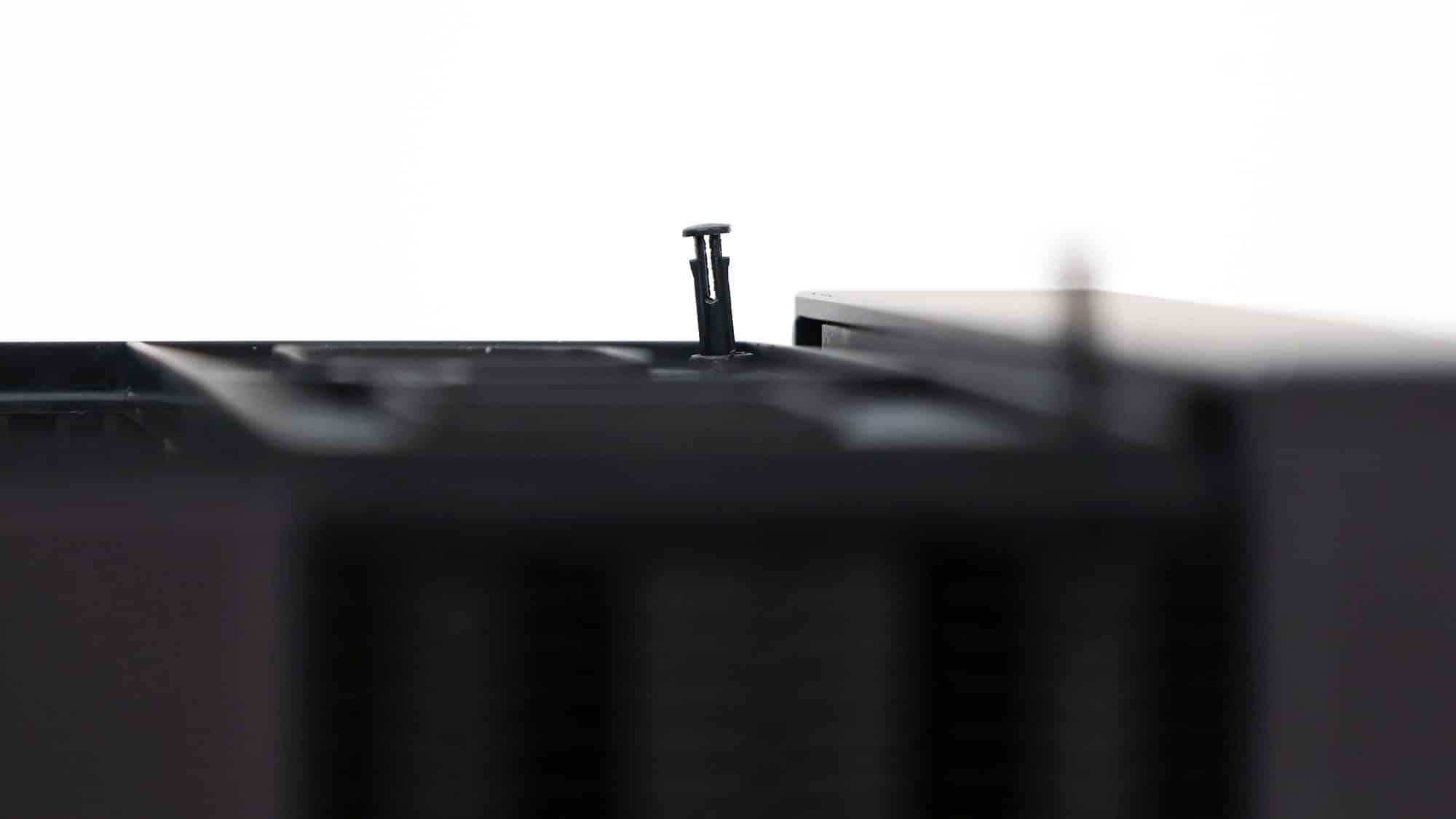
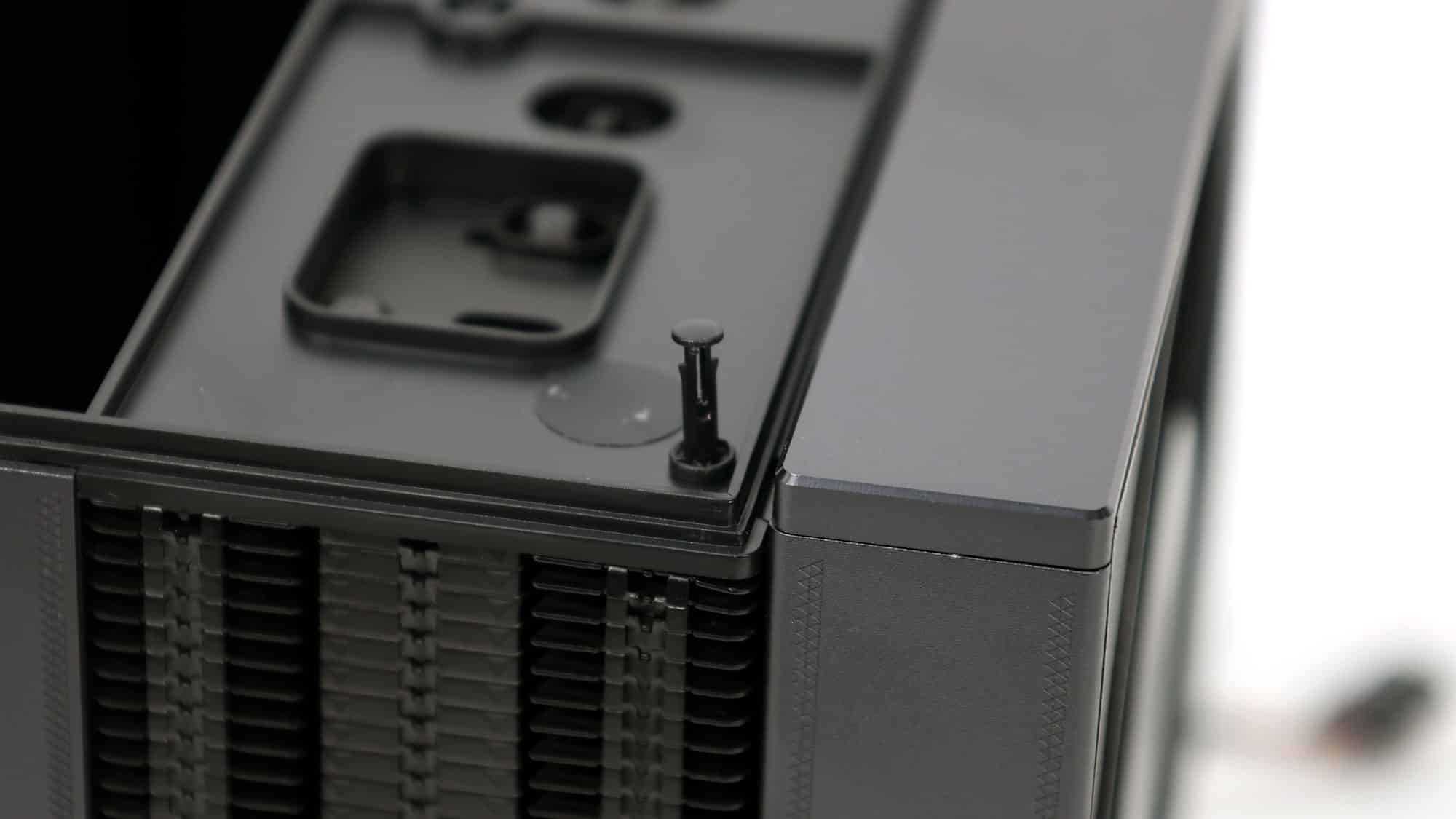
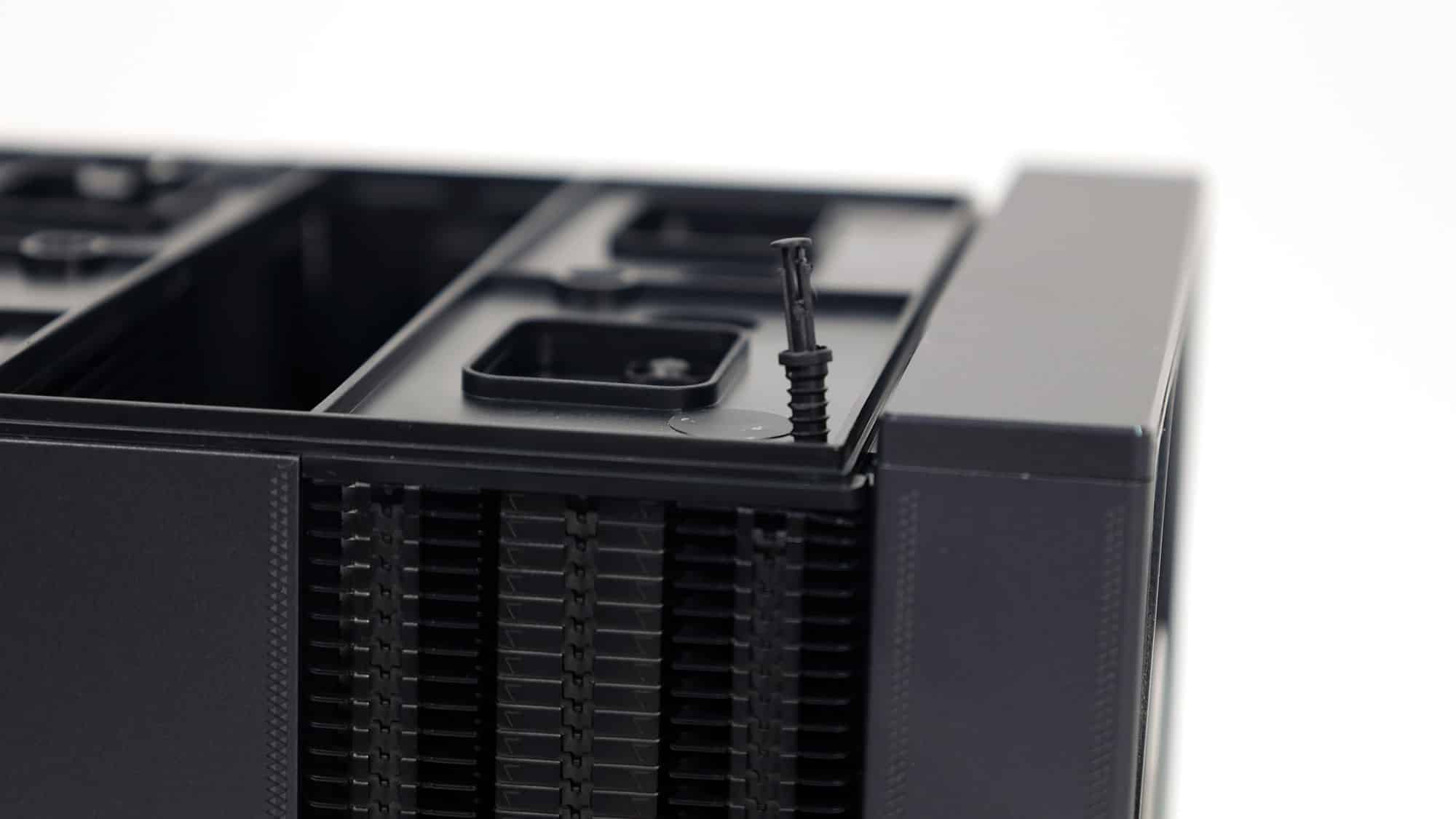
You can even remove the display’s base should you want.
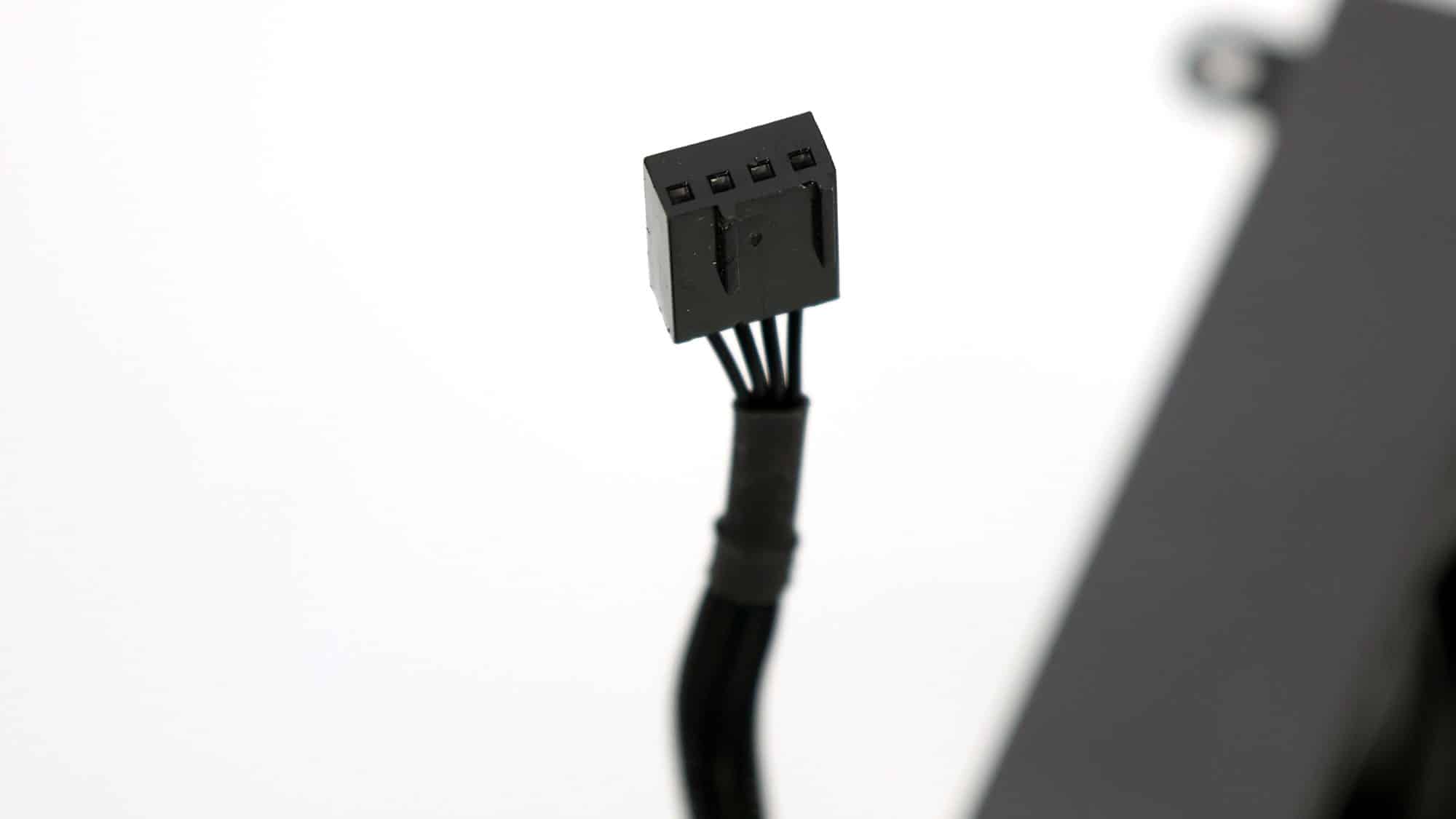
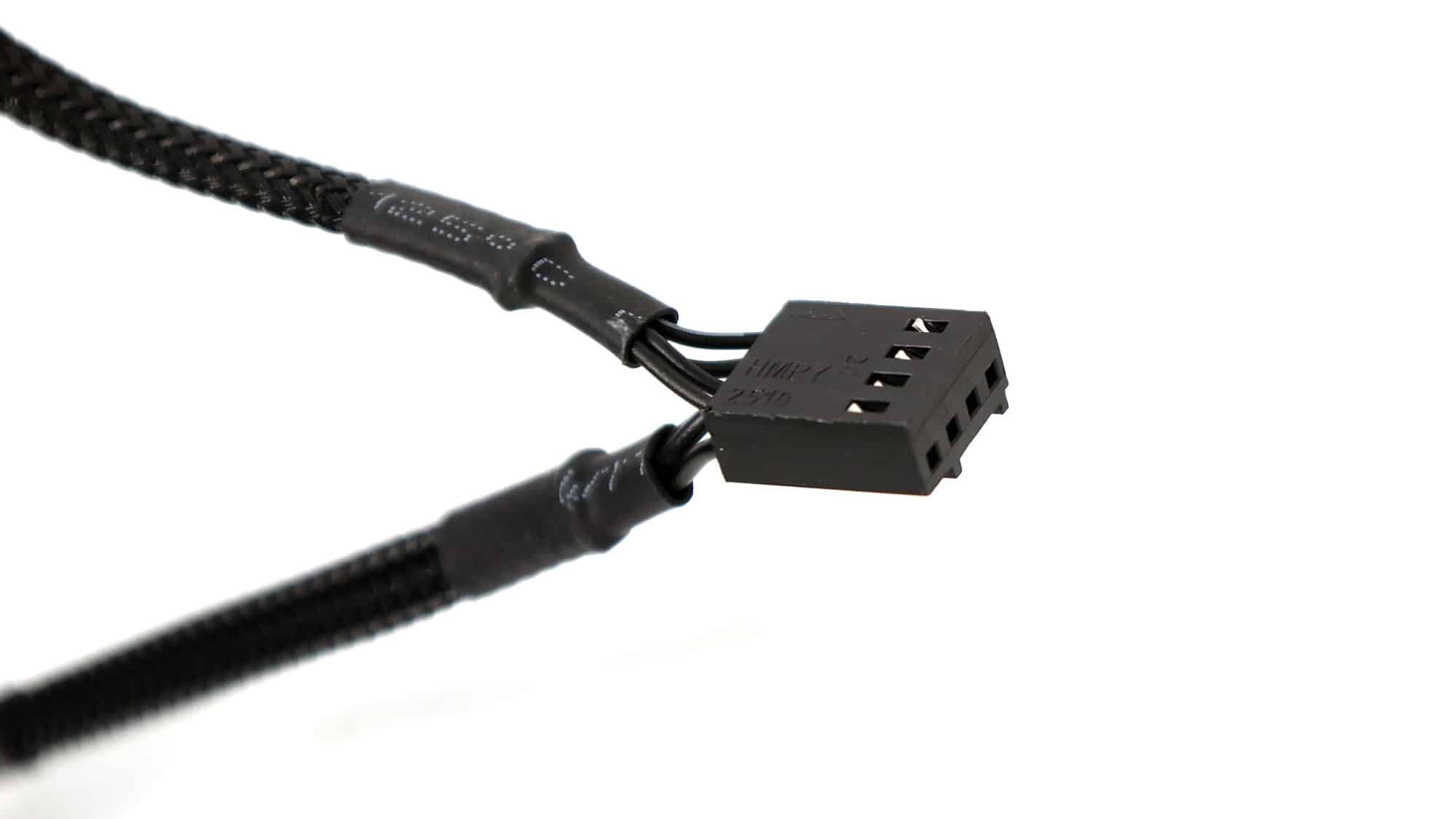
The middle fan has a Y-cable, so you will only need a single header on your mainboard to connect both.
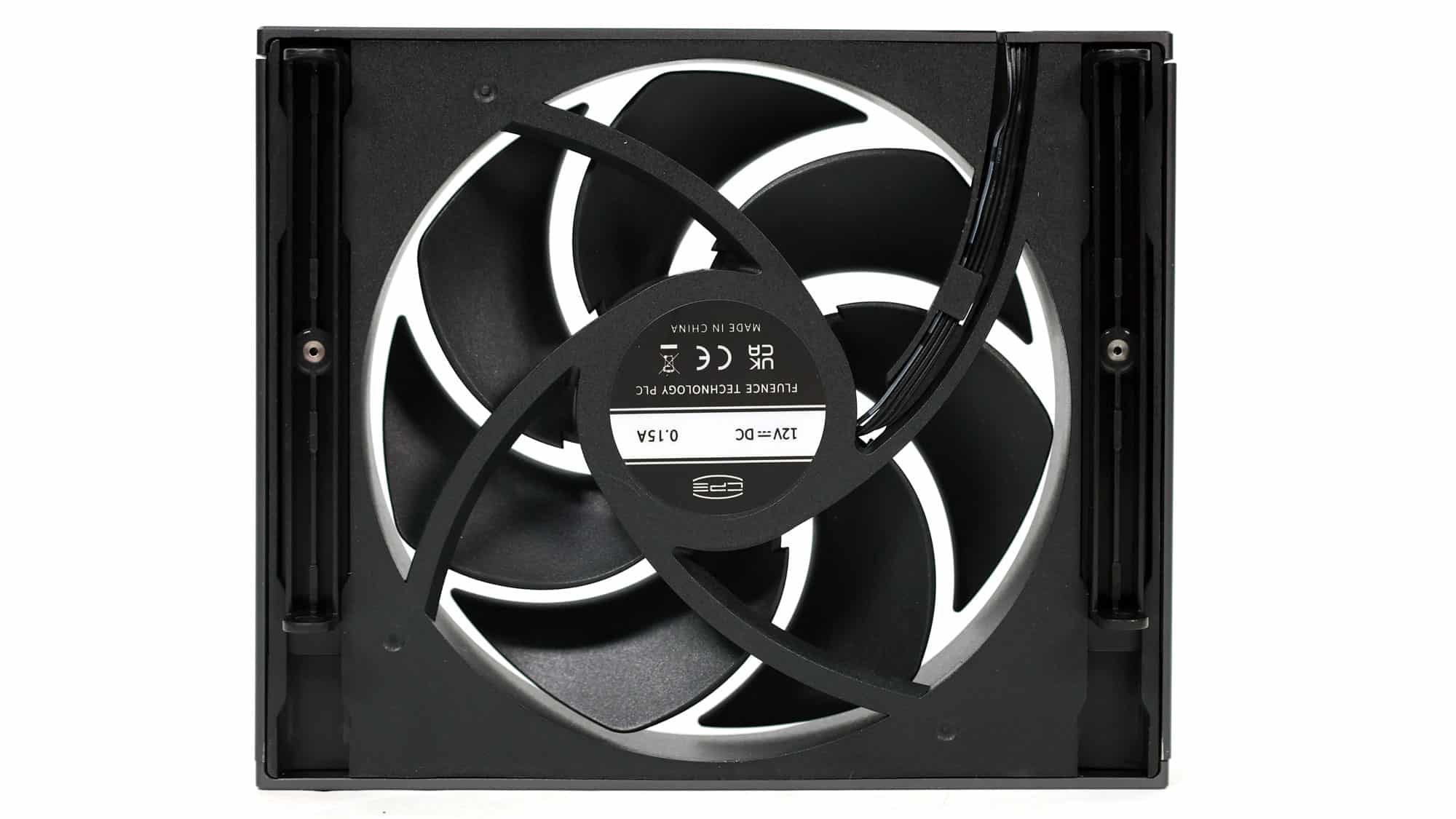
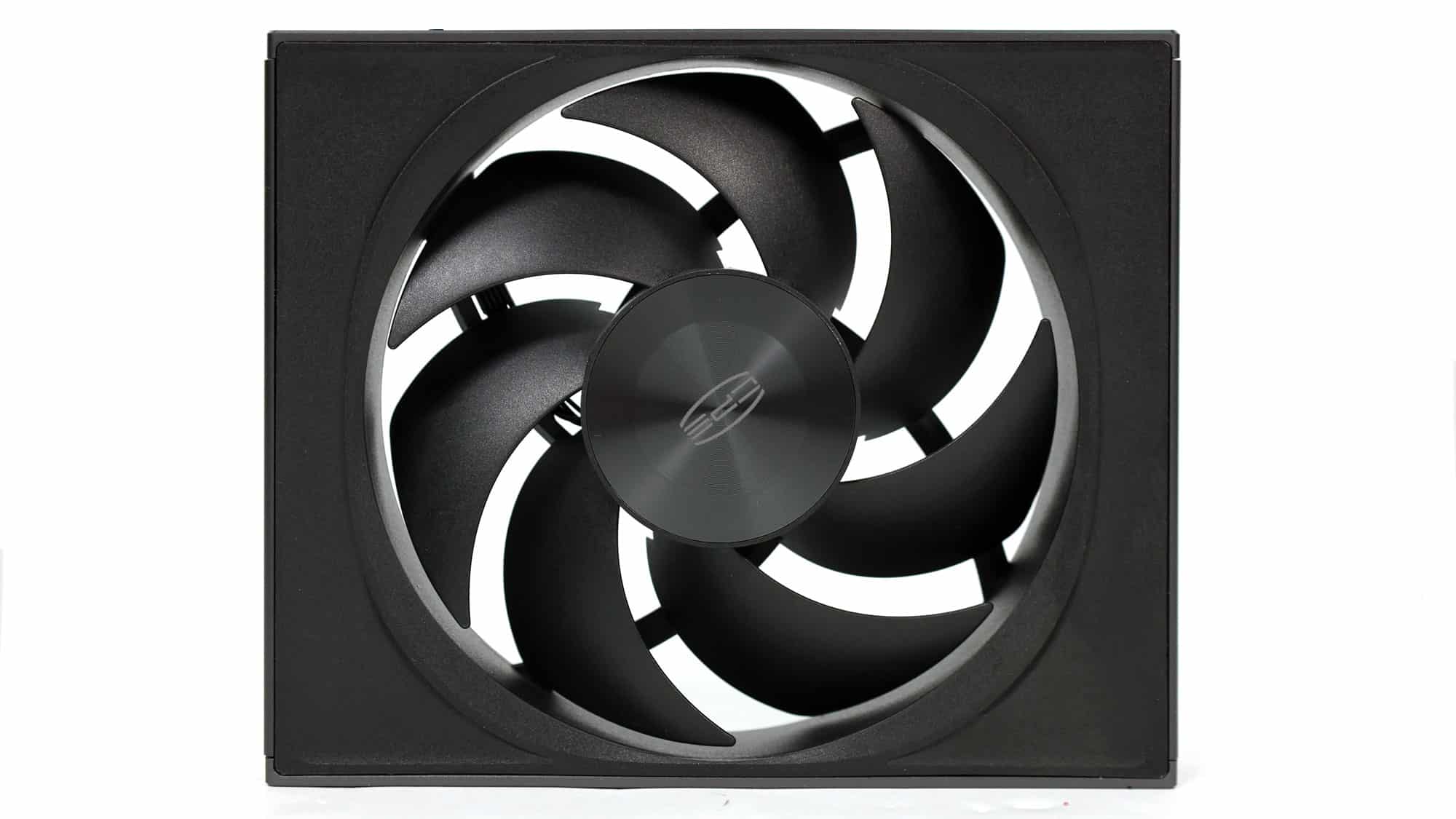
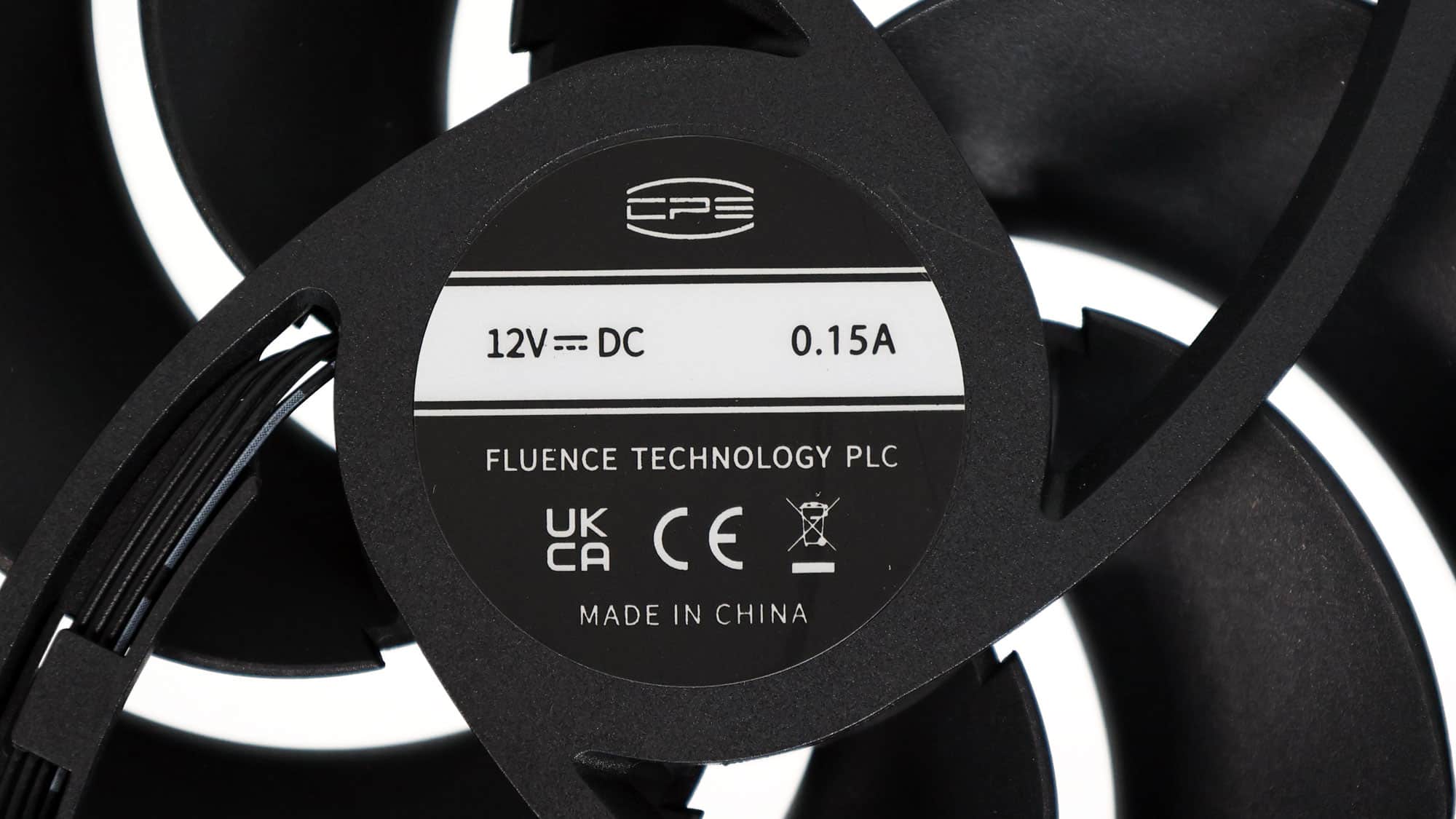
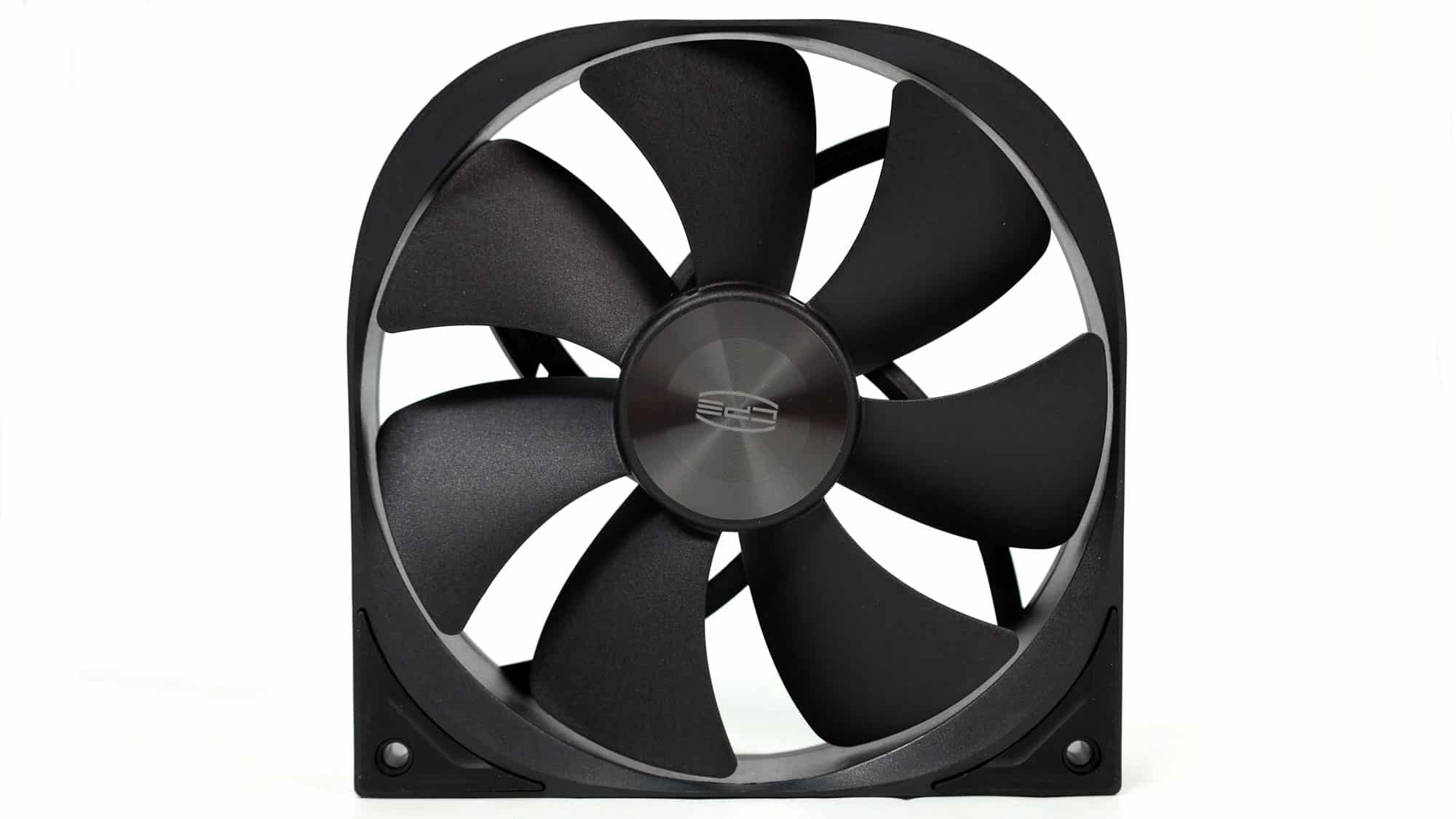
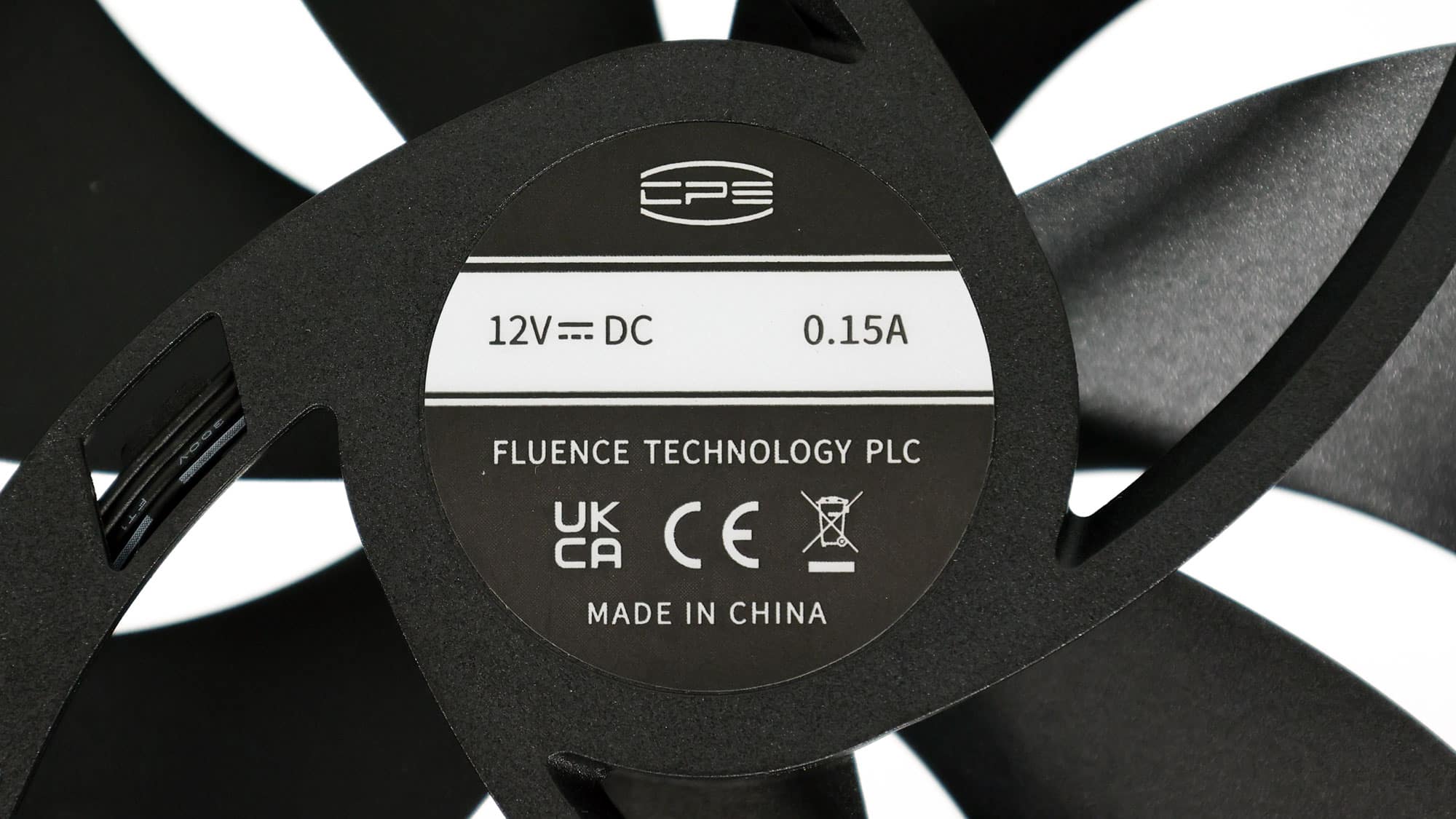
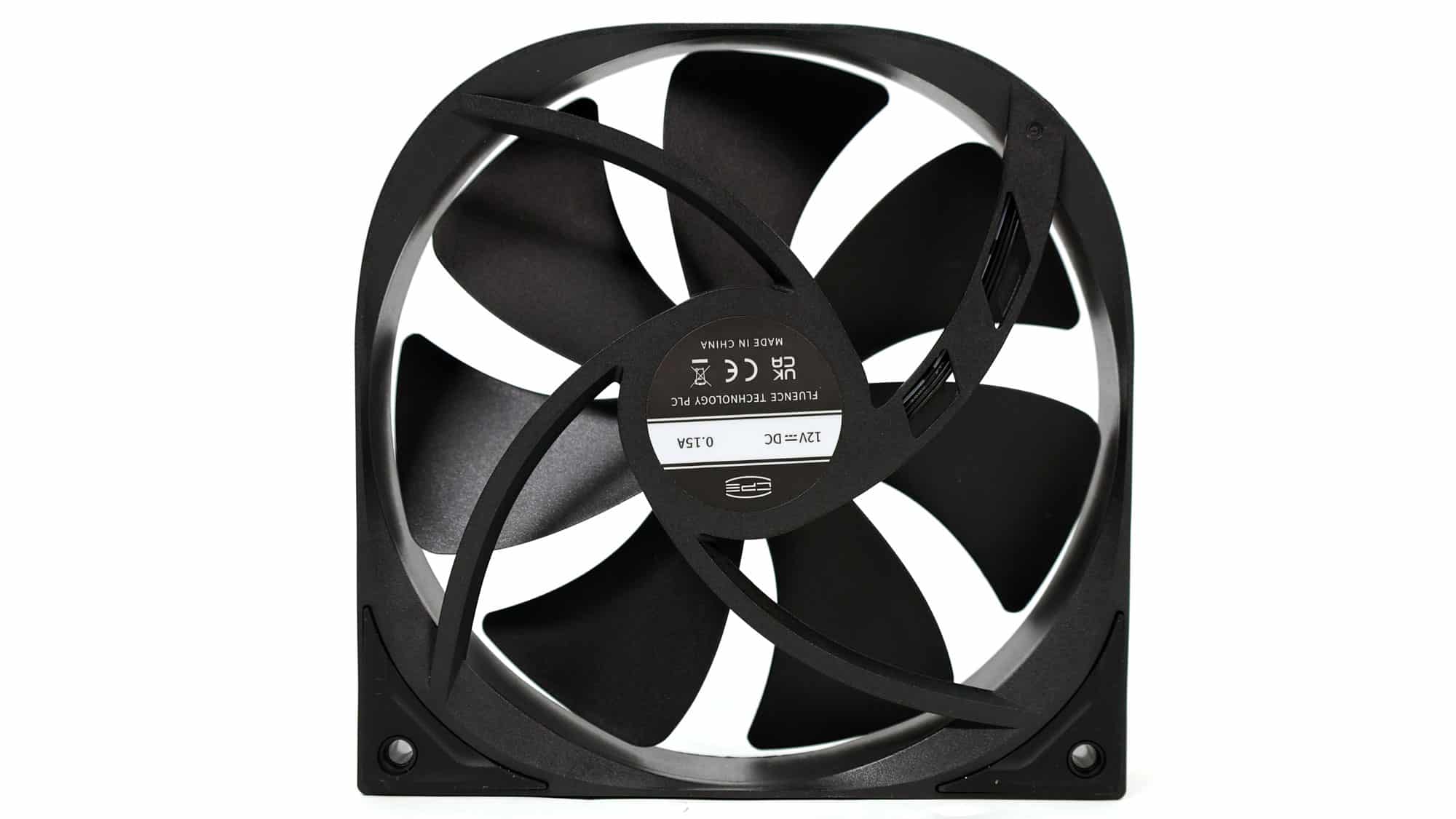
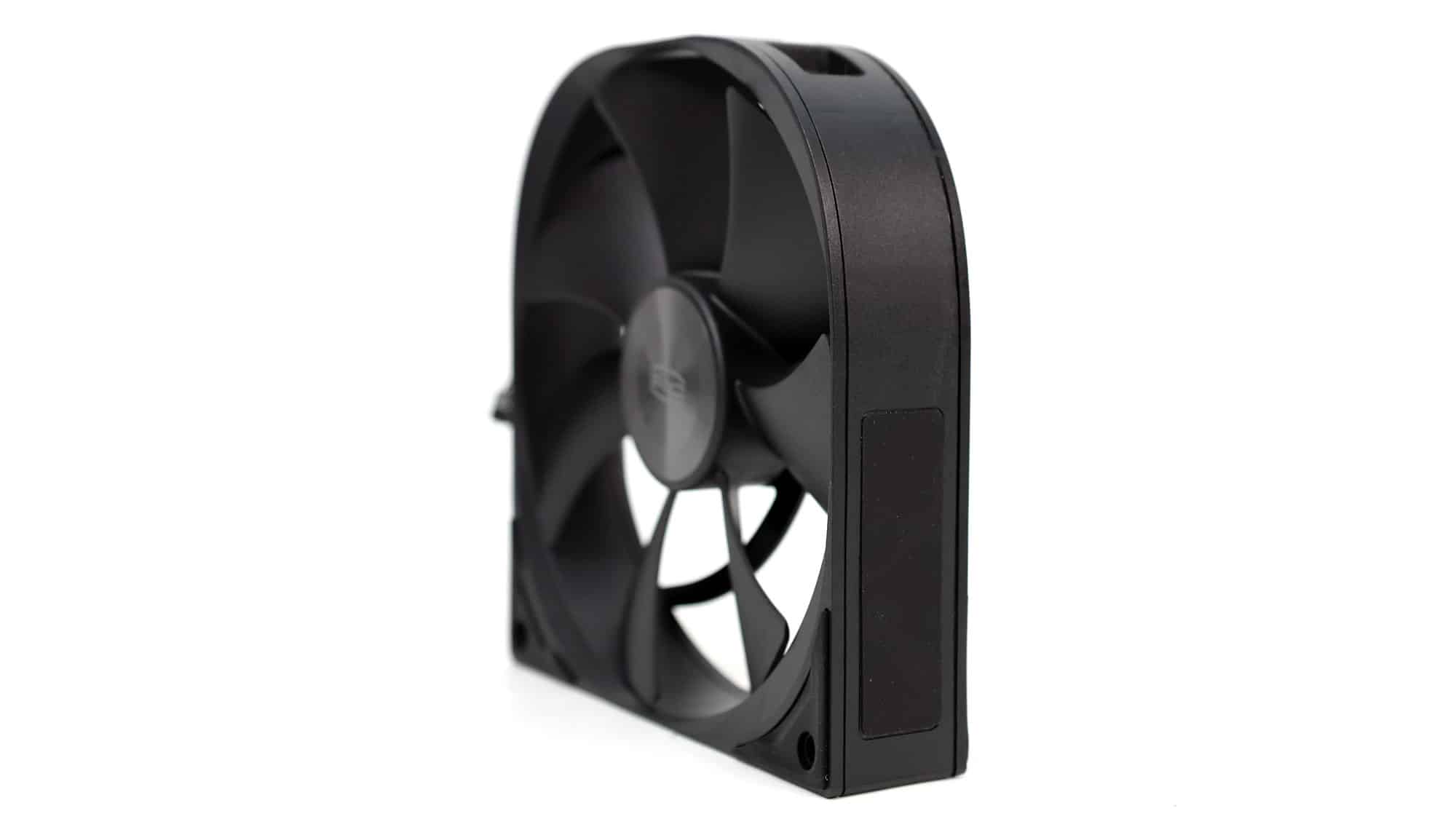
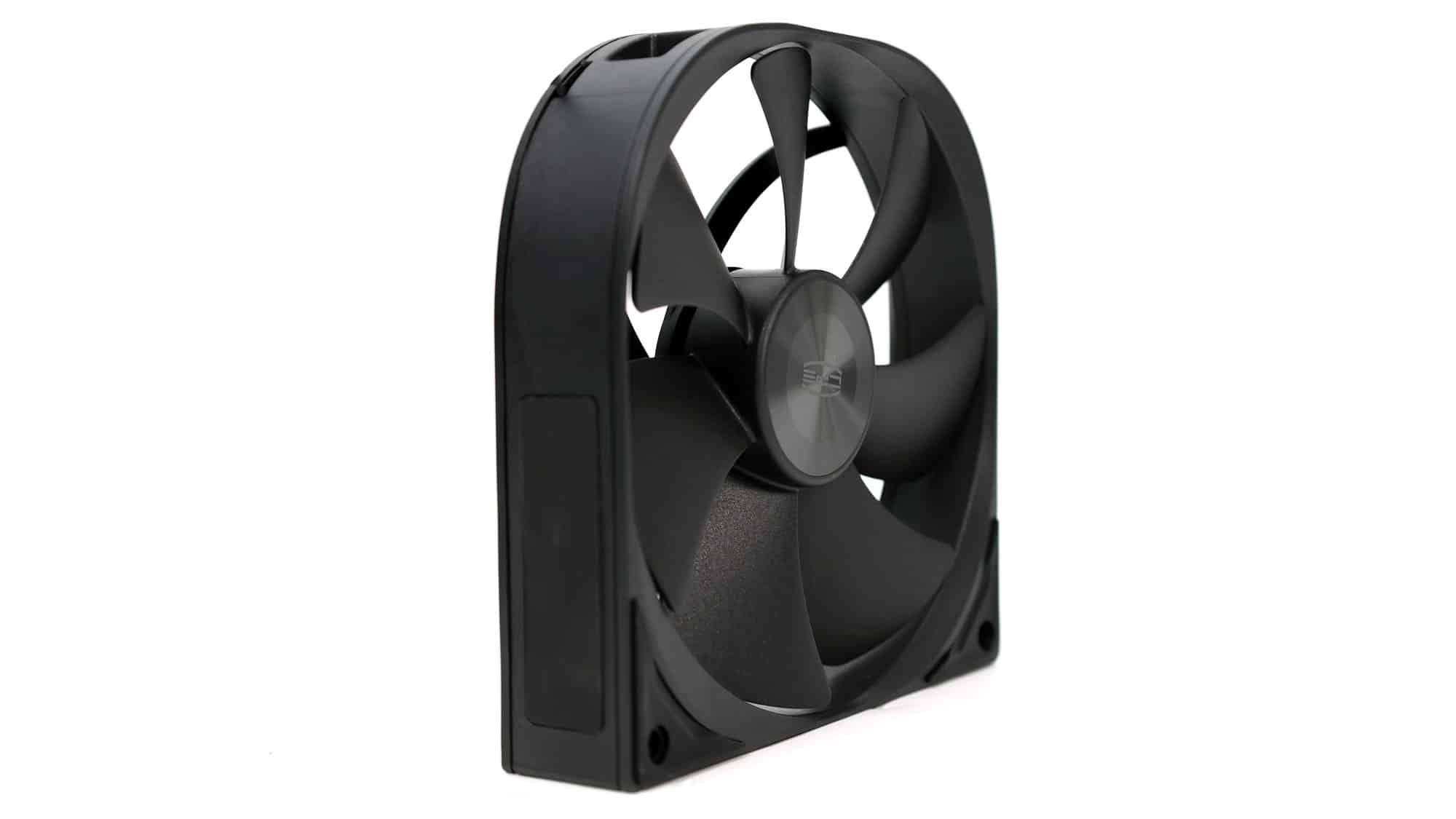
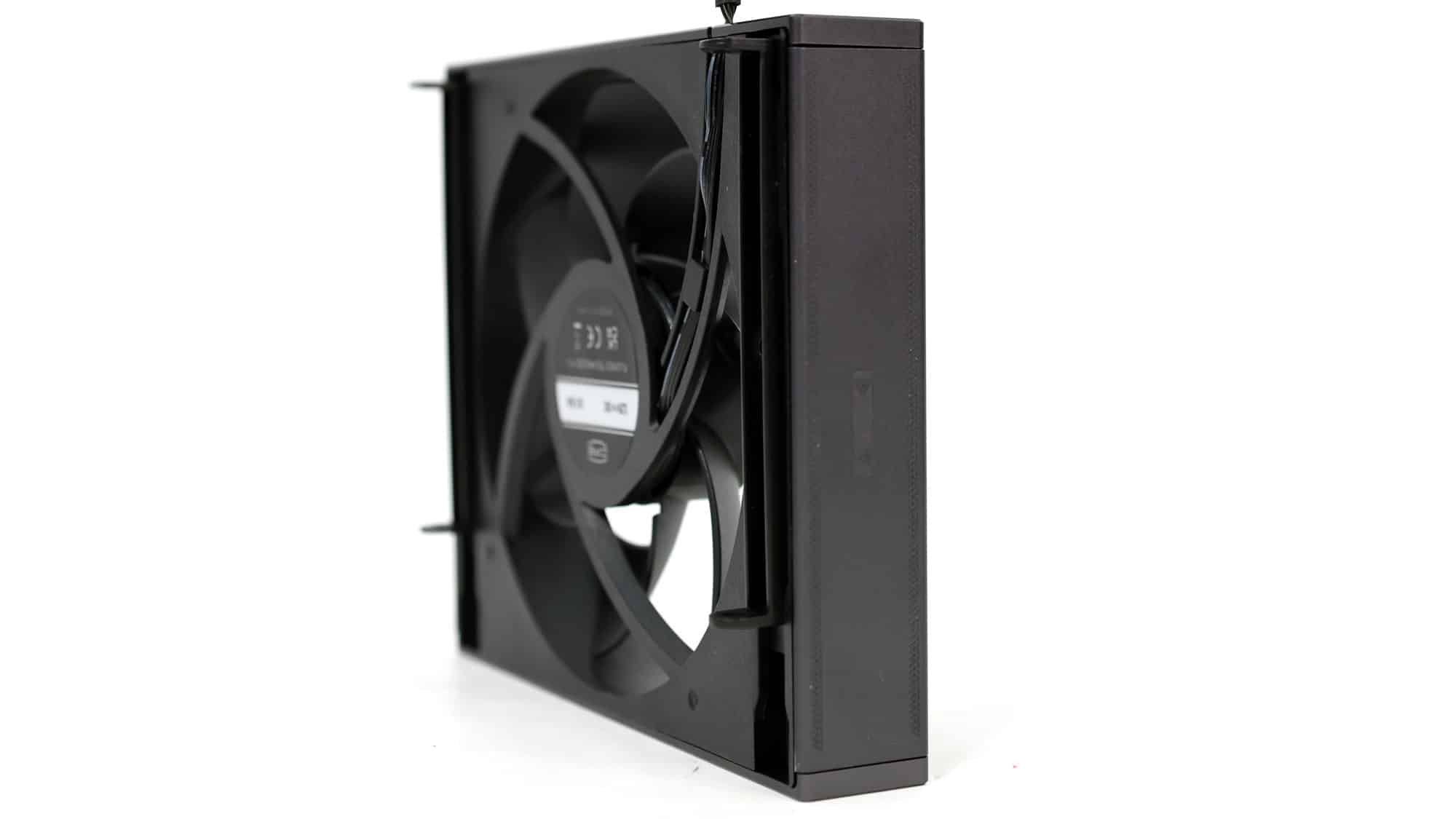
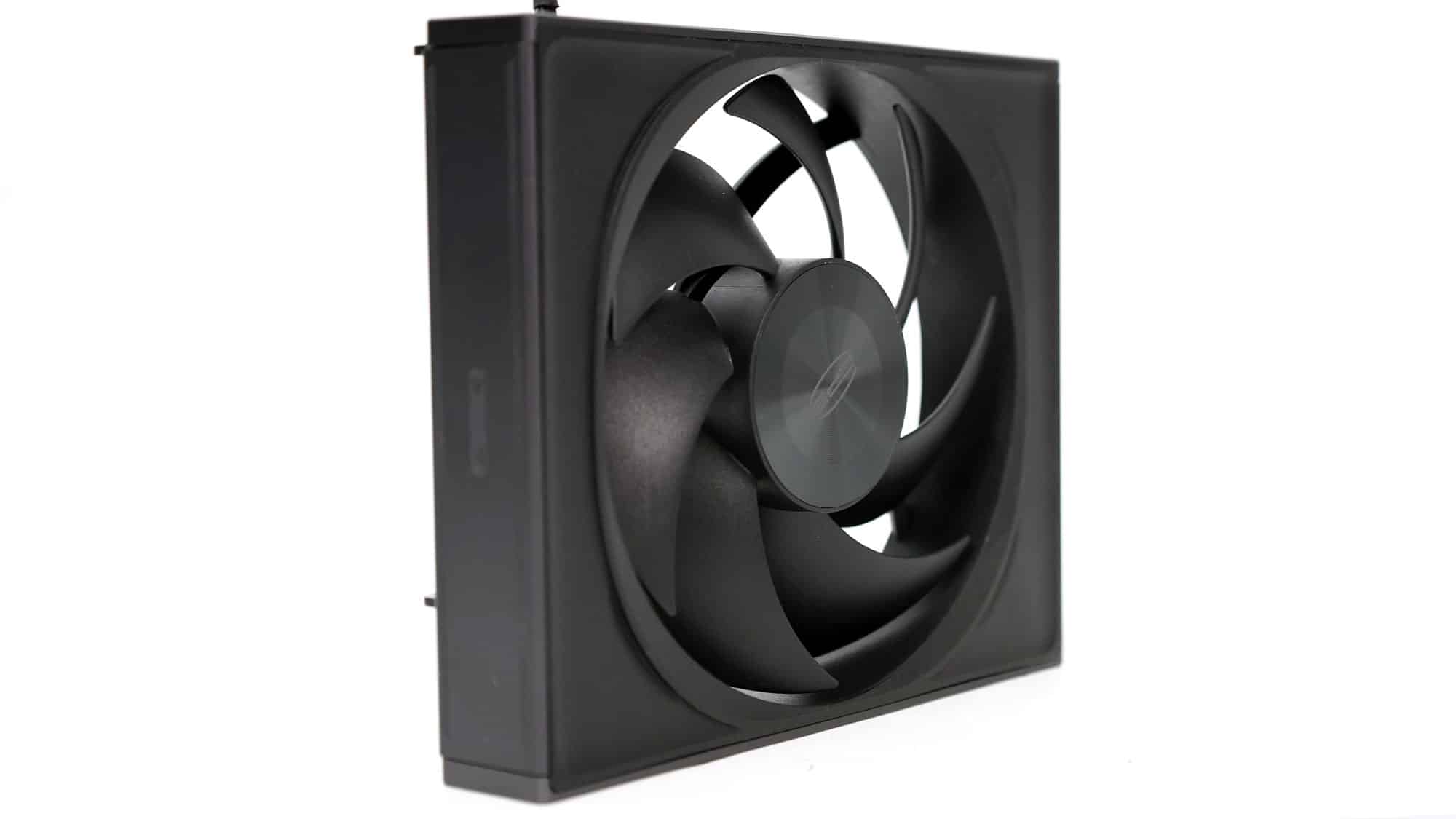
Two fans are used to equip the cooler in a pull-push configuration. They use dual ball bearings, which are noisier than FDB at low speeds but much more tolerant of higher operating temperatures.
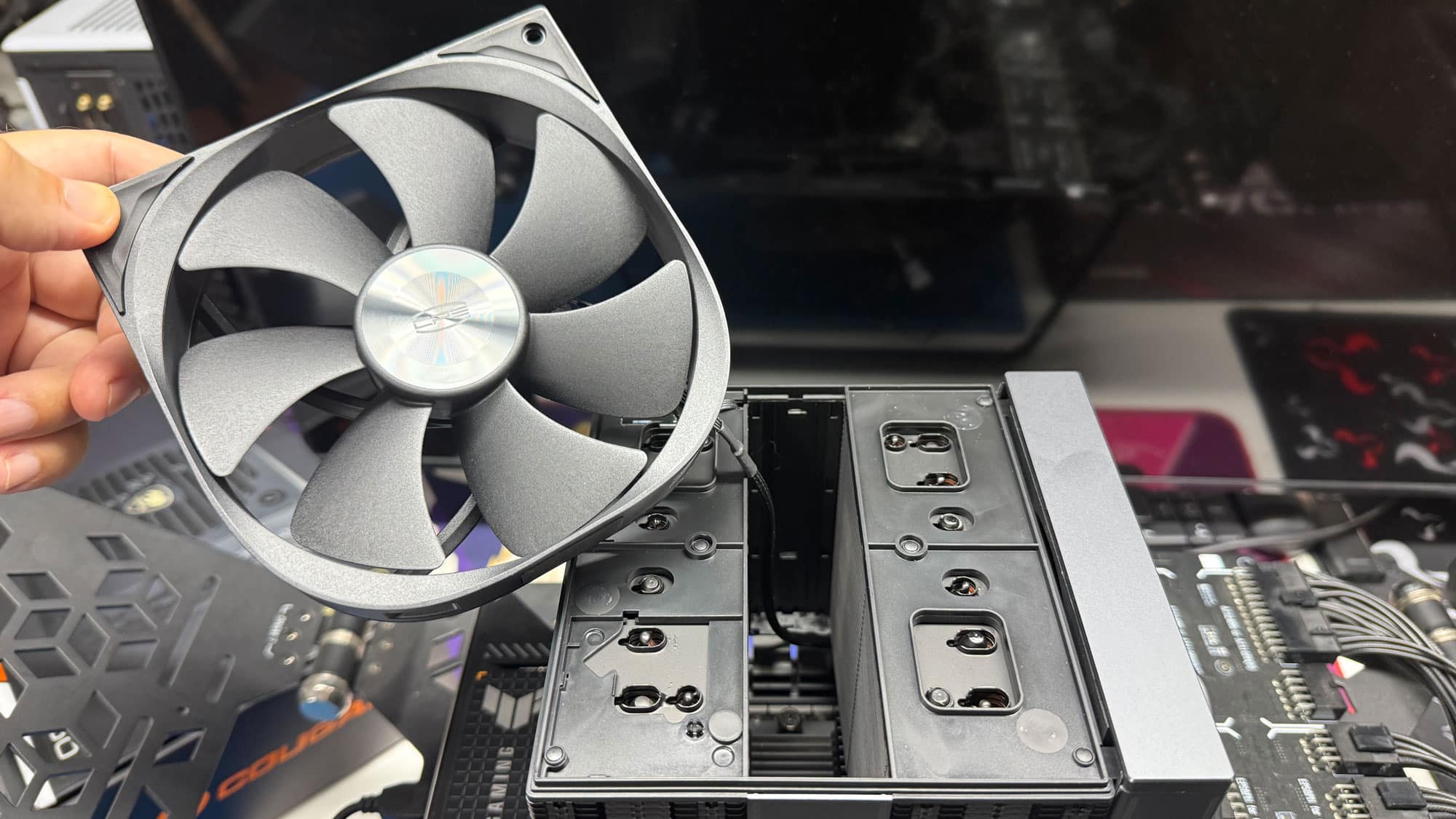
As I mentioned already, you need to remove the middle fan to install the cooler, but this is easy.
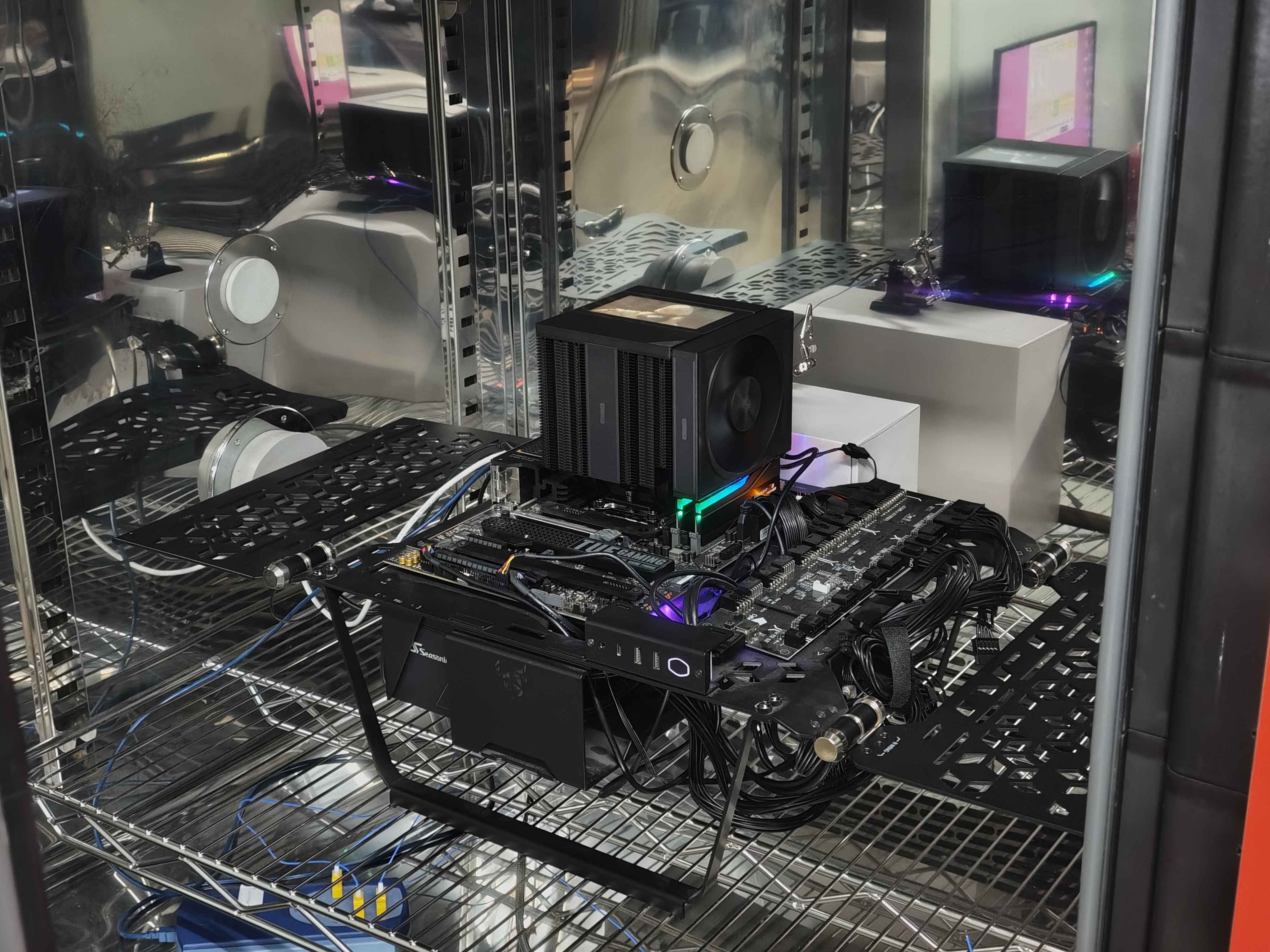
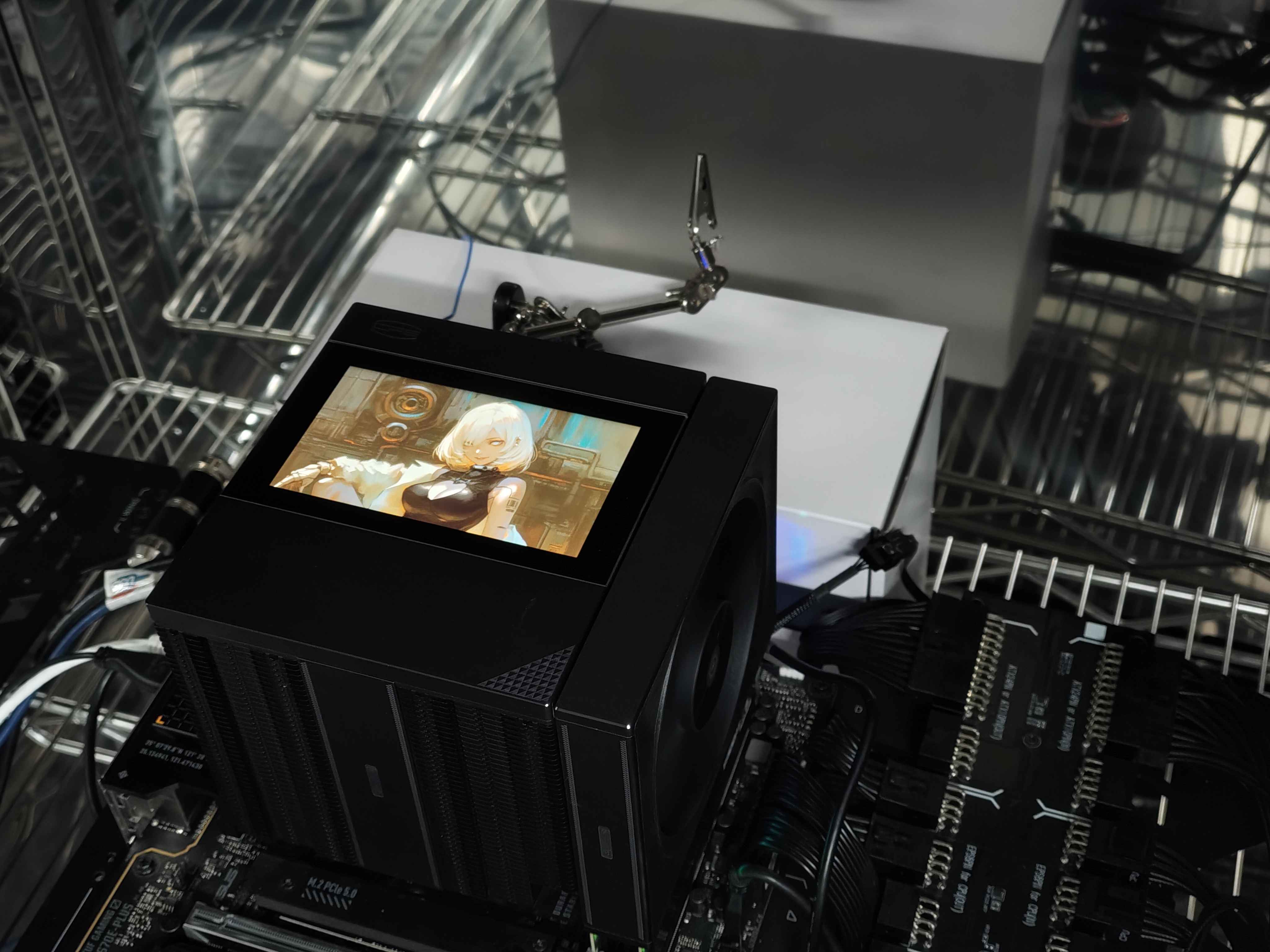
Two photos of the cooler in action, with its display enabled, inside the climate chamber that we use for testing.